


Indoor Smart Cricket Lane

The Experience we Built
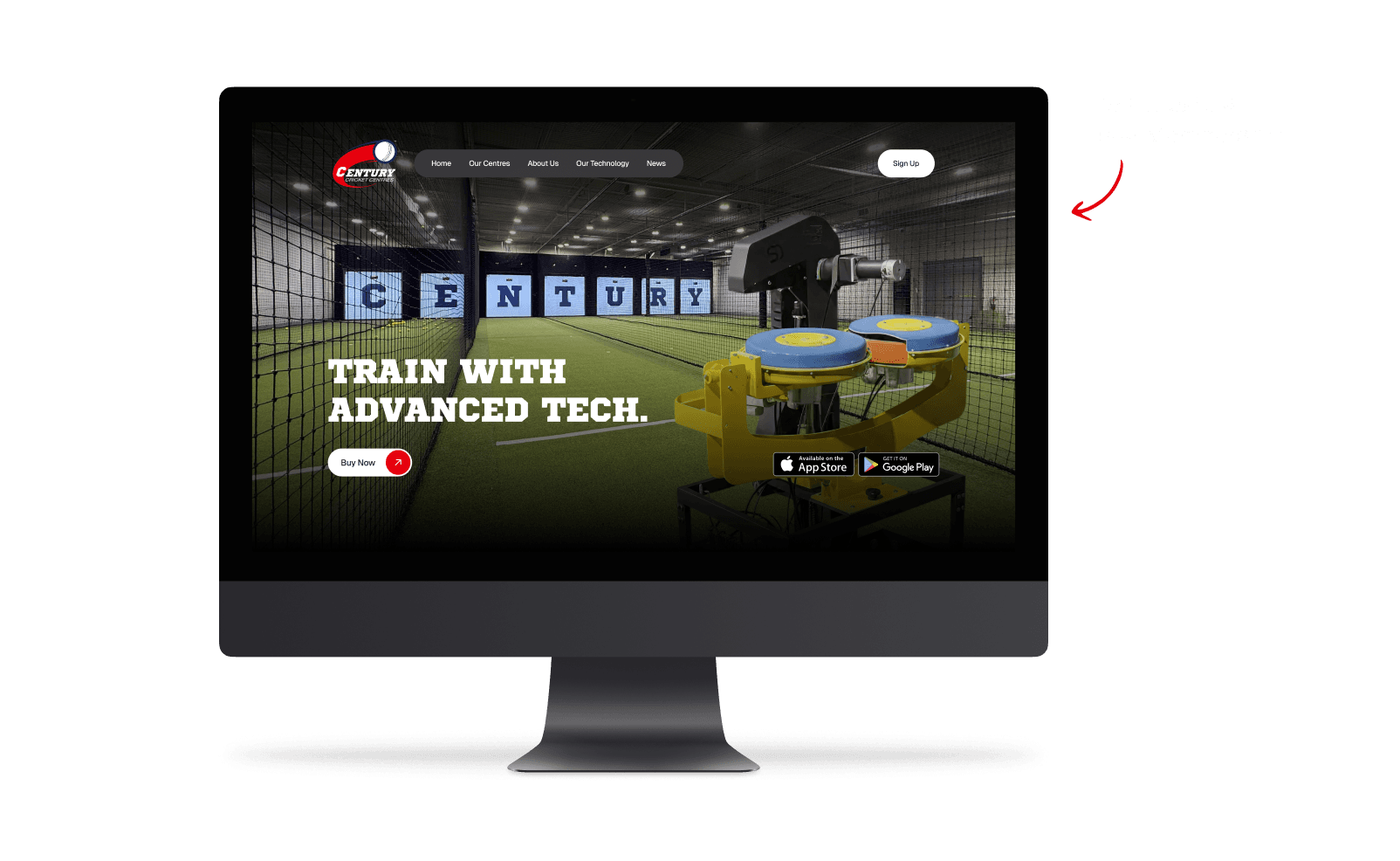
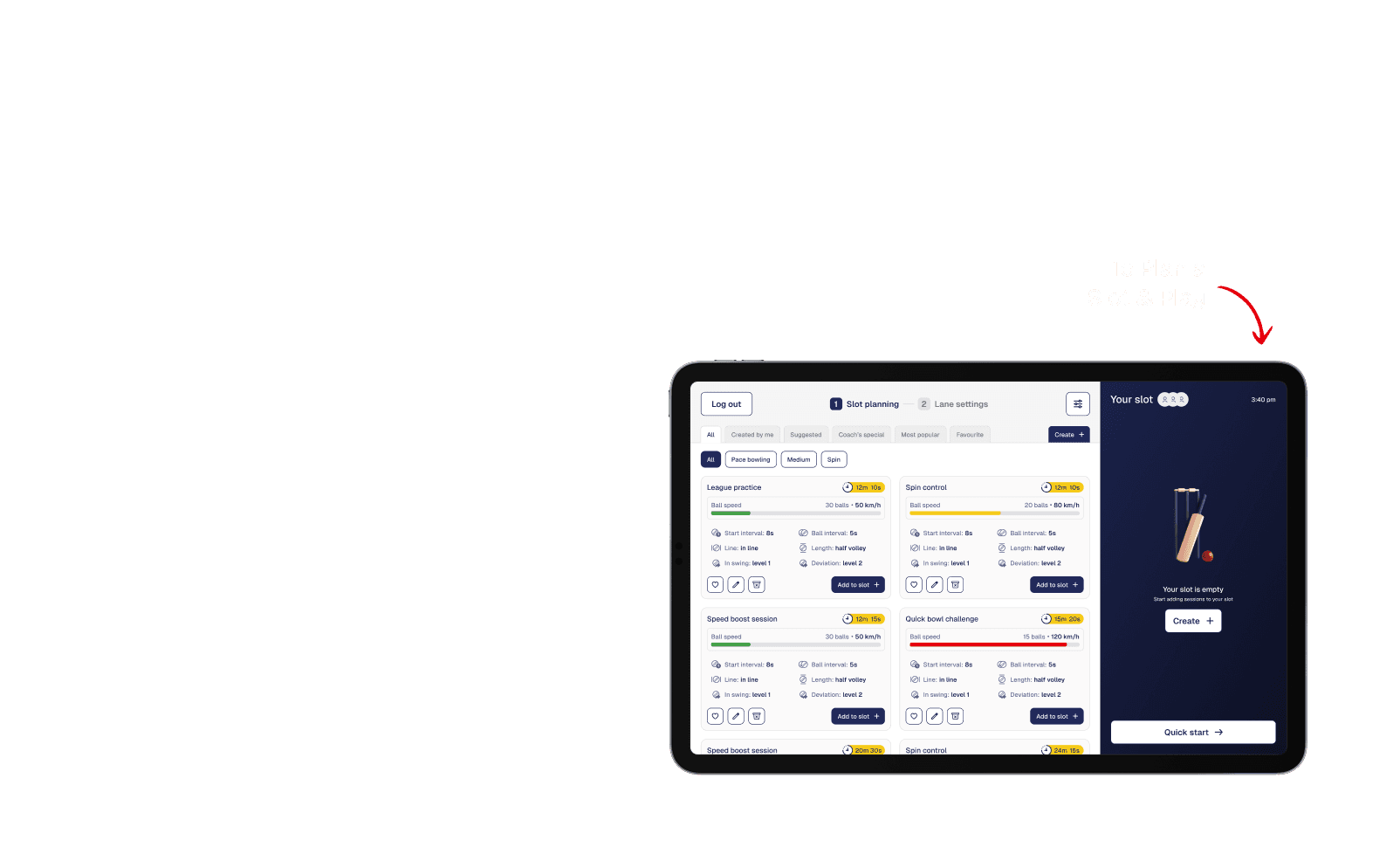

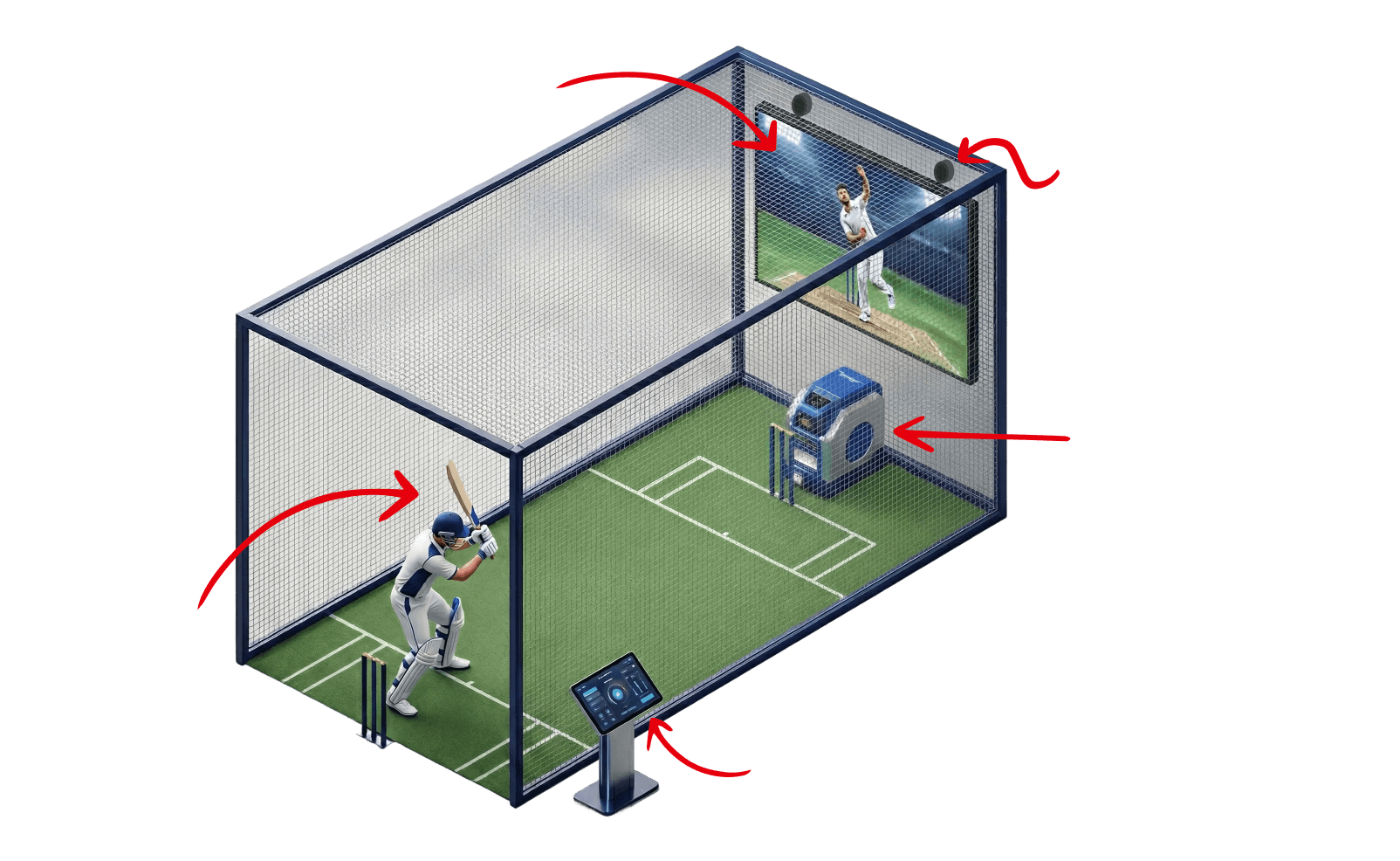
The Touch Points
Website, Mobile App and Lane App
The Client's Problem
Century Cricket opened a new coaching centre in USA but it is not successful as their Australian centre



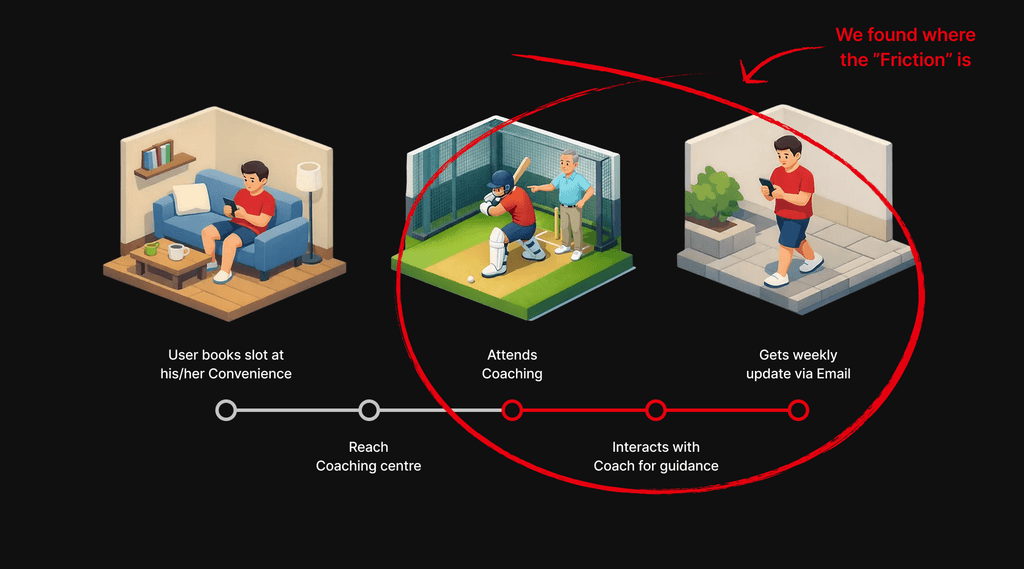
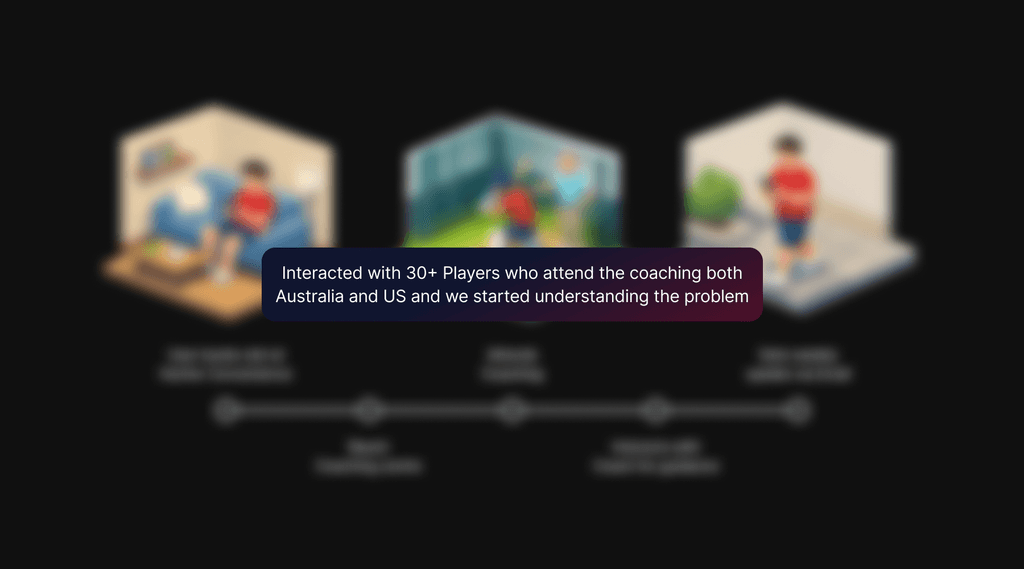
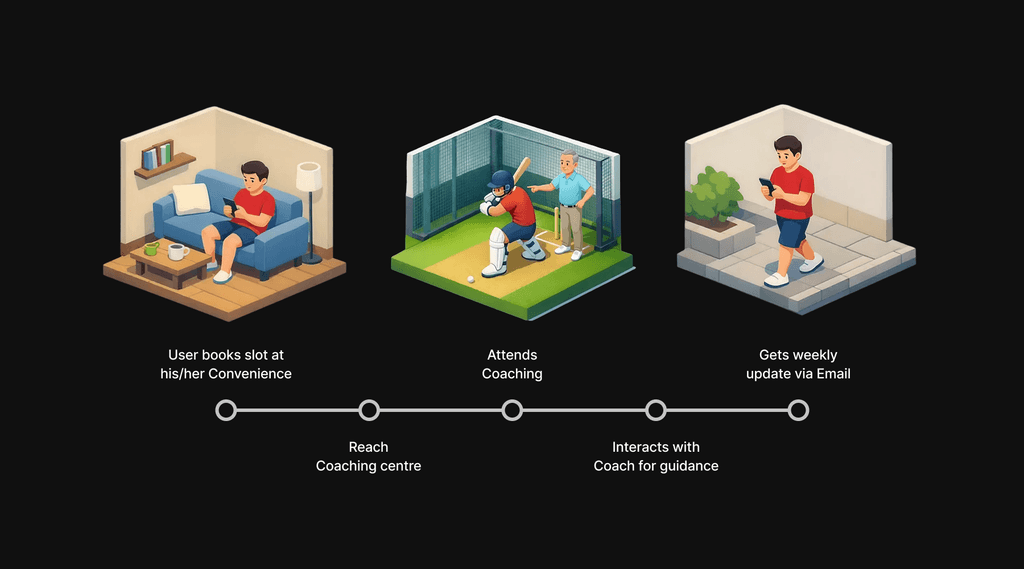
Understanding the Problem
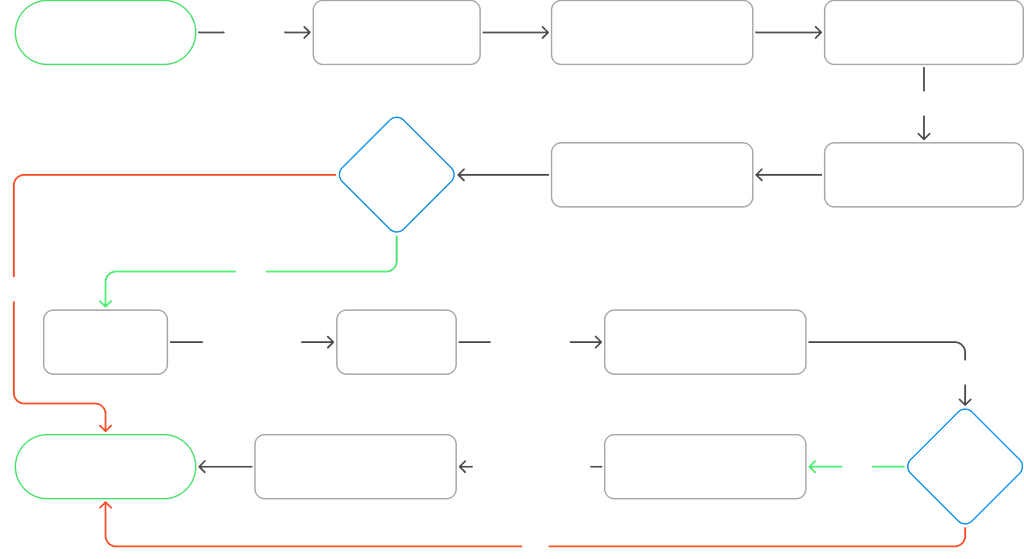
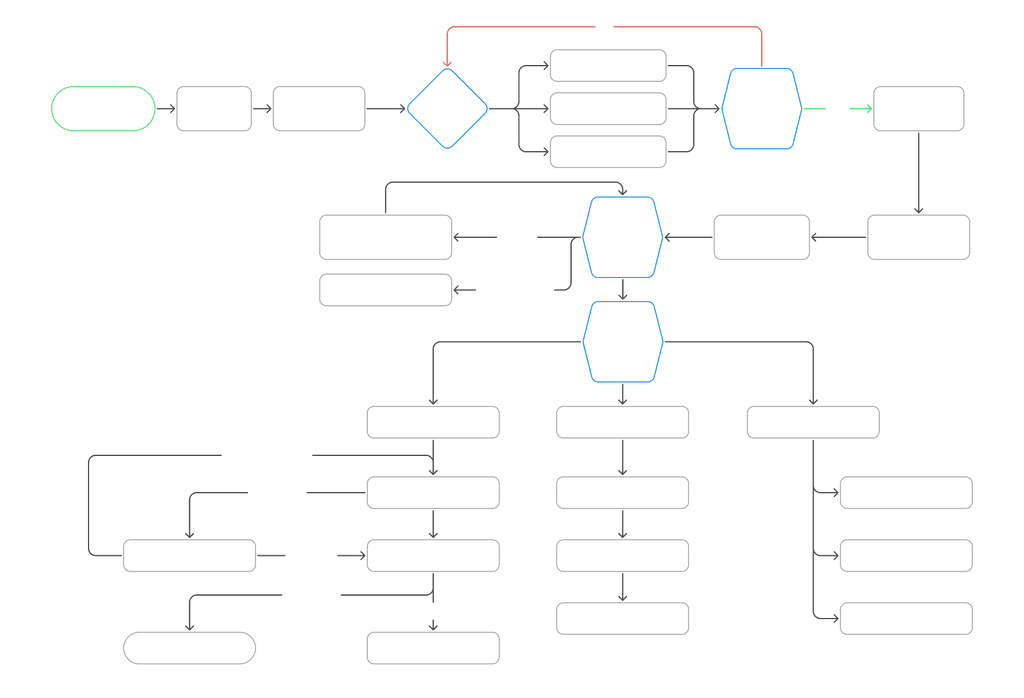
First we mapped out the key actions in existing user journey
The Actual Problem
Based on the research we did around the player's journey we started understanding the actual problem



Why this problem exist
Based on the research we did around the player's journey we started understanding the actual problem
Lack of cohesiveness within the system Booking and bat sensor data is provided in different apps
No data driven coaching and no progress scale
Cultural difference
User Groups (Persona)
We don’t have a diverse variety of users. we mainly focused on serious players.
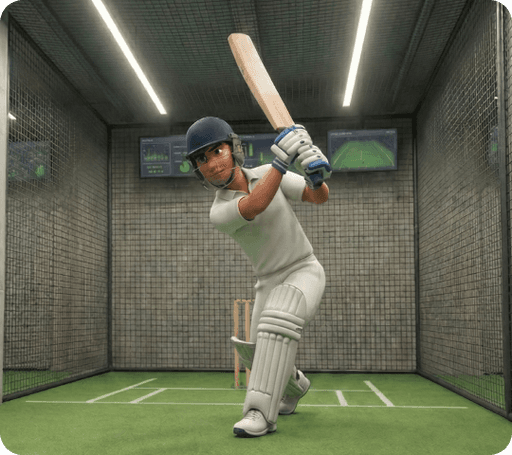


Potential Solution
Based on the research we did around the player's journey we started understanding the actual problem
A fully autonomous coaching centre
Data driven coaching
Fully Cohesive tech system that can handle right from booking slots to sharing insights and coaching data





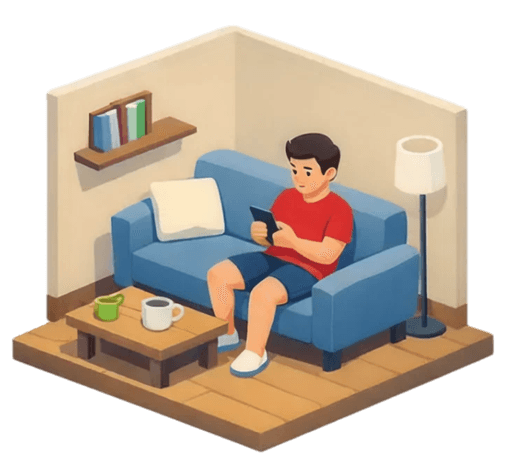
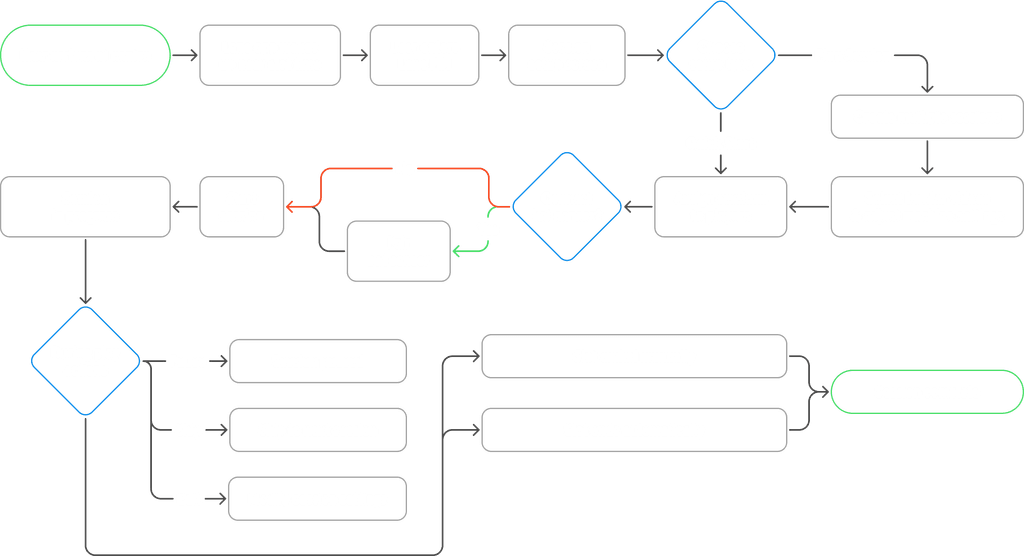
Updated User Journey
Redefined the user journey based on Hypothesis

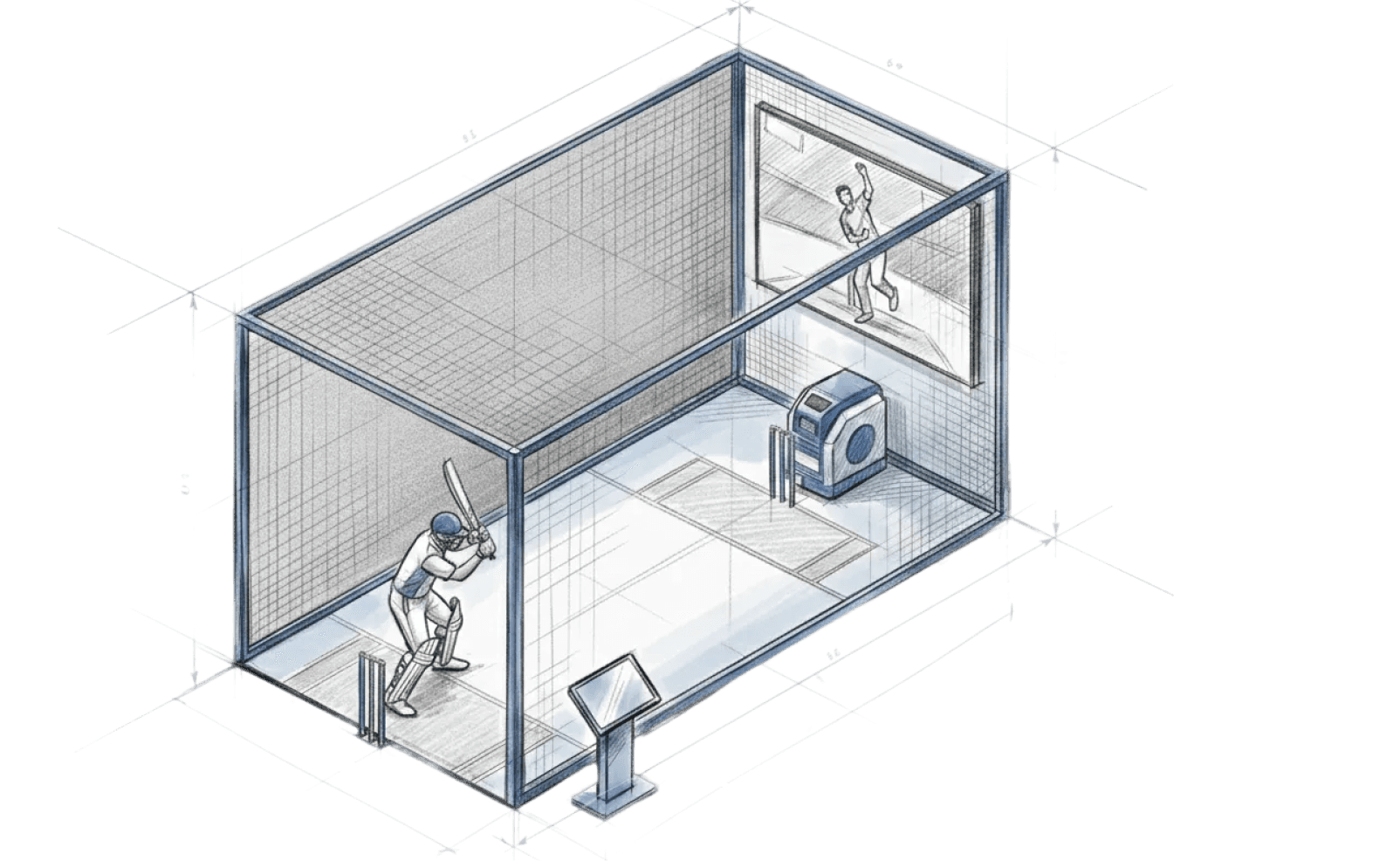
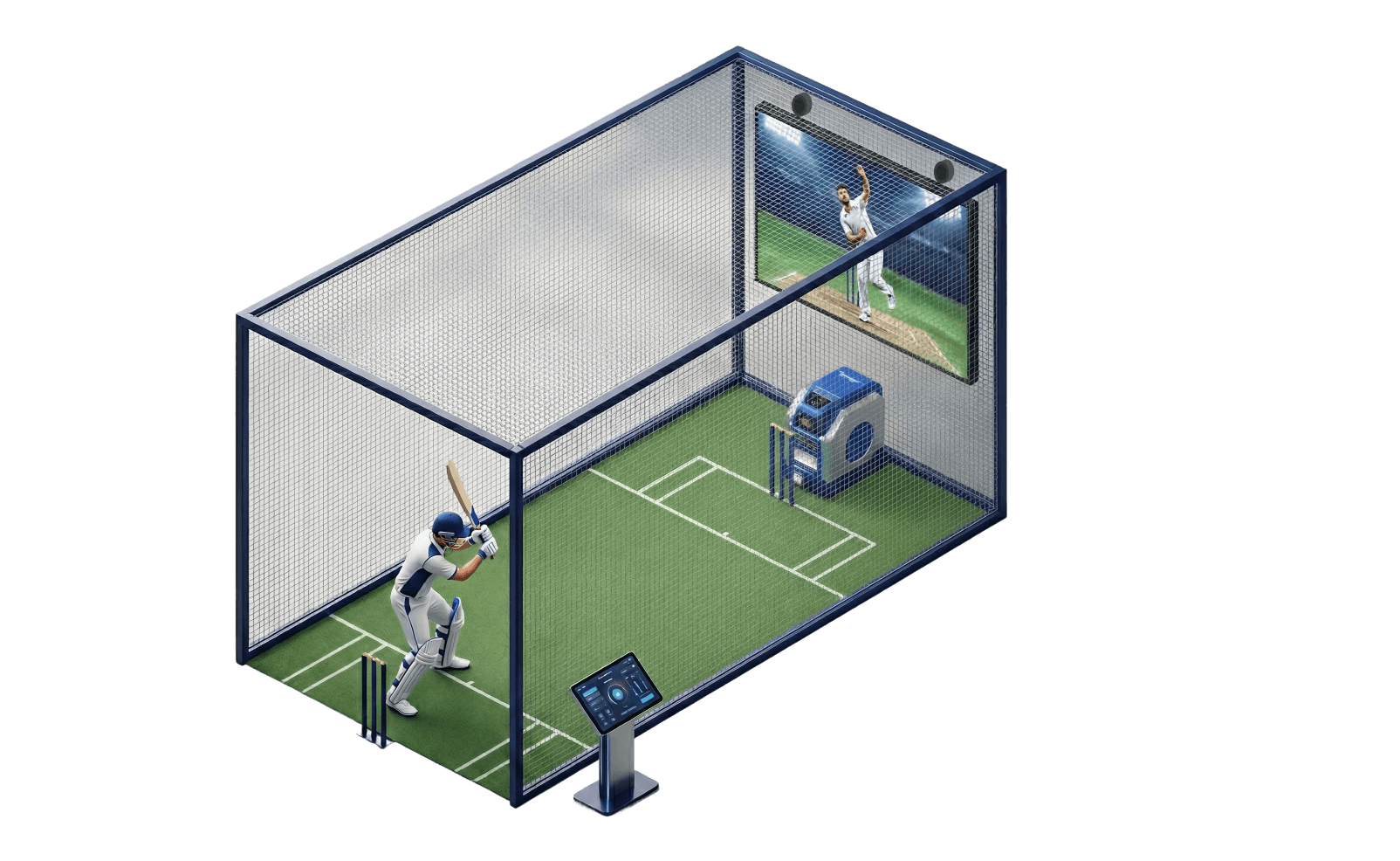
With all the technology, expertise and requirements we collected we created the first idea of smart lane and refined it over and over multiple times based on the limitations time and business constrains we had.
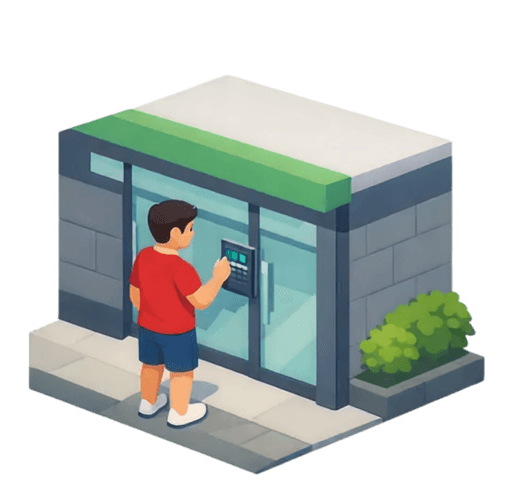
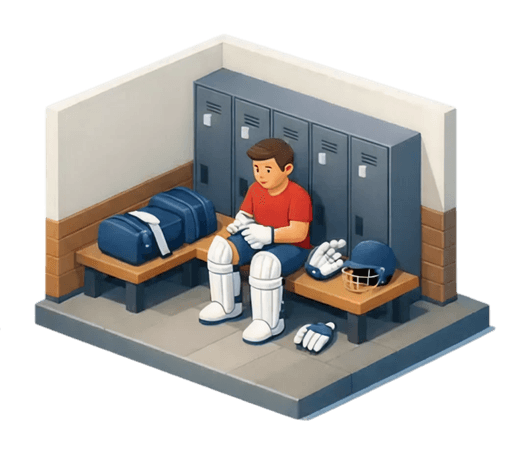
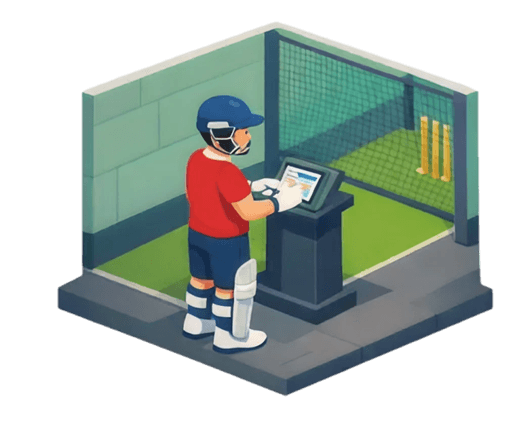
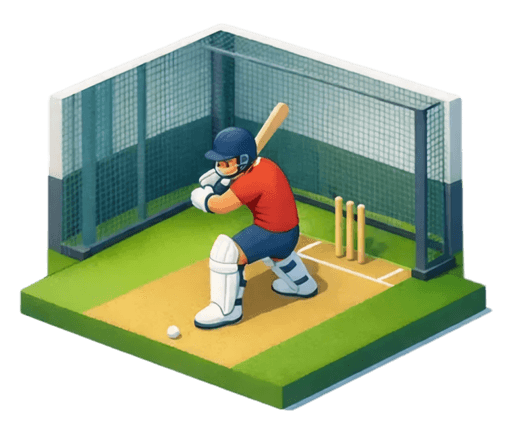
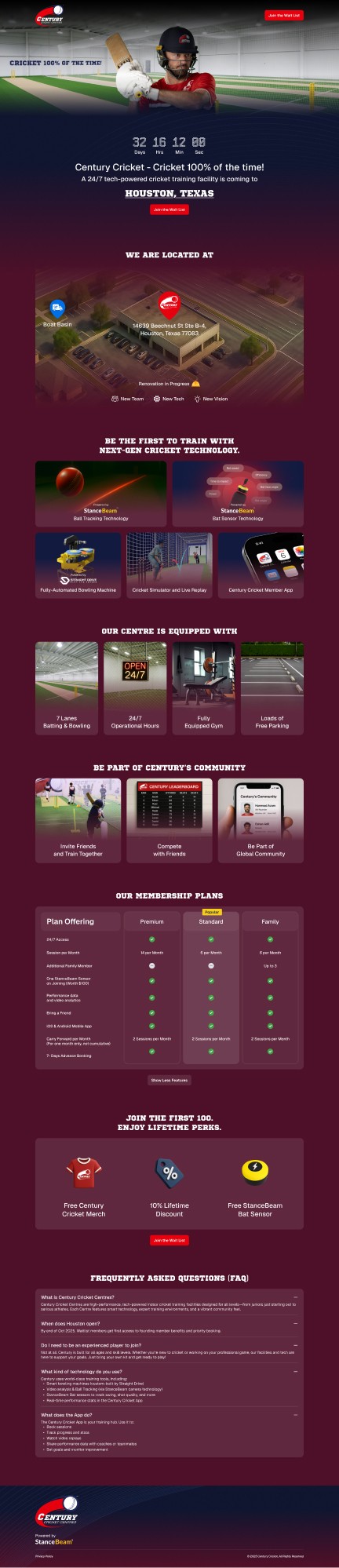
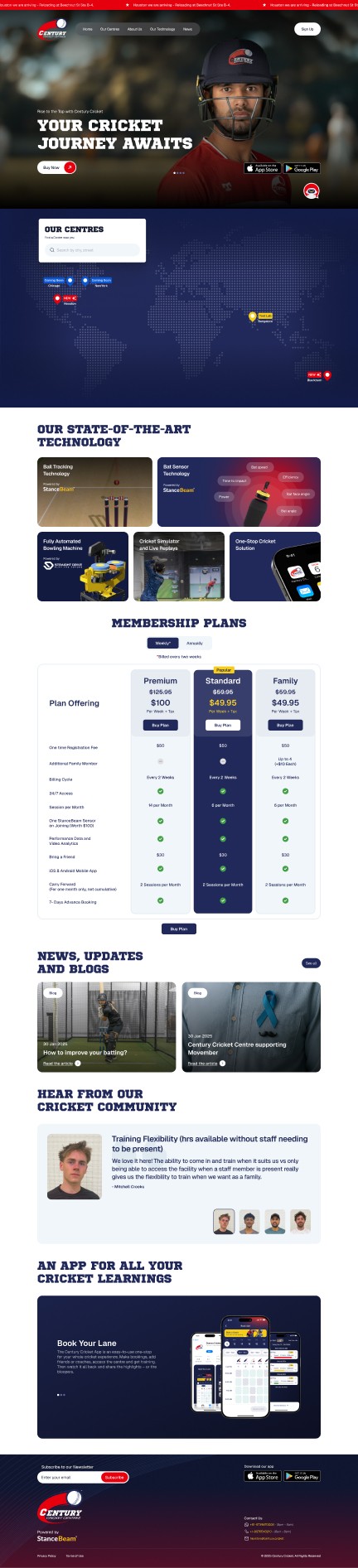
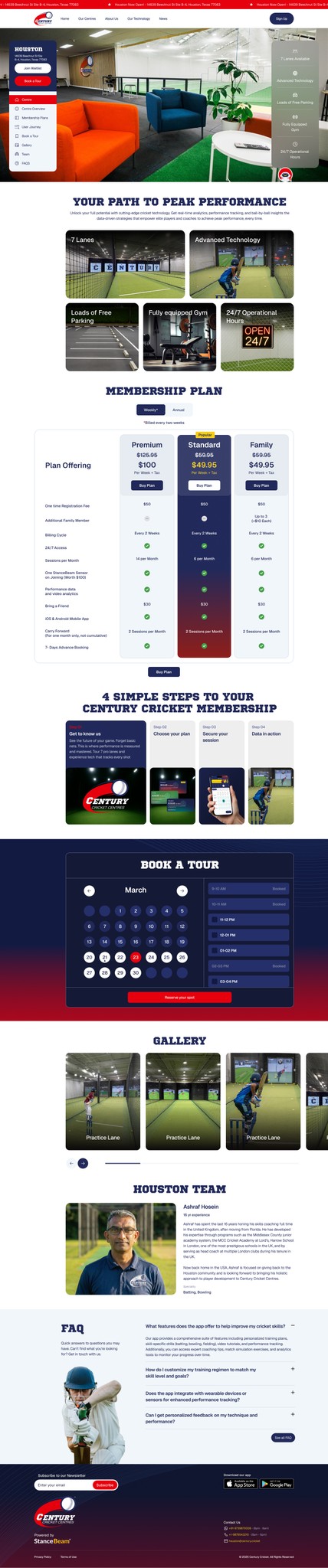
Website
The website is the first touchpoint for Century Cricket. It introduces the concept of automated training, explains how the lane works, and helps users decide whether the experience is right for them before their first visit.
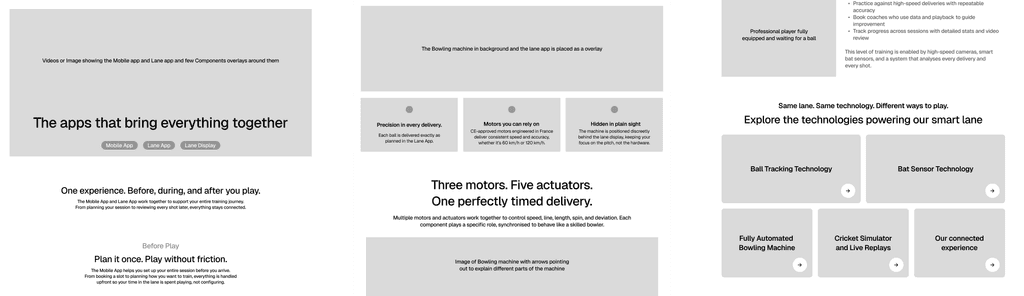
Early Wireframes
Final Screens
Lane App
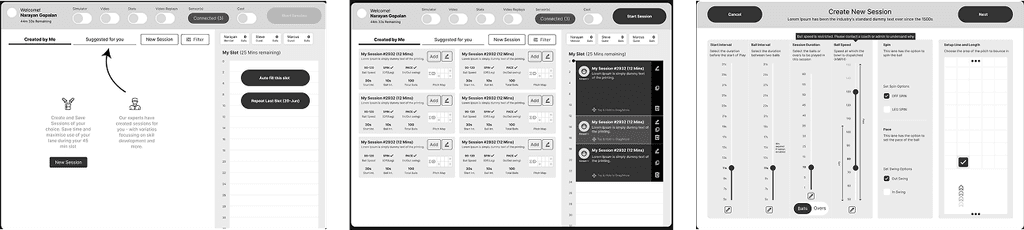
The Lane app is one of the most critical and complicated piece of the entire project.
Early Wireframes
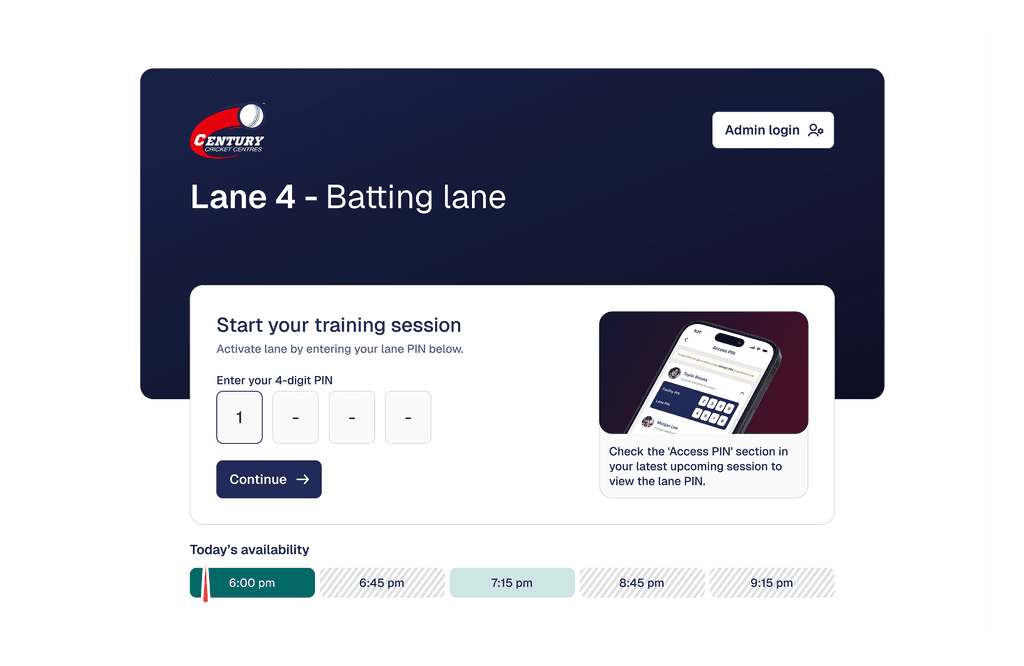
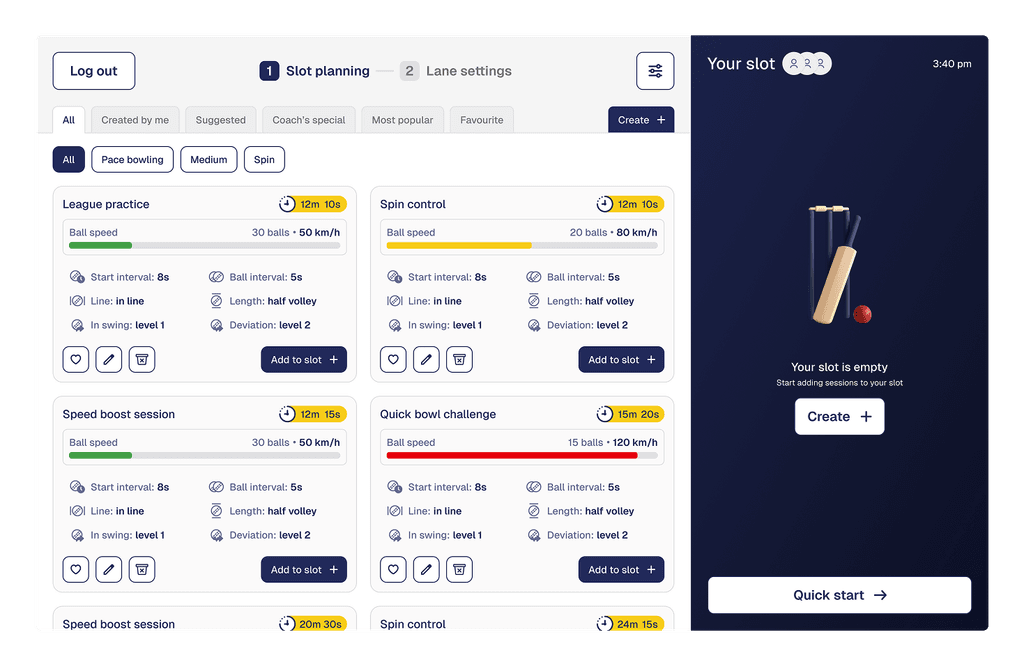
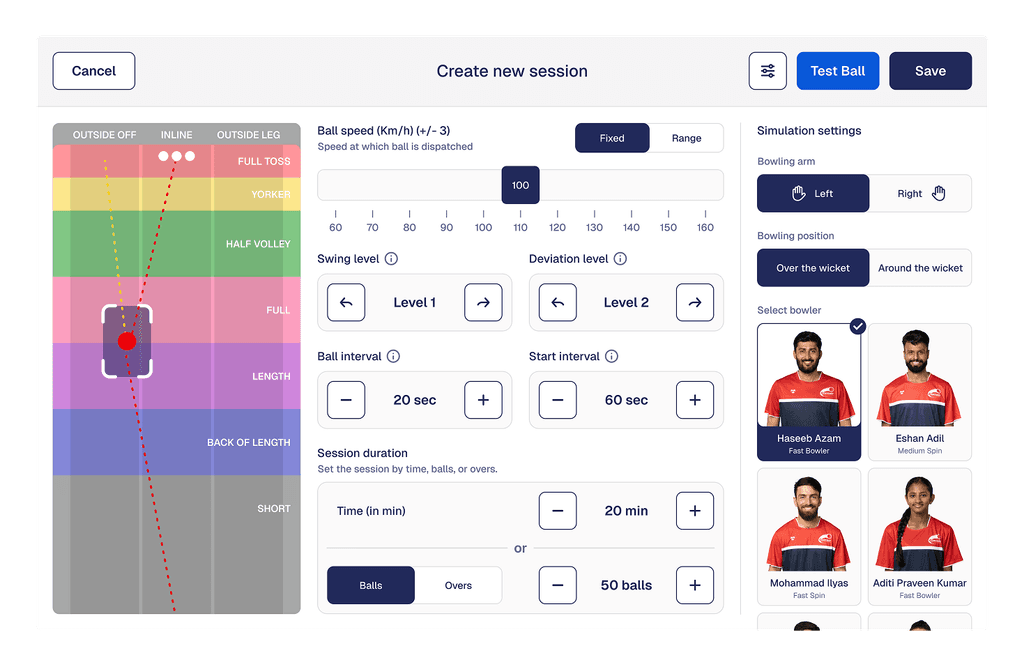
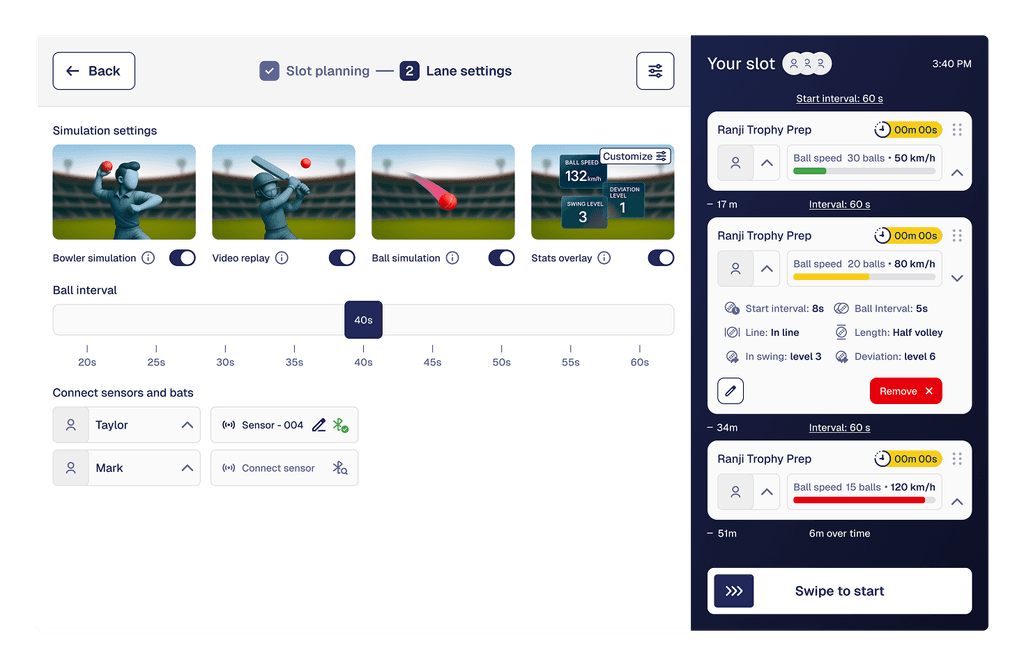
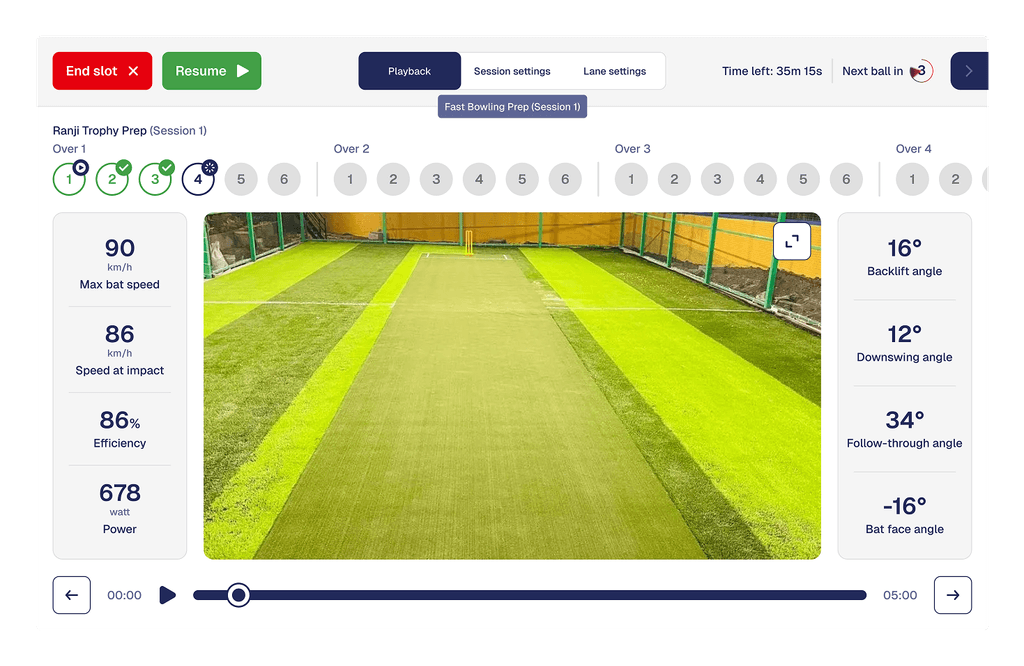
Final Screens
Quick Start: Acts as the in-lane control interface, allowing players to start quickly or build custom sessions within their booked slot.
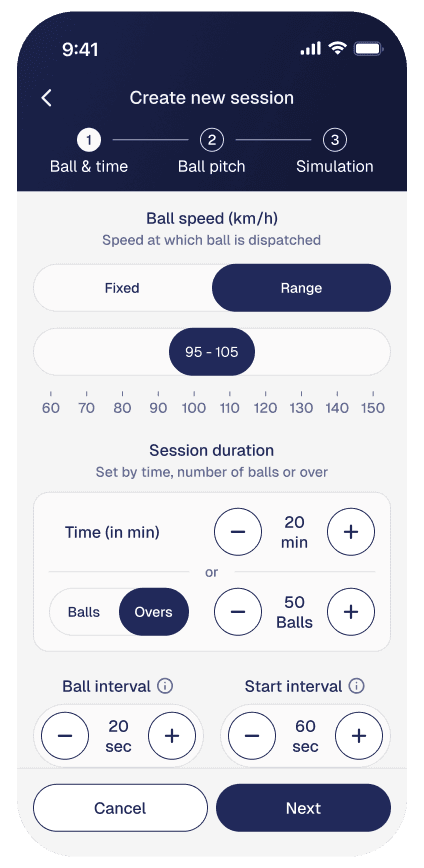
Controls: Enables precise control of the bowling machine, including speed, line, length, swing, and session structure.
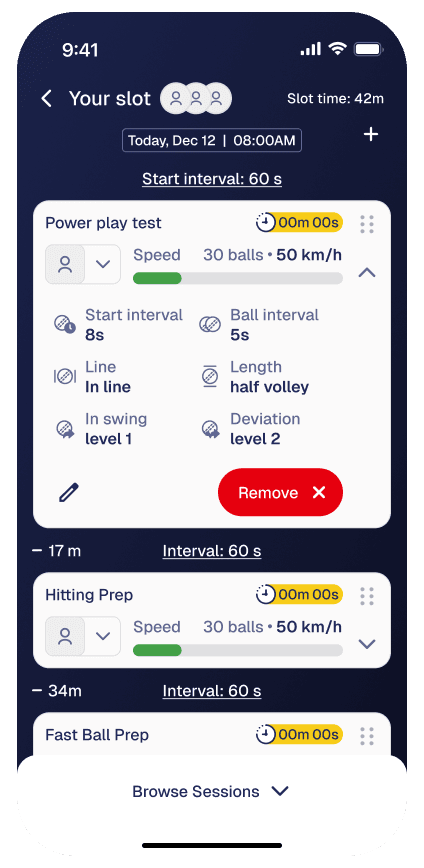
Assigning sessions: Allows players to assign sessions to different participants and manage turn-taking during shared slots.
Play Back: Supports connecting and managing the bat sensor and toggling live visuals on the lane display.
Session Control: Manages the live training flow during play, including session timing, pauses, skips, and slot completion.
Mobile App
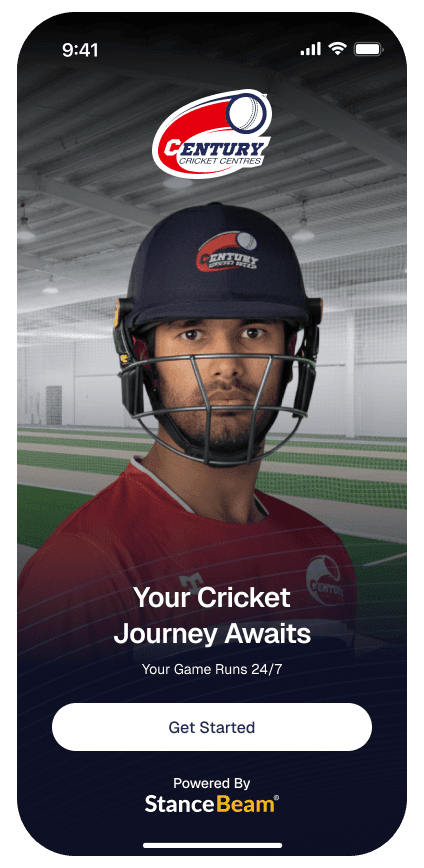
The Mobile app is the main touch point that is part of the whole experience
Early Wireframes
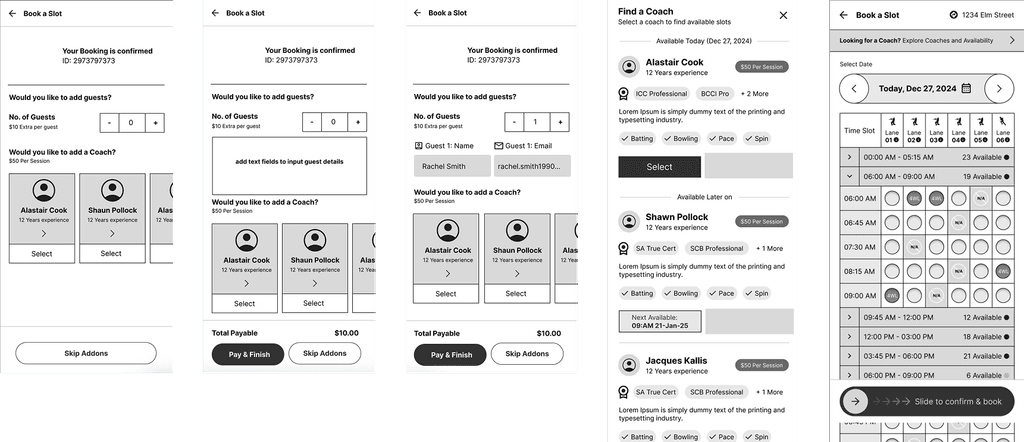
Final Screens
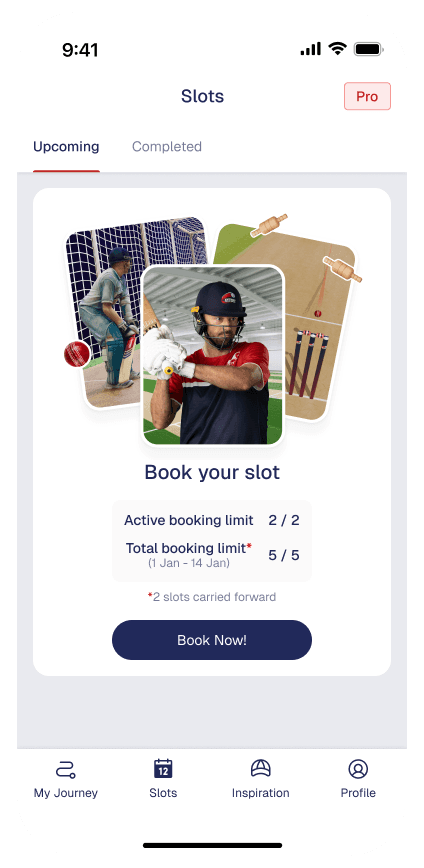
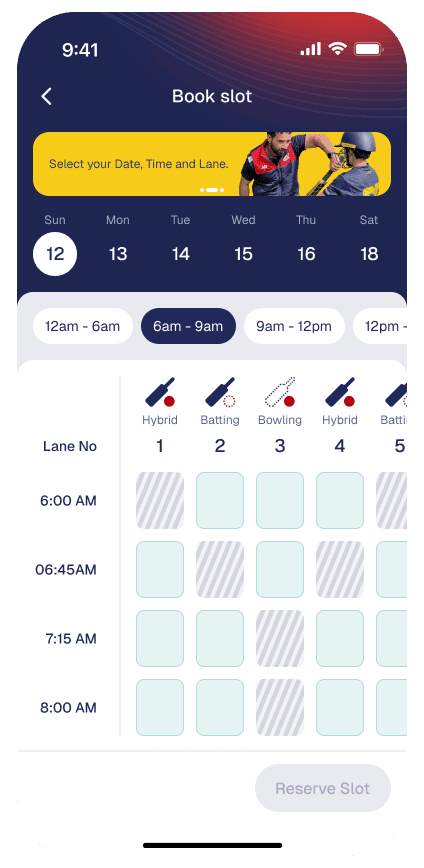
Book Slots: Enables players to book and manage training slots while clearly communicating booking limits, availability, and renewal timelines.
User Profile: Handles onboarding, induction status, profiles, and membership access, ensuring players meet all requirements before entering the lane.
User Management: Allows players to invite guests or manage family members based on their selected membership plan.
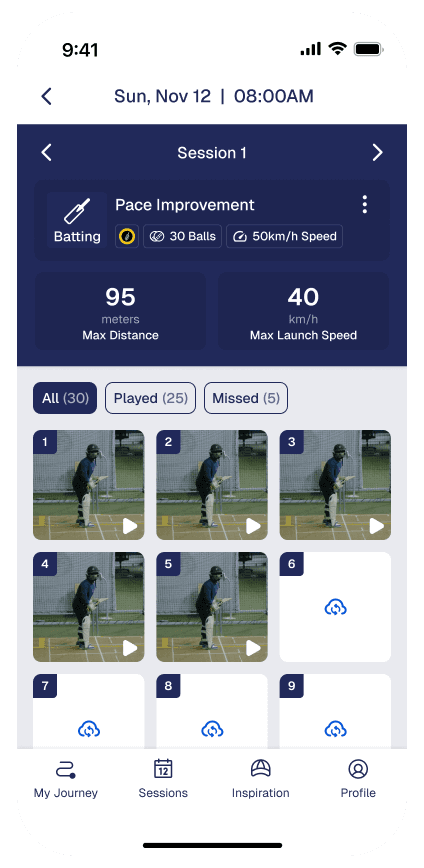
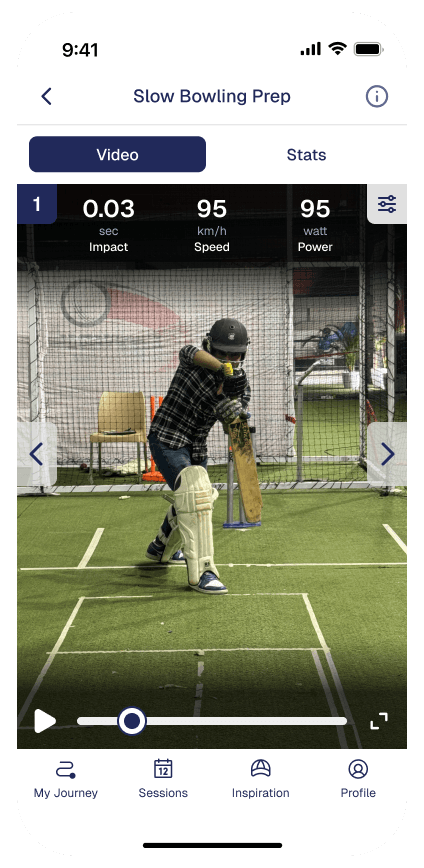
My Journey: Stores and organizes every slot, session, and ball-by-ball video in My Journey for long-term progress review.
Slot Planning: Serves as the player’s control hub outside the lane, supporting preparation before training and reflection after each session.
Learnings & Outcomes
We don’t have a diverse variety of users. We mainly focused on serious players.
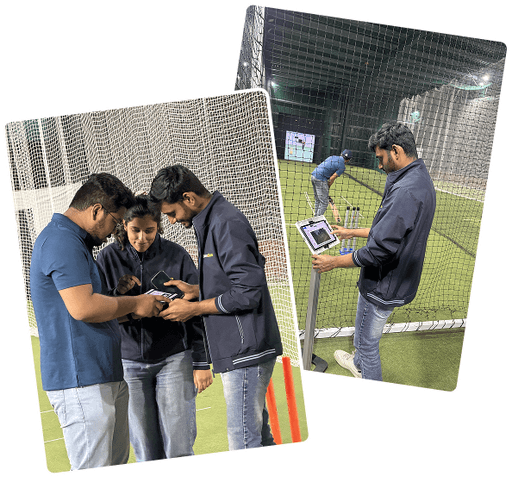
Delivered
Delivered a production-ready system that connects physical lanes, real-time tracking, and multiple applications into a single experience.
Enabled flexible, self-serve training without requiring constant coach or staff involvement.
Created an experience that works for families, casual groups, and serious players within the same lane.
Established a scalable foundation that can be replicated across centres and expanded with new features.
Key Learnings
Designing Beyond Screens - Building for a physical space changed how design decisions were made. Latency, distance, lighting, and player movement mattered as much as layout and hierarchy.
Systems Thinking Is Non-Negotiable - Every design decision had downstream impact across hardware, software, and operations. Treating the product as a system, not an app, was essential.
Clarity Drives Adoption - Reducing cognitive load before and during play helped users trust the system and engage with deeper features over time.
Constraints Improve Decisions - Working within hardware, performance, and operational limits led to simpler, more durable design choices.
Thanks For Visiting