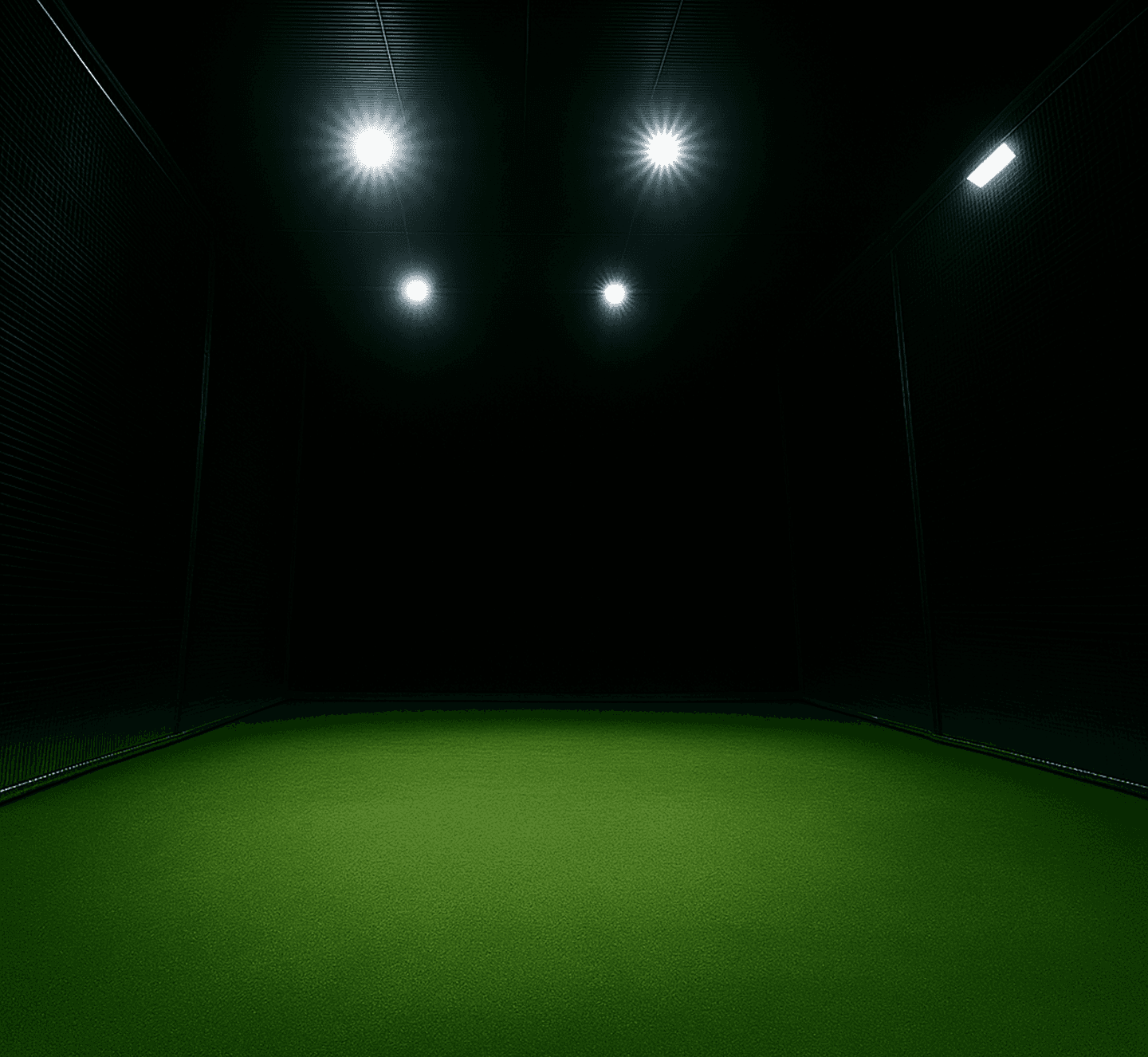
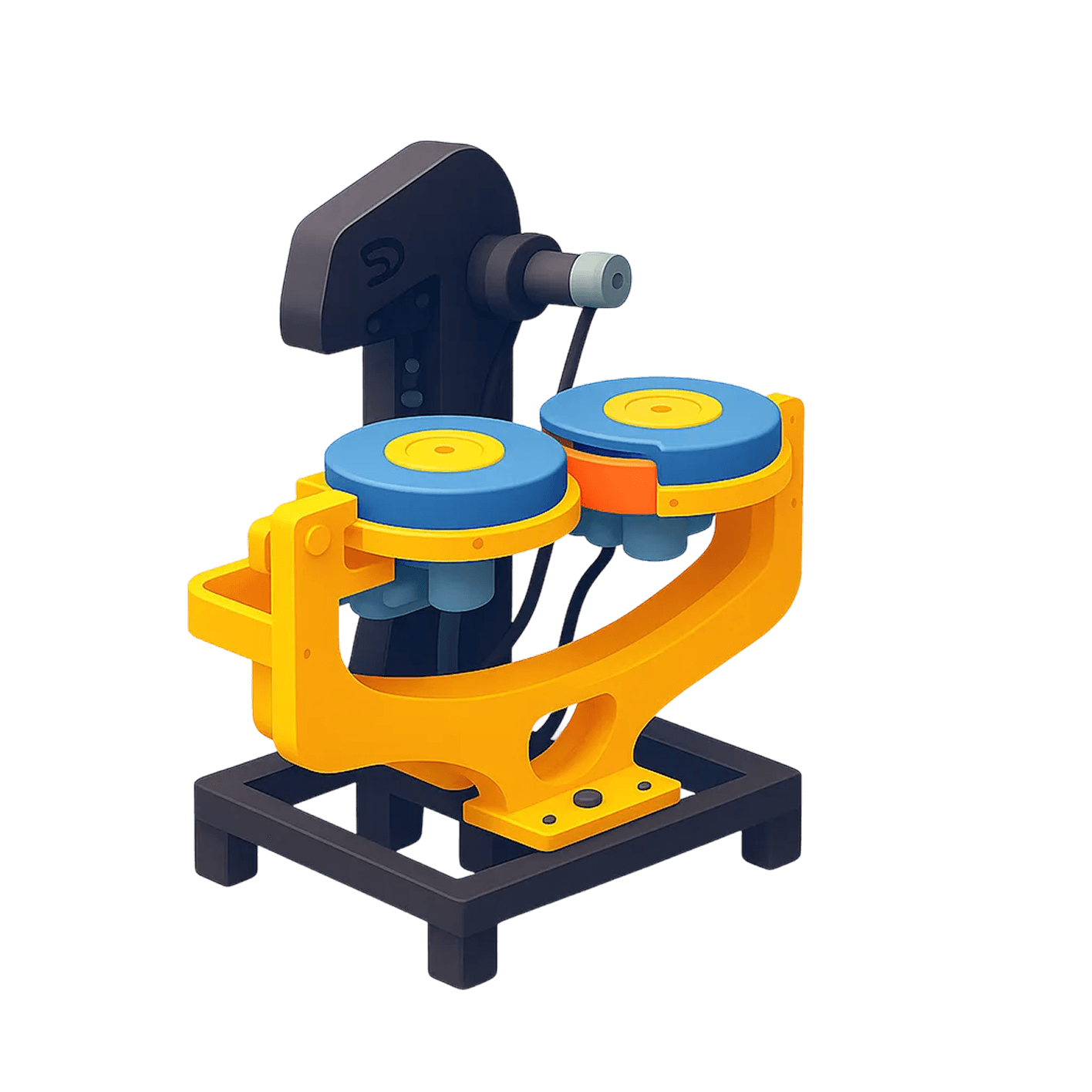
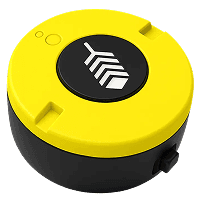

An autonomous cricket training centre with multiple smart lanes,
each capable of delivering a structured training experience independently.
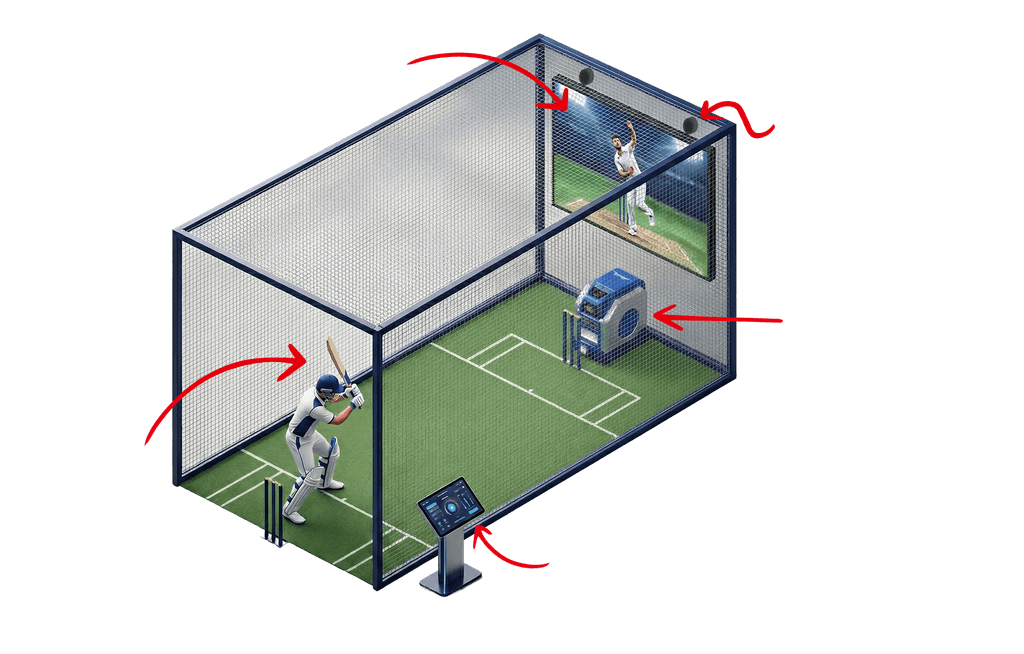
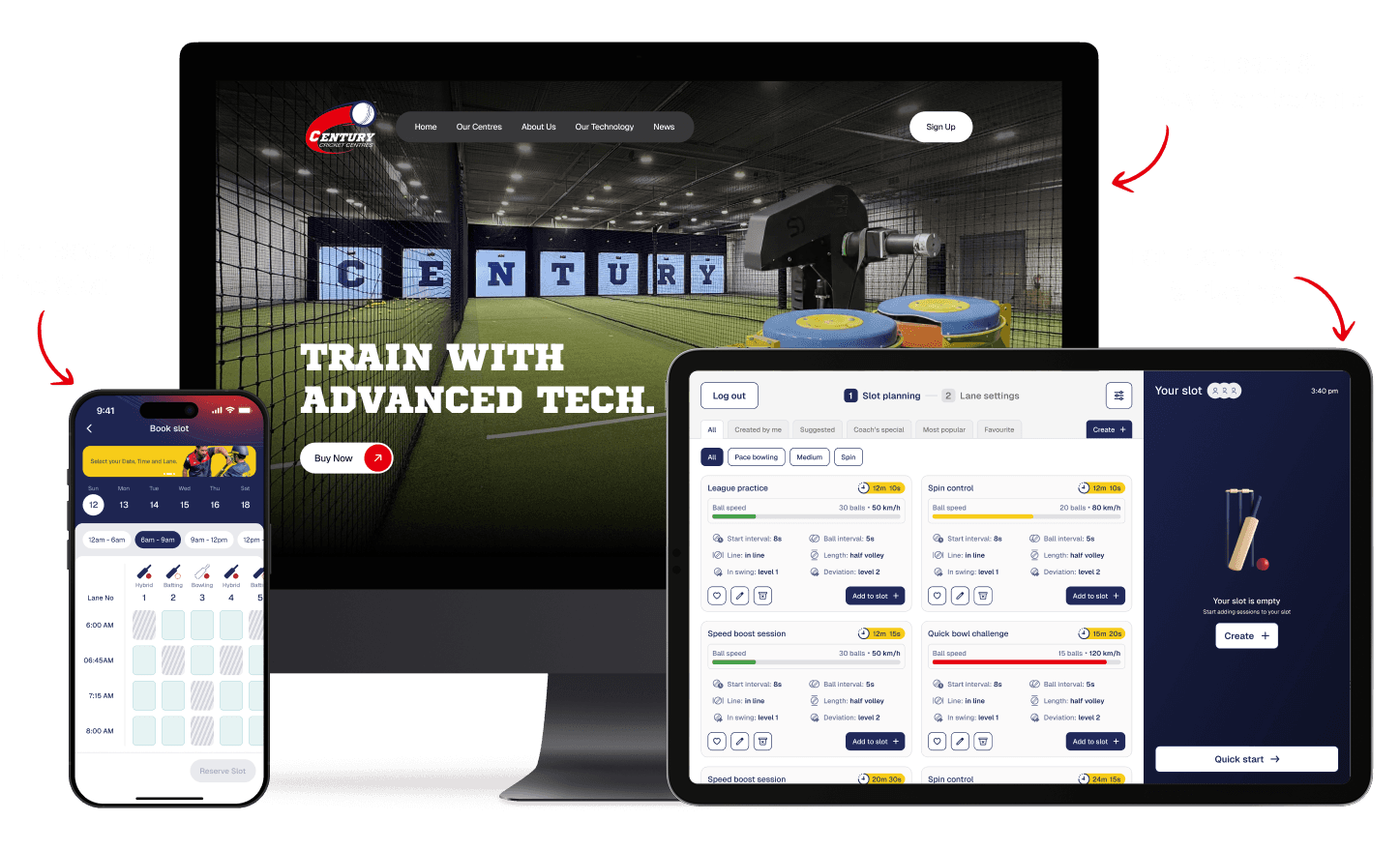
The experience flows across three touchpoints: website for membership, mobile app for booking, and lane app for session planning, all coming together inside the smart lane.

Our client runs a successful cricket coaching program in Australia and wanted to expand the model to the US. Early discovery made one thing clear: the approach would not scale as-is.
In the US, players preferred flexible, self-paced practice over fixed schedules and coach-led sessions. Traditional cricket centres rely heavily on constant supervision, fixed batches, and manual oversight, a model that breaks down when demand is irregular and labor costs are high.
The real challenge was not cricket itself. It was delivering structured, high-quality training without requiring a coach to be present at all times.
We studied similar experiences globally. Examples included Topgolf, Skillcorner, Playo and other tech-enabled sports venues.
A clear pattern emerged:
Most competitors leaned heavily into entertainment
Training, when present, was shallow or secondary
That created an opportunity.
Instead of building a cricket-themed entertainment venue, we focused on measurable improvement and repeat training.
This decision shaped every UX and UI choice that followed.

What this really meant:
The product had to feel flexible like entertainment, but perform like serious training.
We mapped the different ways people would use the lane and the expectations they would bring with them. These use cases shaped what the system needed to support, both in experience and technology.
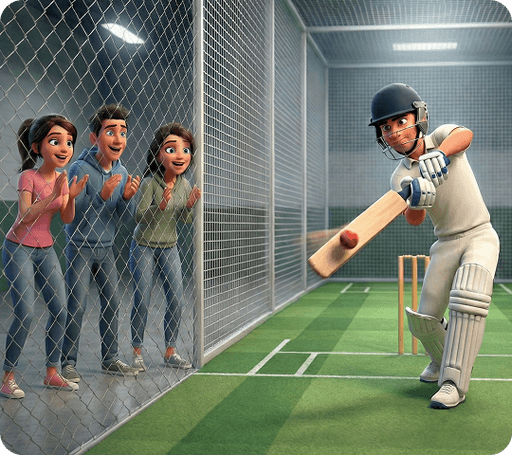
Friends Playing Together
Groups looking for competitive, social play with live scoring and instant feedback, without needing a coach or facilitator.
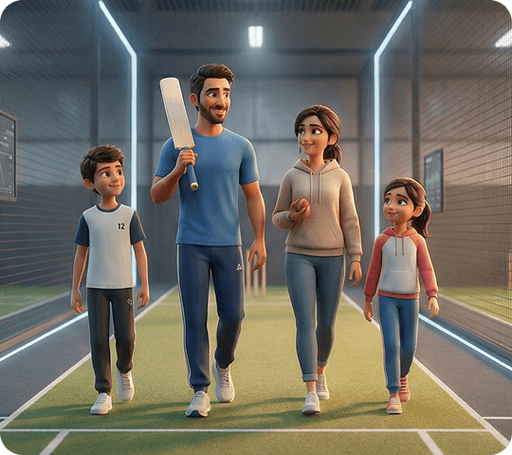
Families Training Together
Parents and children practicing side by side, balancing structured improvement with an experience that stays engaging.
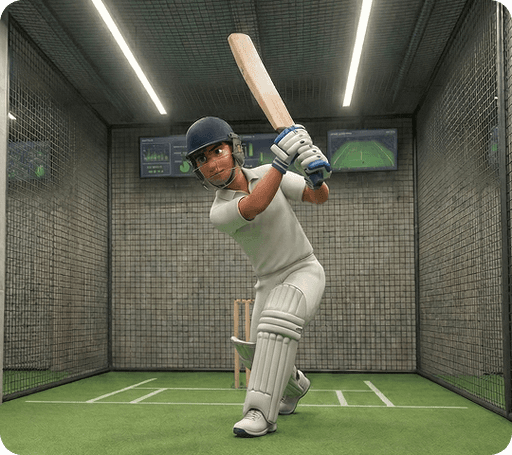
Serious Individual Practice
Focused players training alone, using detailed ball tracking and session data to refine technique through repetition.
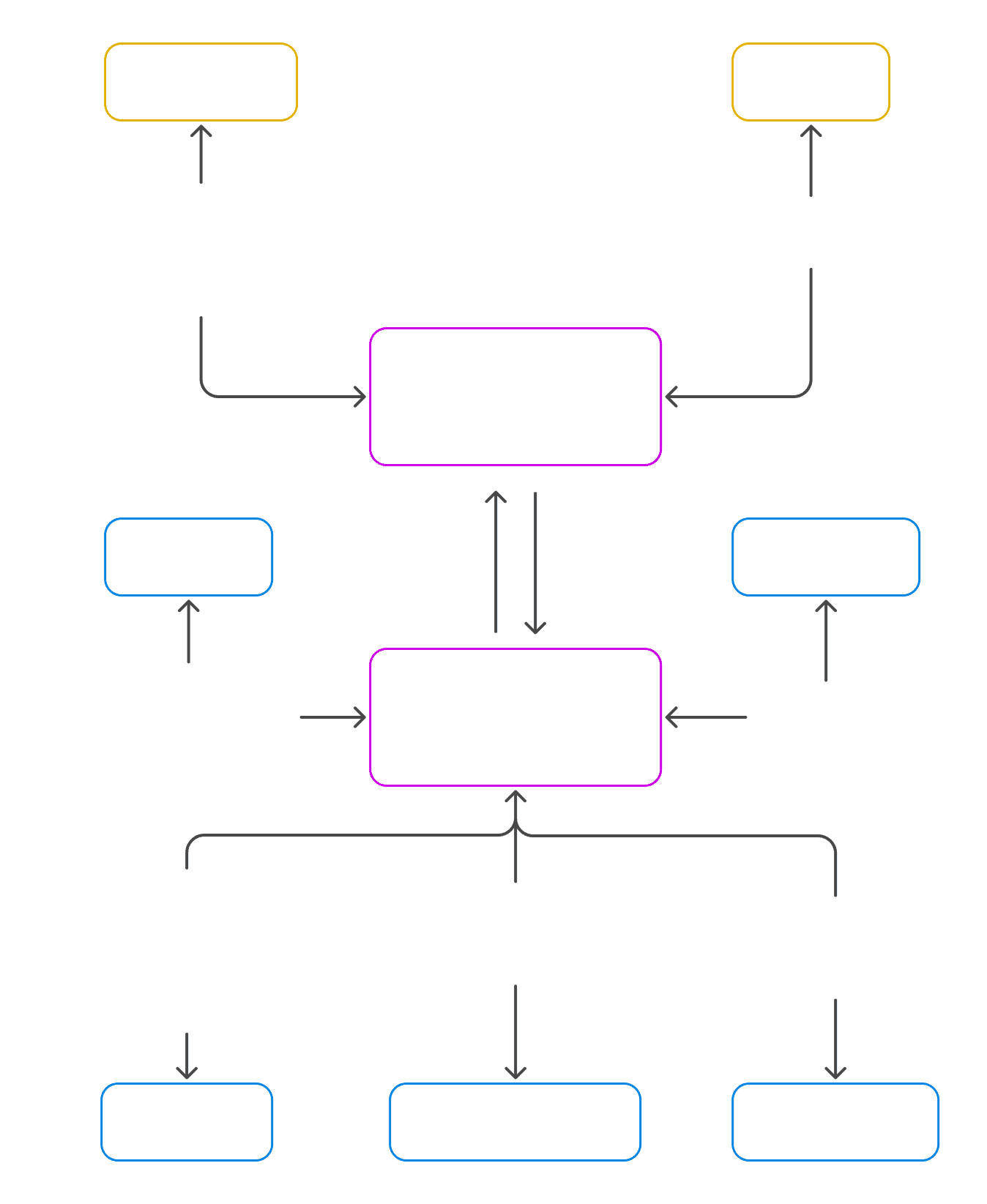
Century Cricket is not a single product. It is a connected system where hardware, software, and intelligence work together to deliver consistent training without constant human supervision.
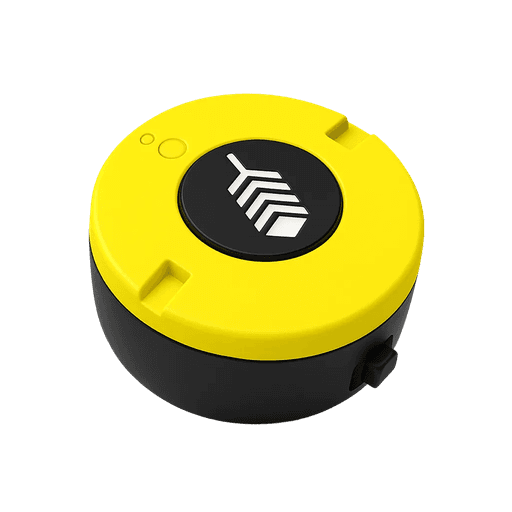
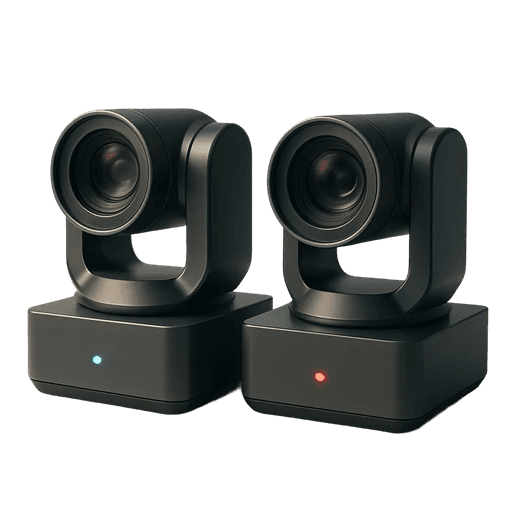
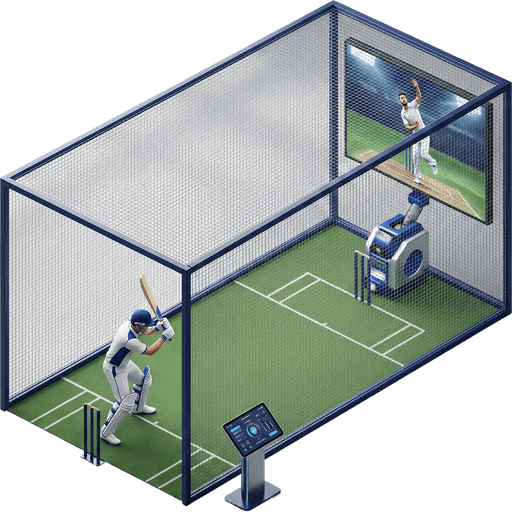
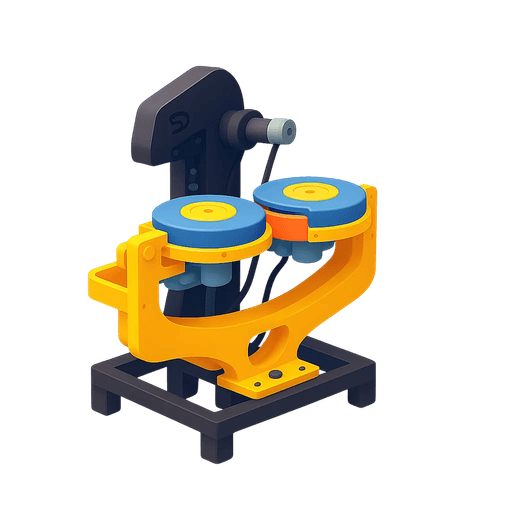
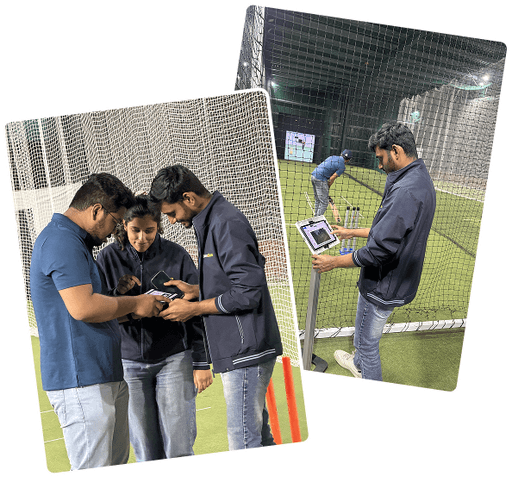
I joined the project mid-way and focused on shaping the end-to-end experience across hardware, software, and the physical lane. My role was to bring clarity and usability to a technically complex system while working closely with engineering and operations.
Core hardware and system architecture were already defined
Real-time performance required most logic to run on the edge
The system had to operate reliably with minimal staff involvement
One experience needed to support both casual and serious players
These constraints pushed the product toward simplicity at the surface and complexity under the hood. The goal was to make advanced training feel approachable, while ensuring the system stayed fast, reliable, and repeatable in real-world conditions.
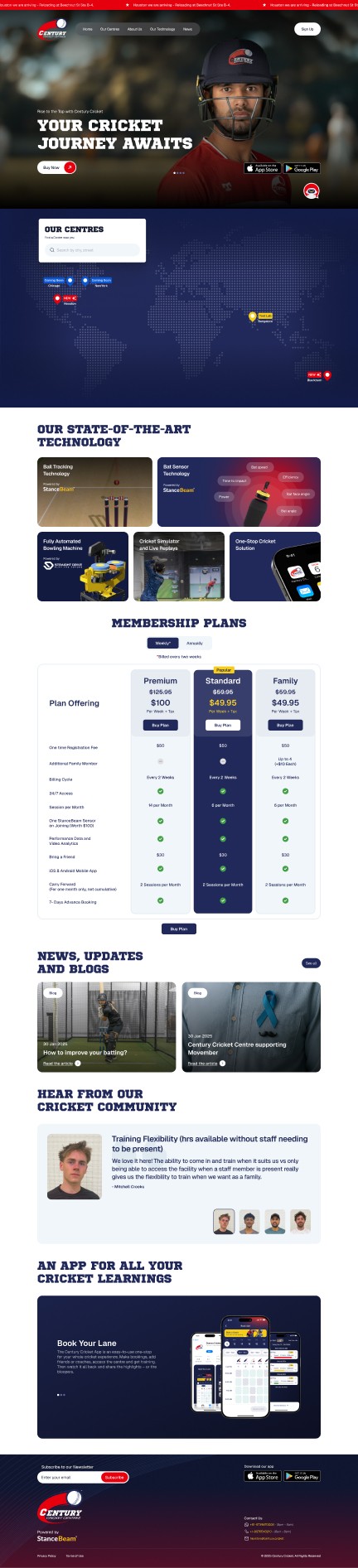
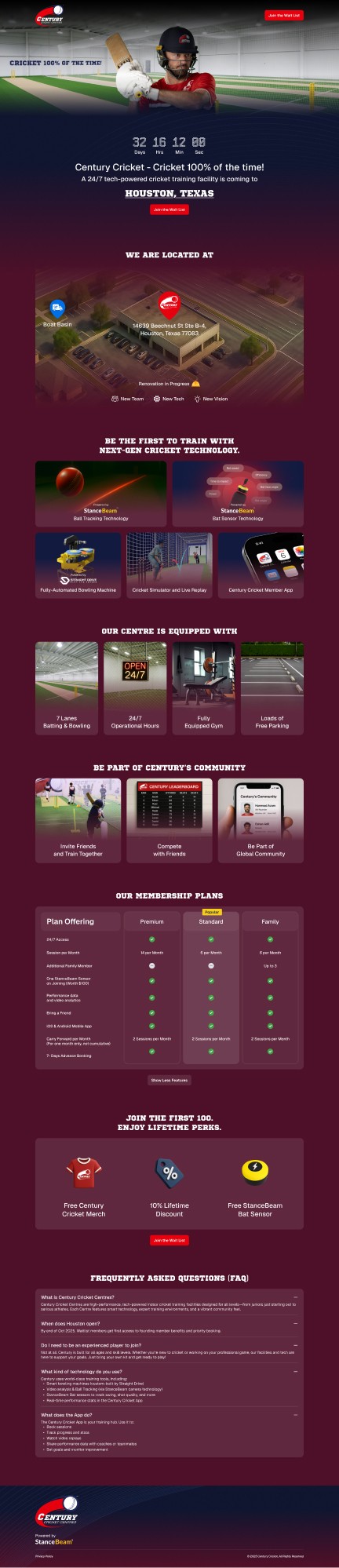
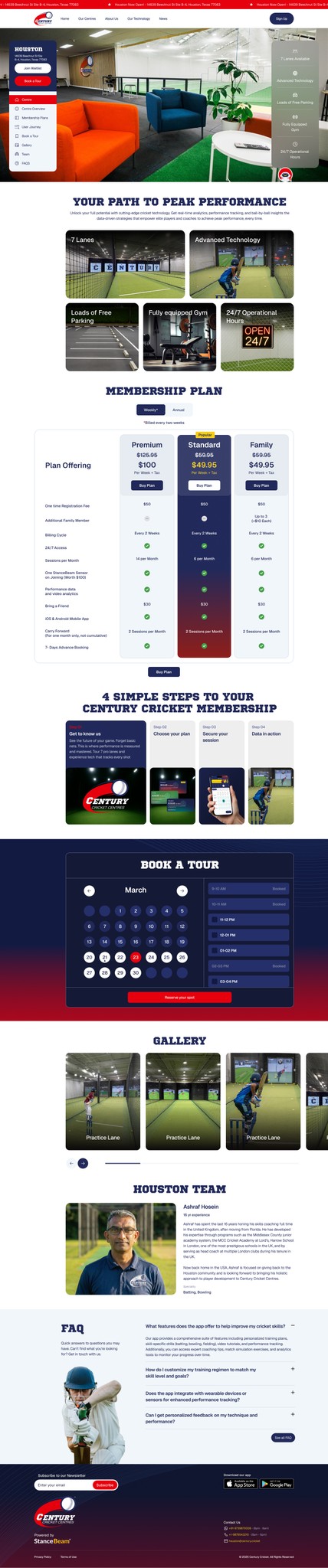
The website is the first touchpoint for Century Cricket. It introduces the concept of automated training, explains how the lane works, and helps users decide whether the experience is right for them before their first visit.
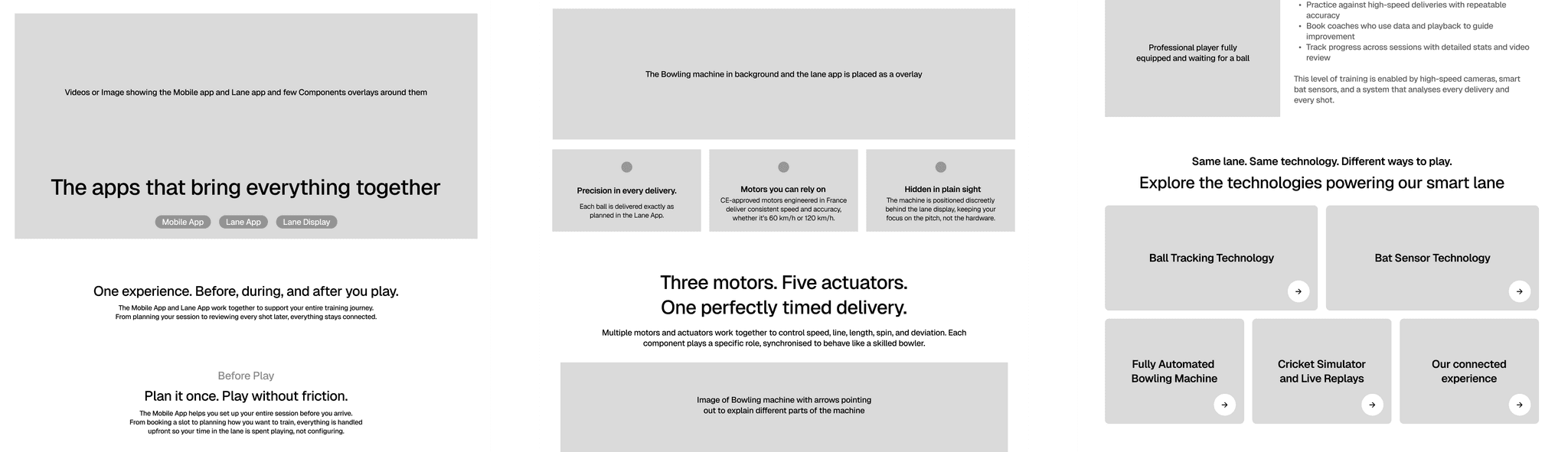
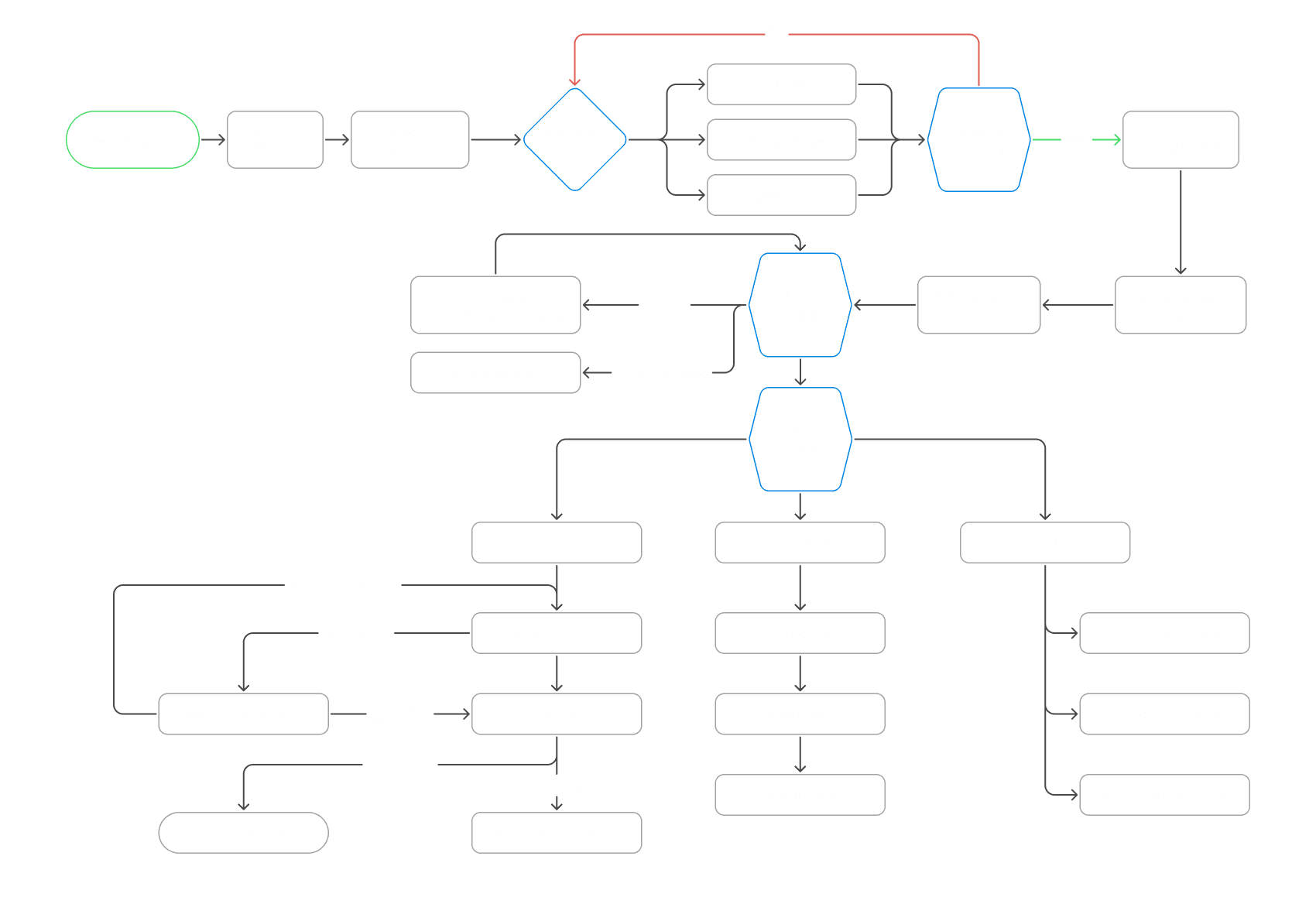
These wireframes show how I initially structured the website to explain a complex product clearly. The focus at this stage was on content hierarchy, user flow, and reducing uncertainty around how the system works.
The final UI reflects learnings from early exploration and iteration. It balances clarity and confidence, presenting the product, technology, and membership options in a way that supports informed decision-making.
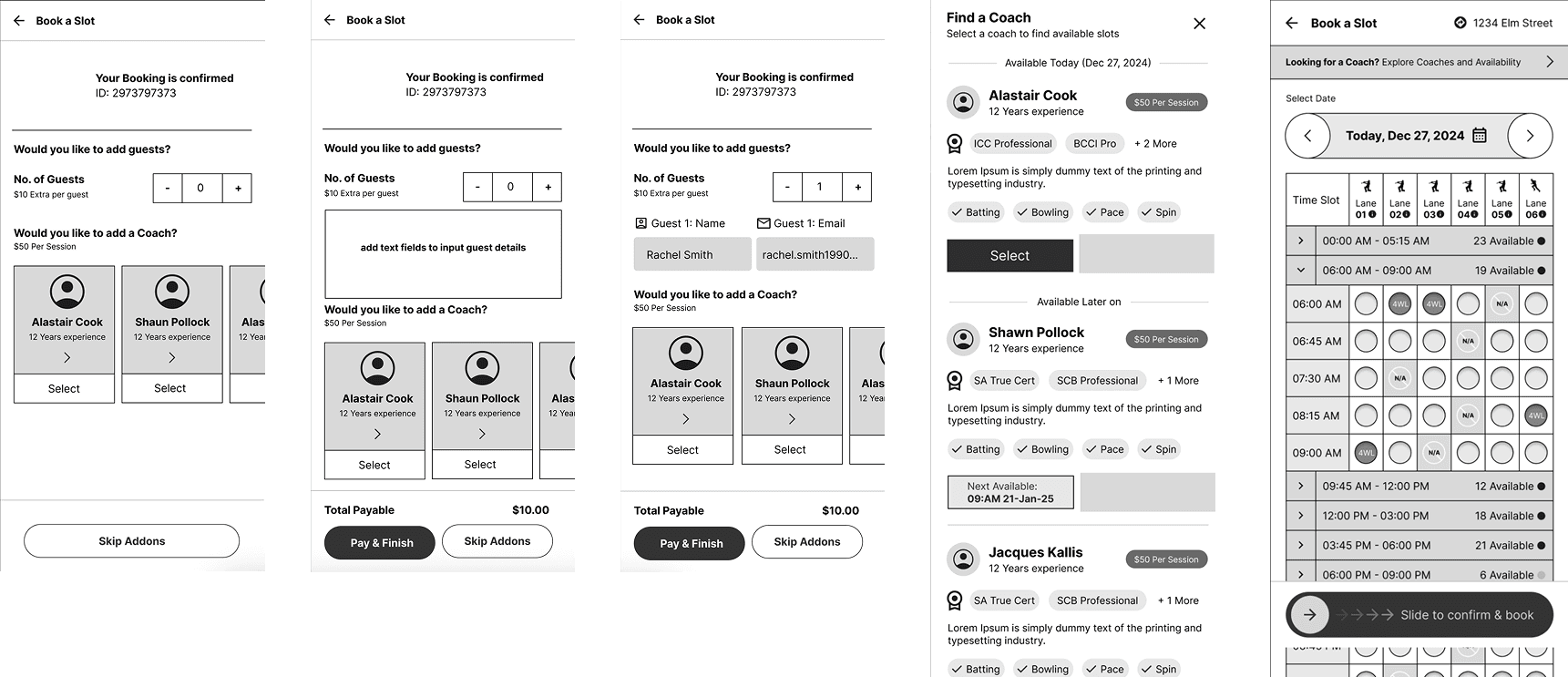
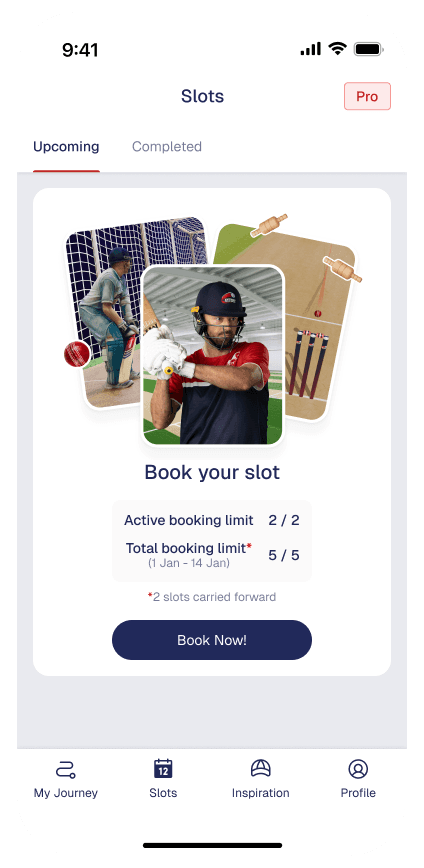
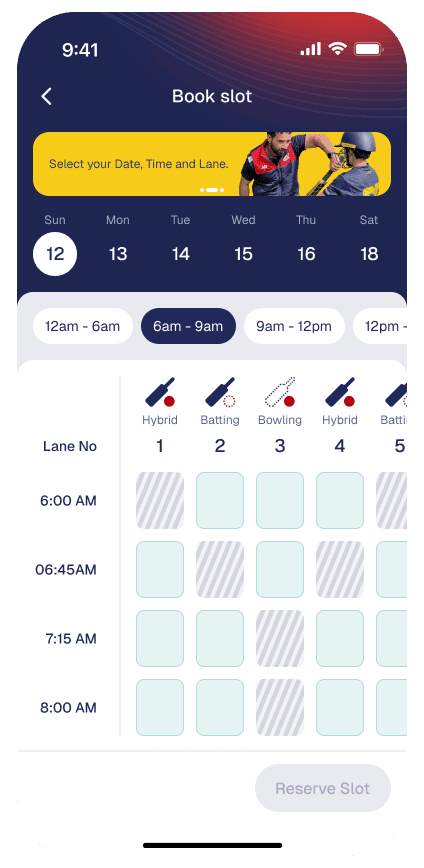
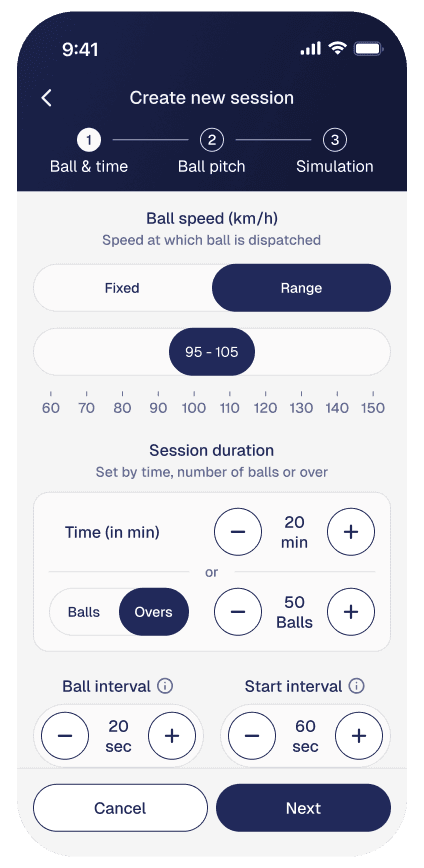
The mobile app is the primary tool for booking lanes and managing sessions. Players use it to reserve time slots, configure sessions, and review performance outside the lane.
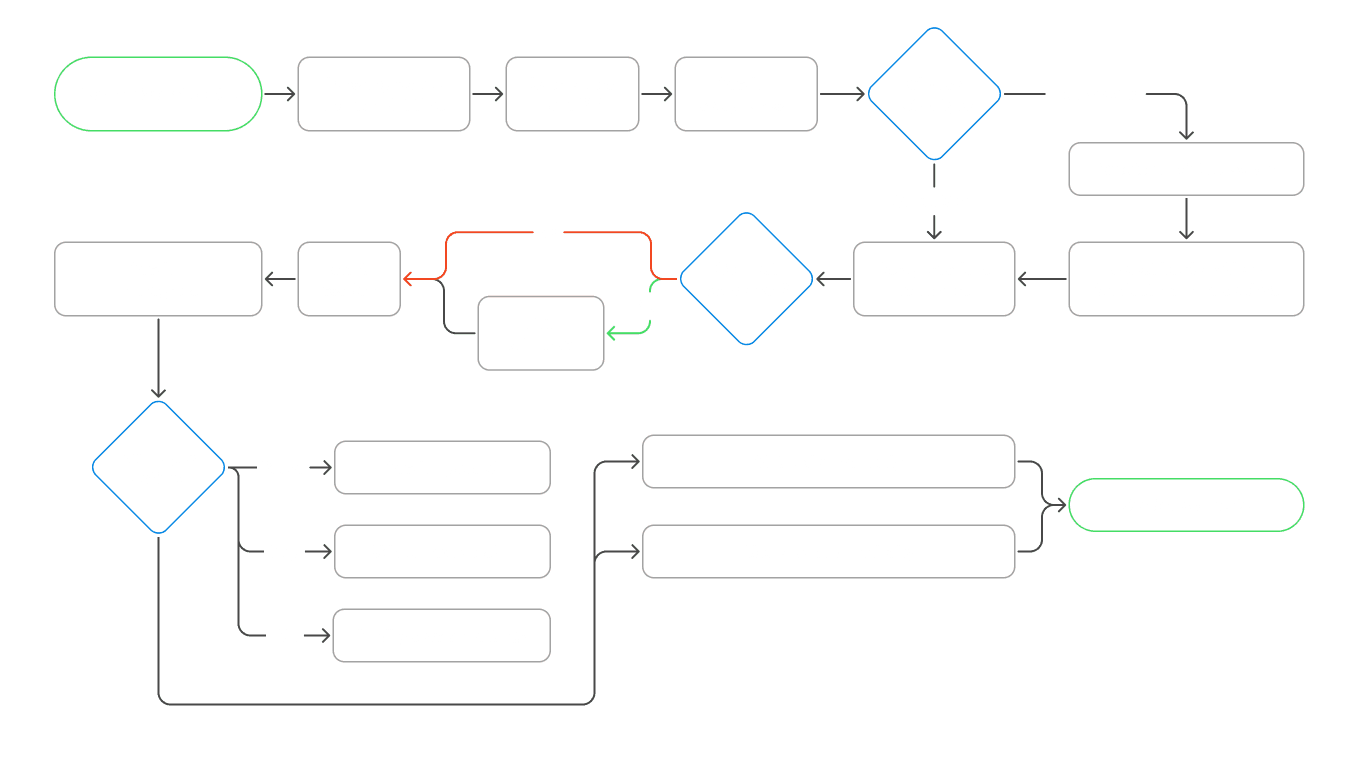
These wireframes show how I explored booking flows, availability views, and session setup. The focus was on making slot selection fast and reducing friction before arriving at the centre.

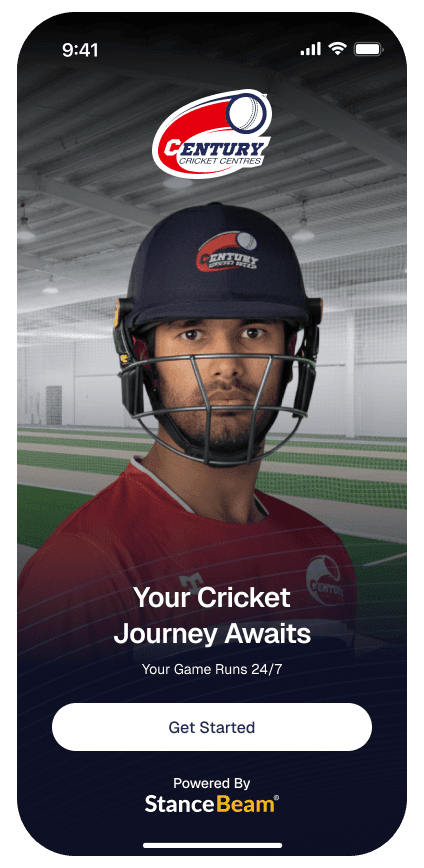
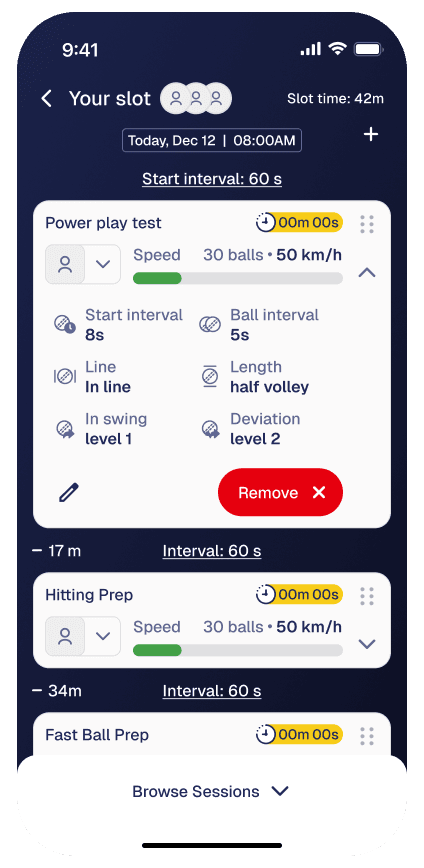
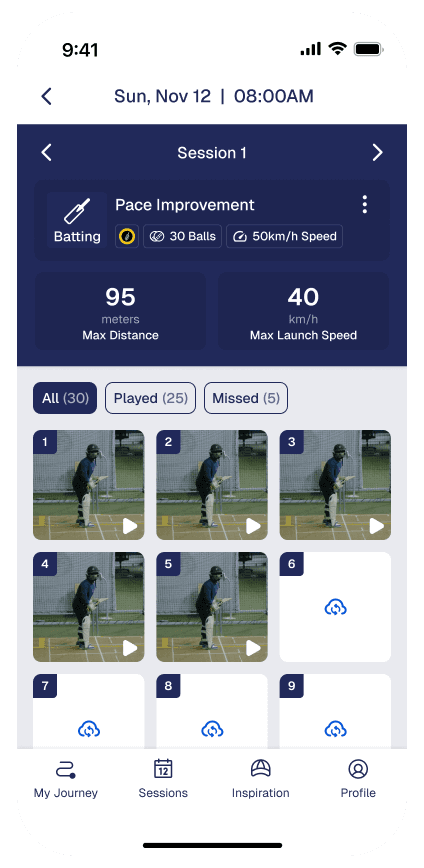
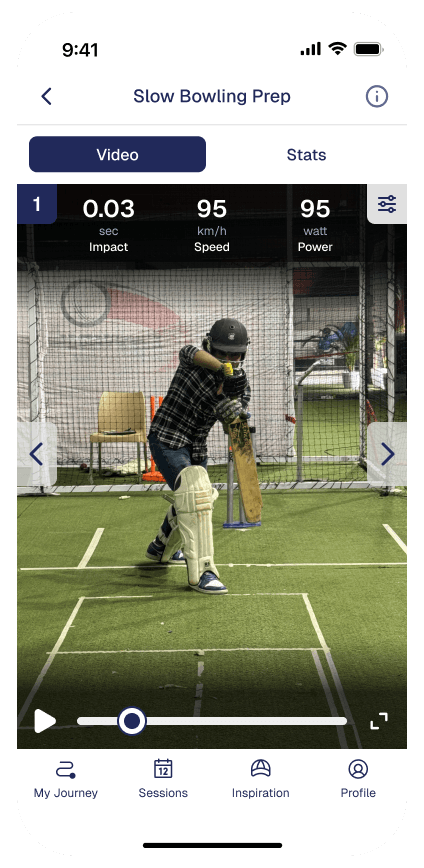
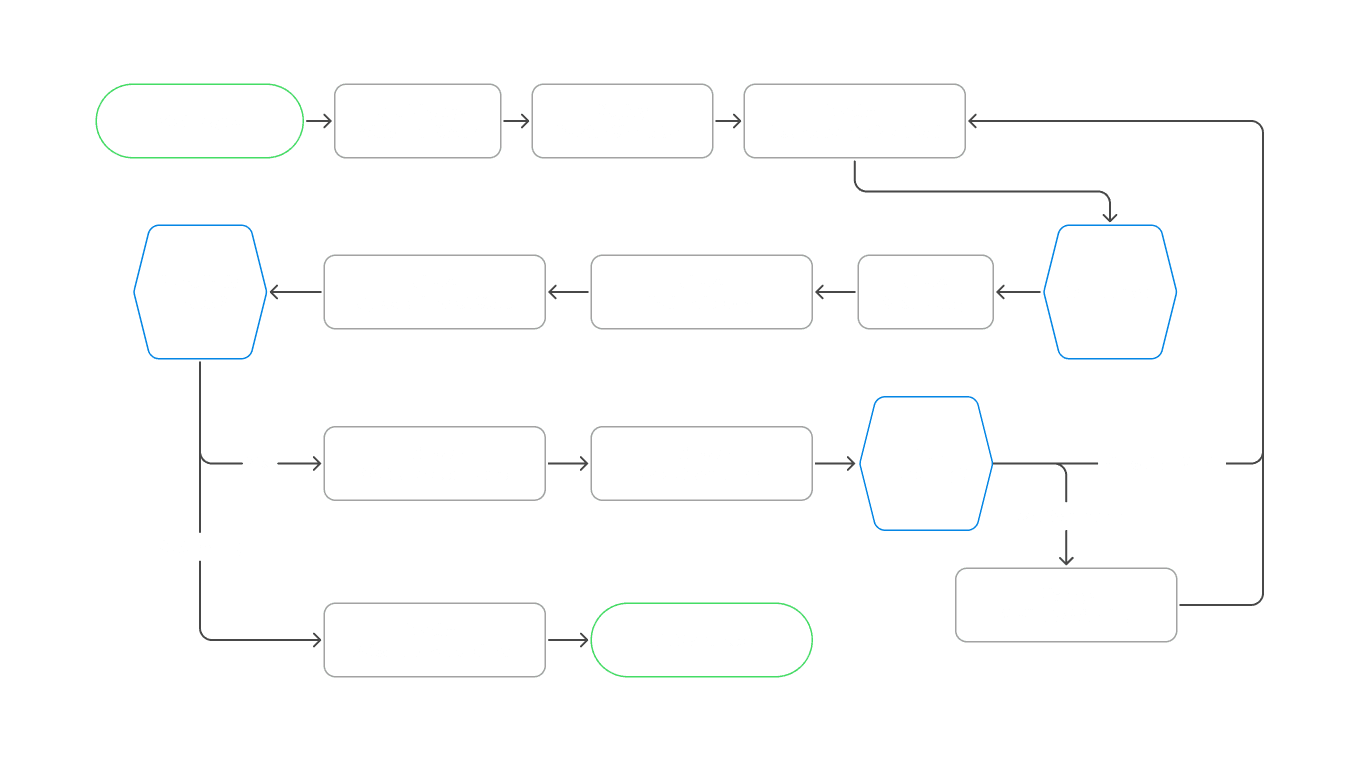
The lane app is the primary interface used inside the cricket lane. It controls the session once play begins, coordinating gameplay, live feedback, and system state without requiring staff intervention.
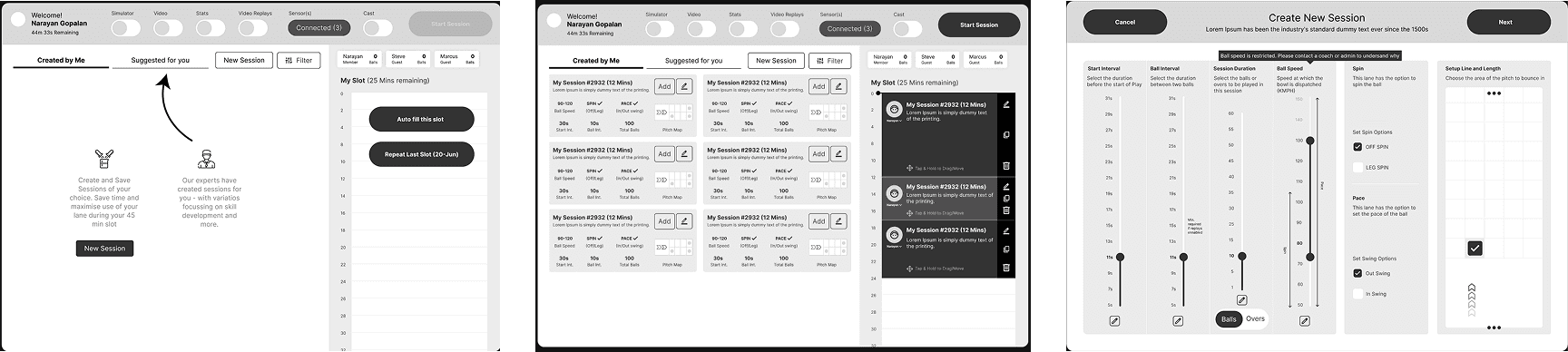
These wireframes show how I explored in-lane flows such as session start, player switching, and live feedback. The focus was on visibility, minimal interaction, and keeping attention on the game rather than the screen.

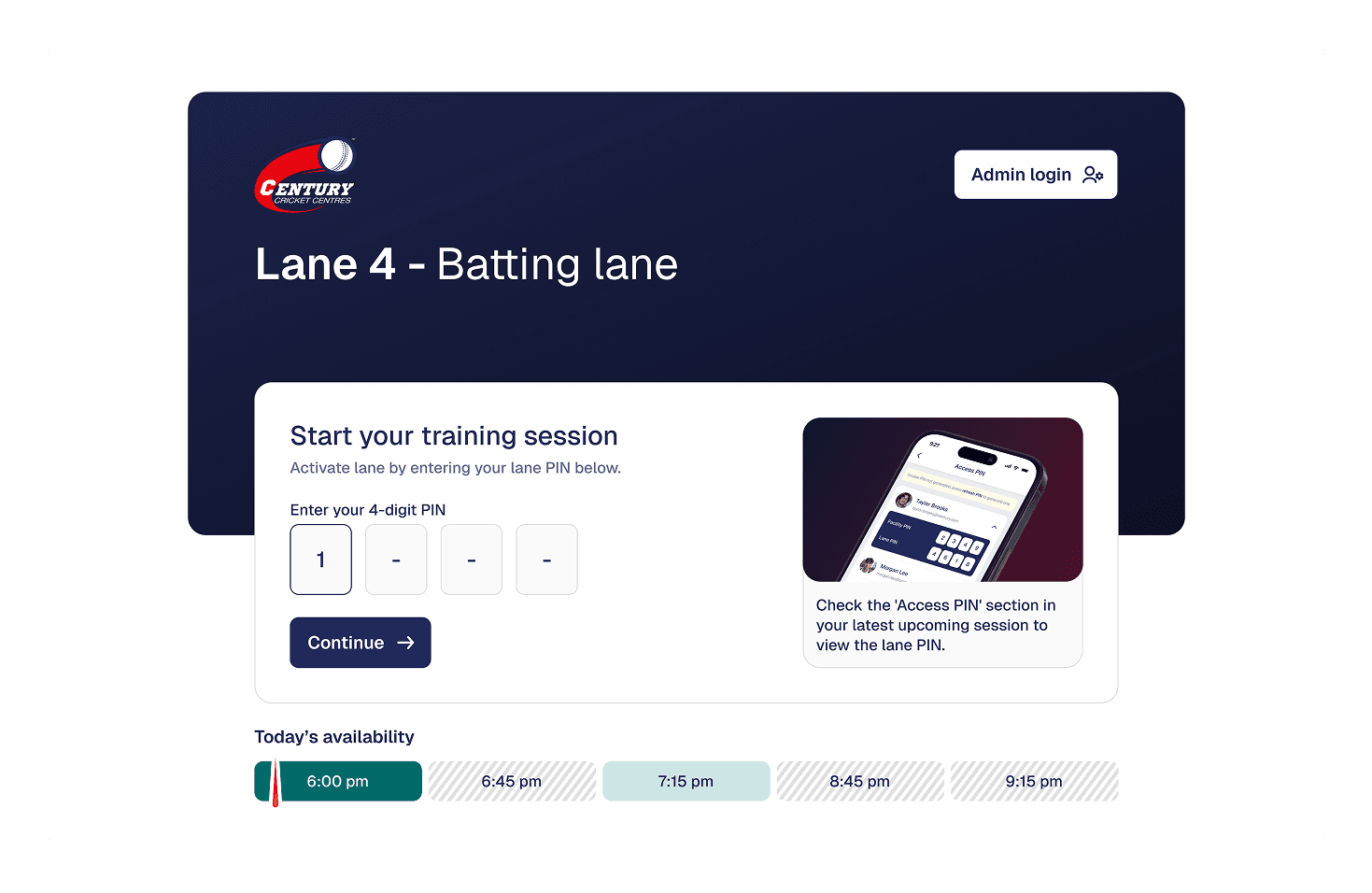
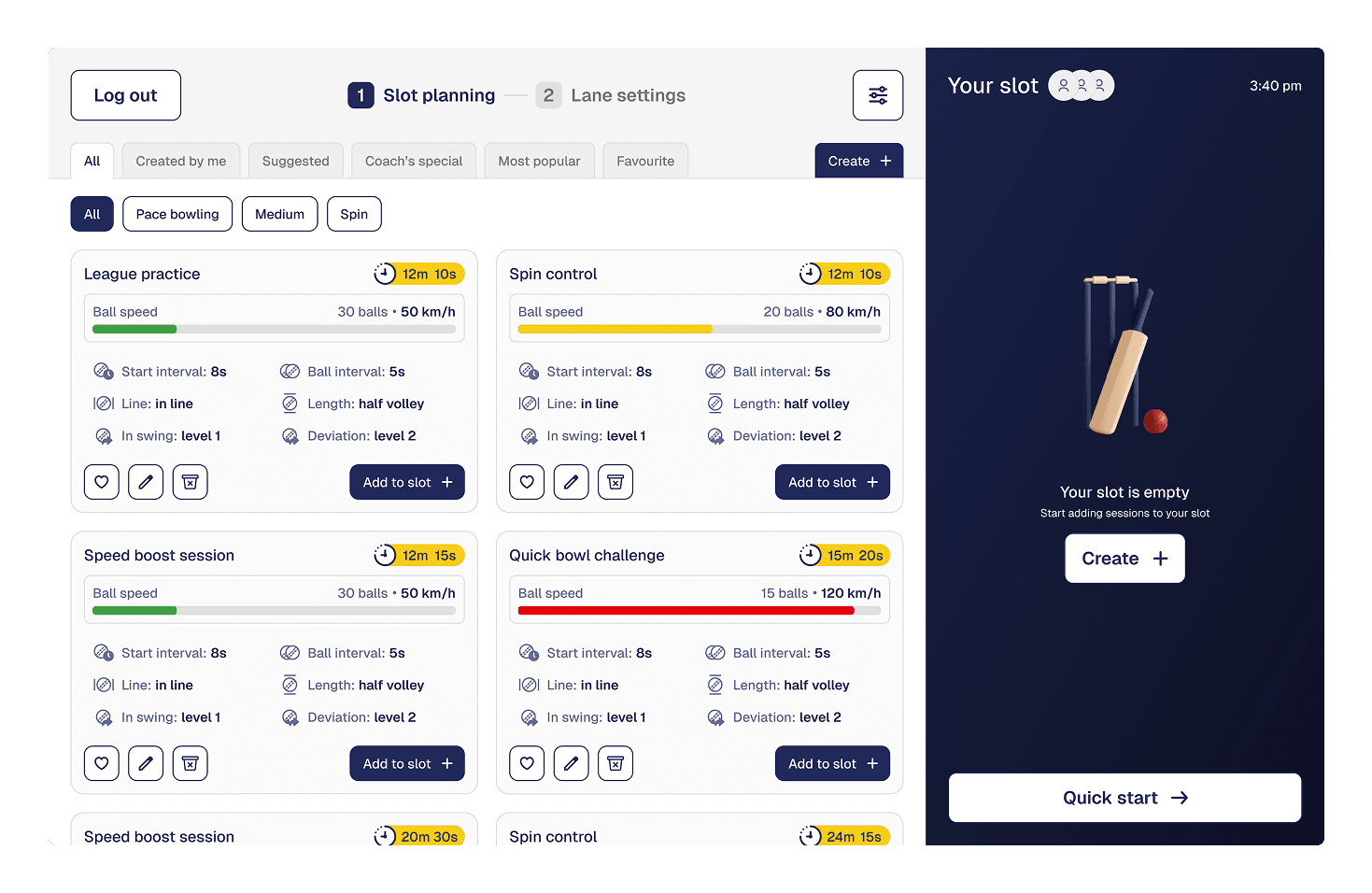
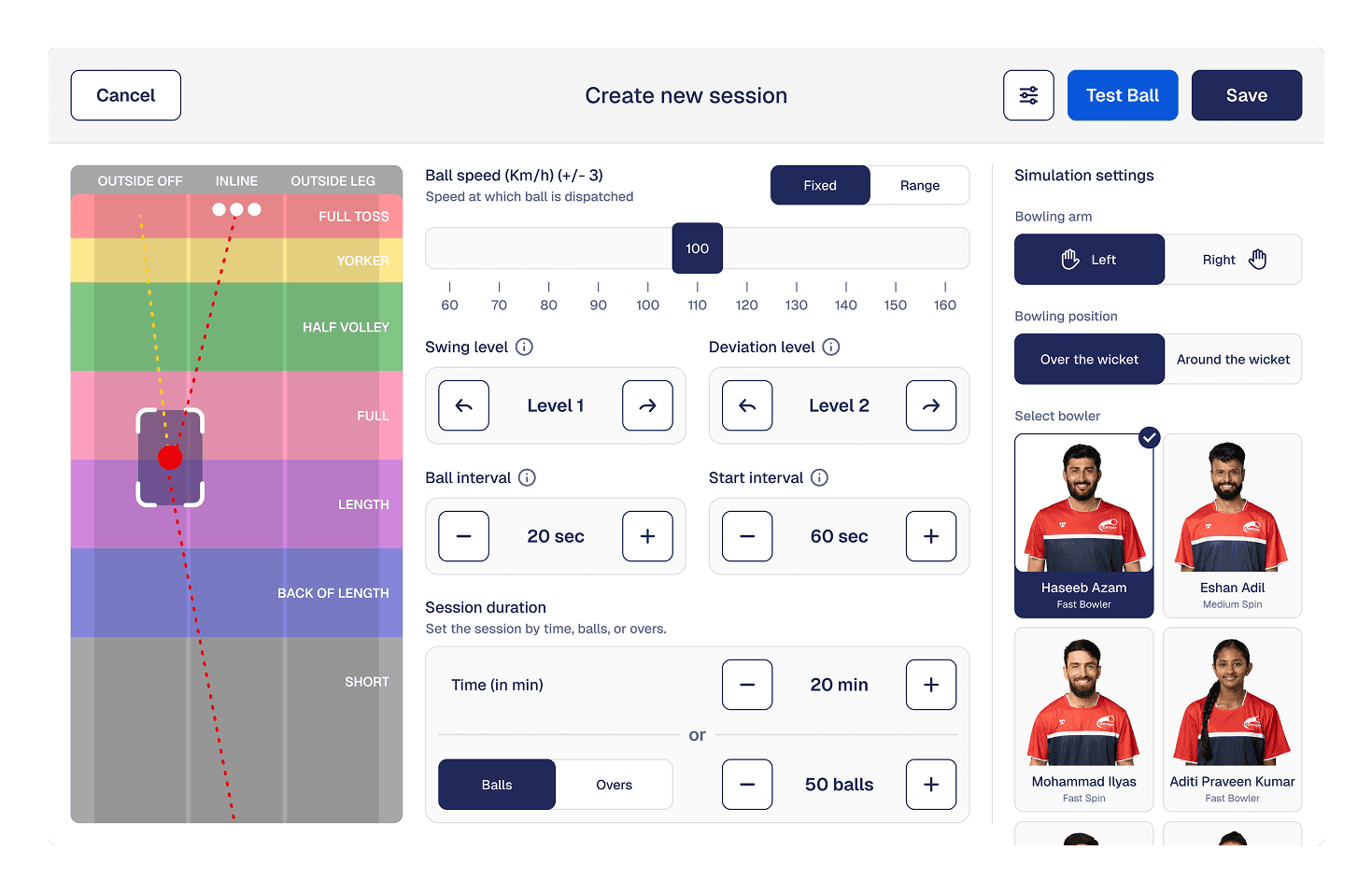
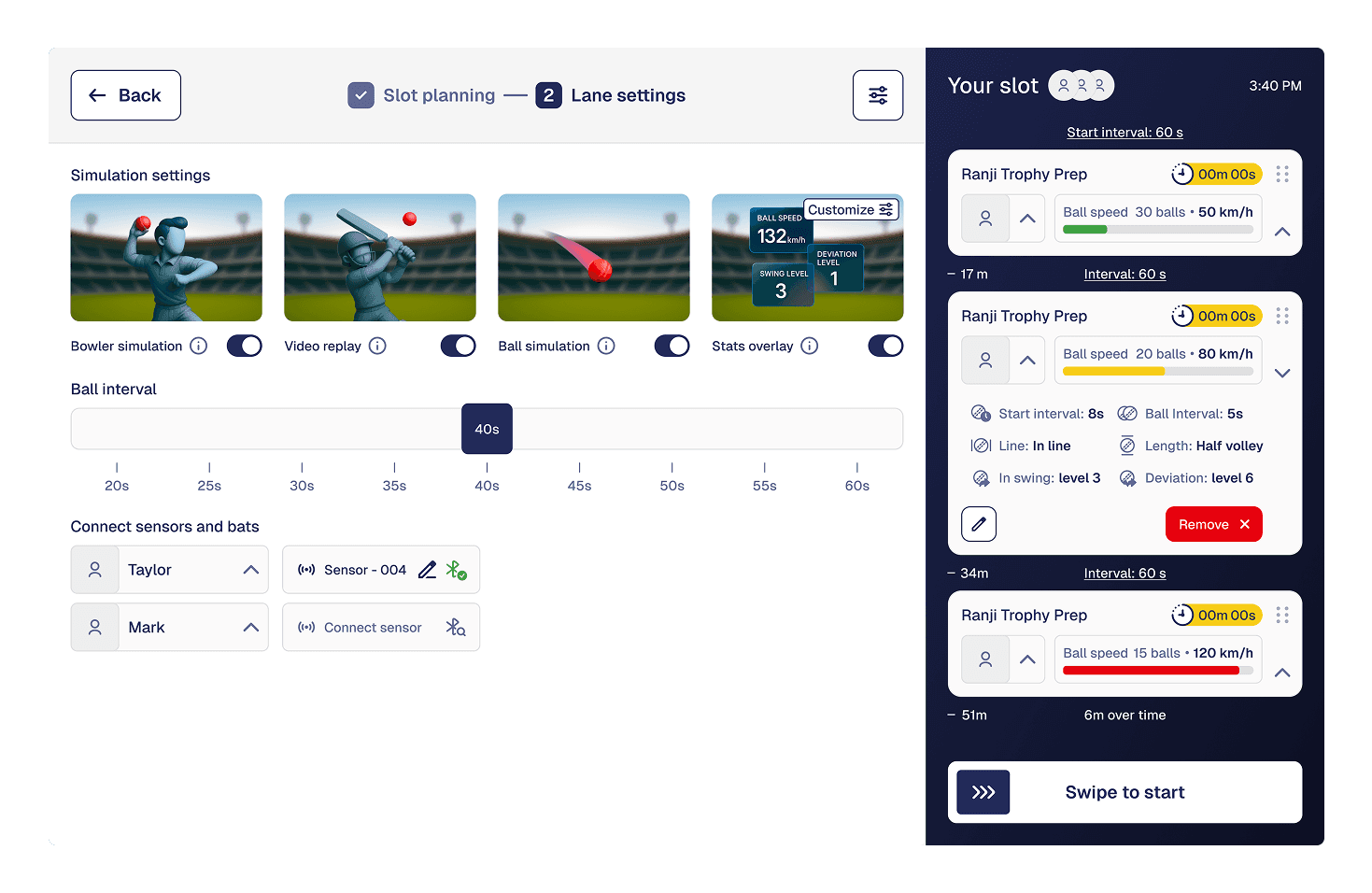
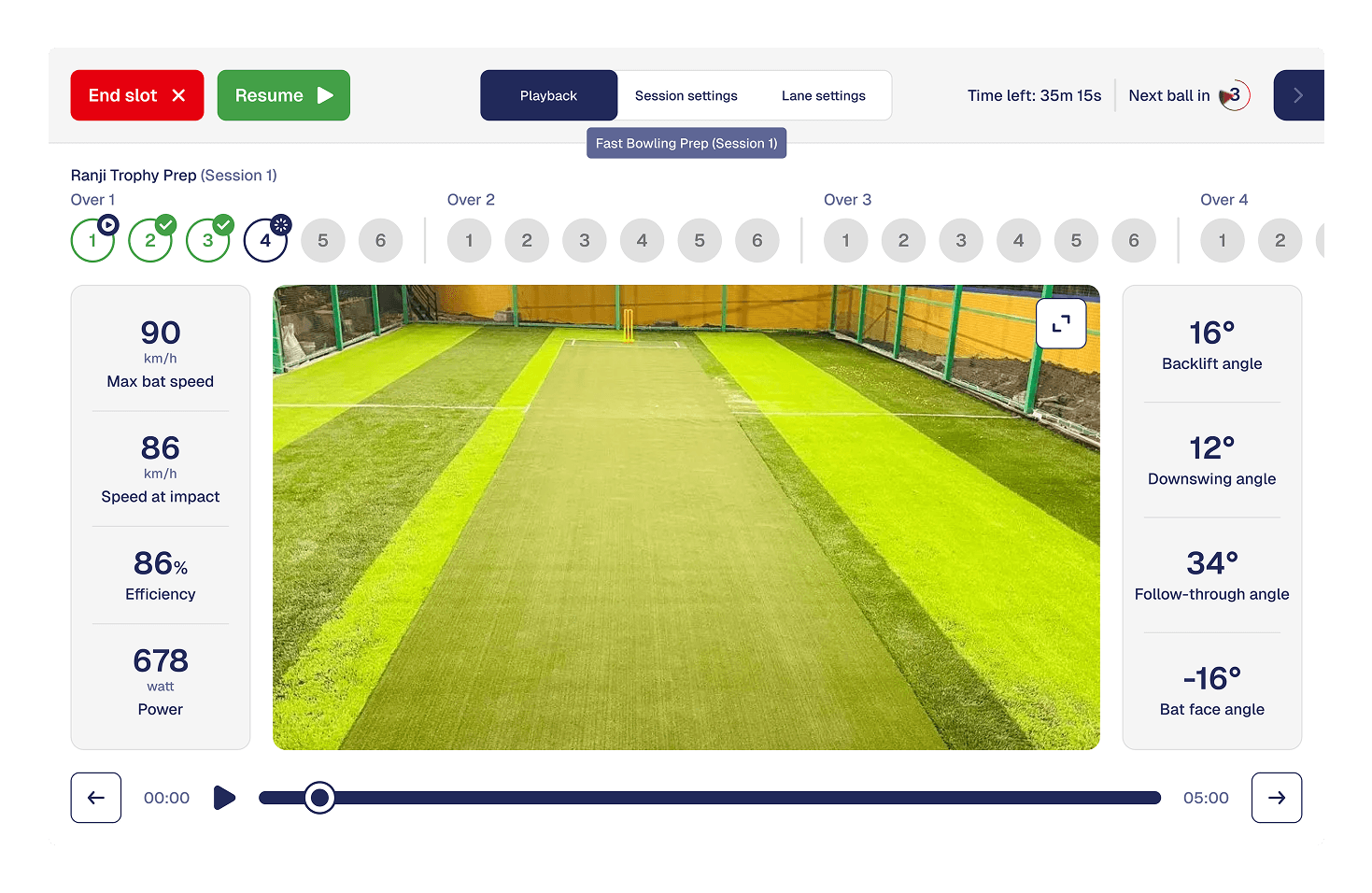
The lane display provides real-time visual feedback during play. It surfaces scores, ball trajectories, and outcomes at a glance, allowing players to stay informed without breaking focus or interrupting the flow of the game.

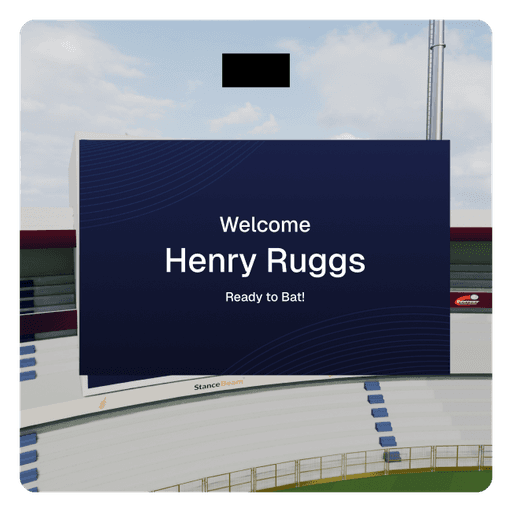
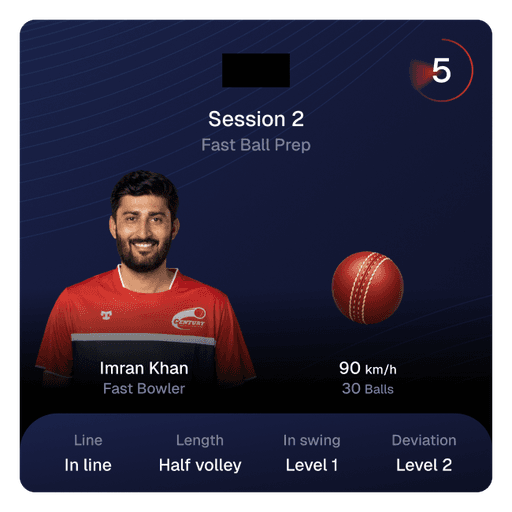
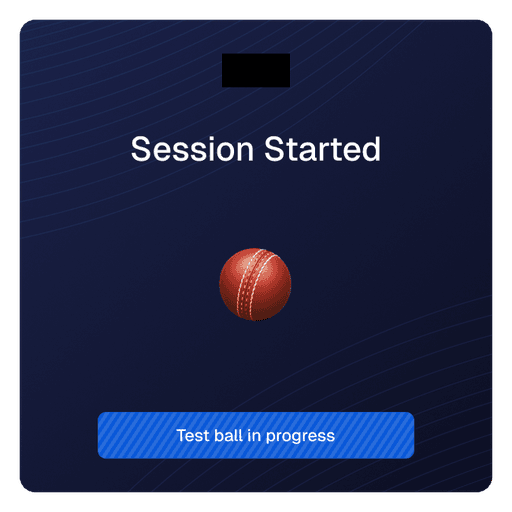
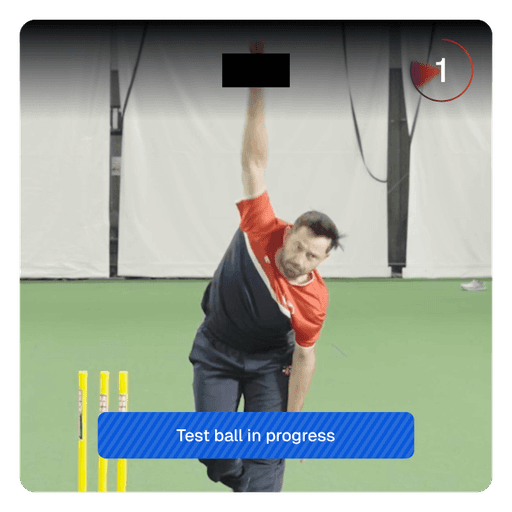
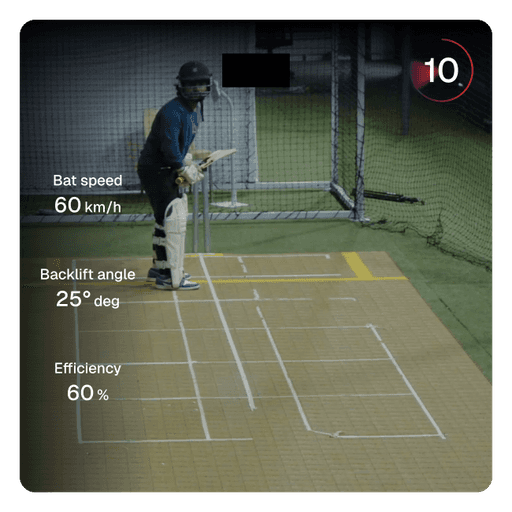
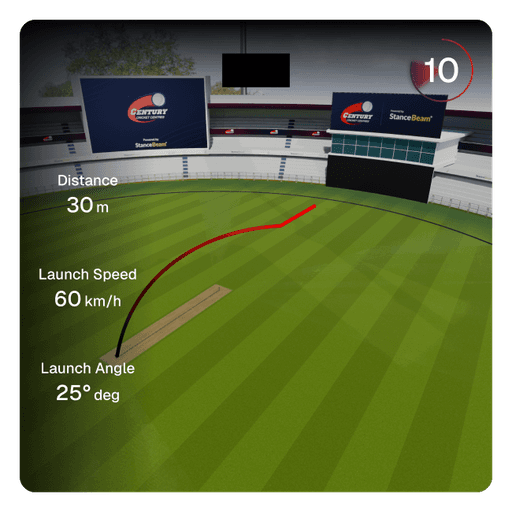
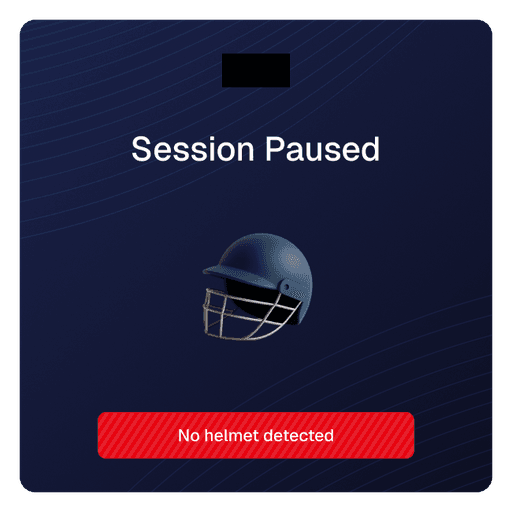
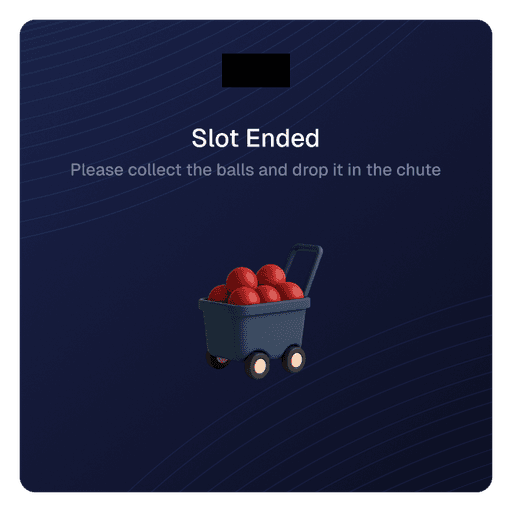
Century Cricket spans mobile, web, in-lane screens, and physical environments. The design system was created to keep the experience consistent across these surfaces while allowing each one to behave differently based on context and constraints.
The system prioritizes clarity during active play, scalability across locations, and flexibility as new features and devices are added.

Designed to work seamlessly across mobile apps, websites, lane displays, and operator interfaces.
Typography, color, and spacing are optimized for quick reading under motion, distance, and varied lighting.
Components are built to adapt across use cases, enabling faster iteration without fragmenting the experience.
Visual decisions account for physical constraints like screen placement, player movement, and on-ground operations.
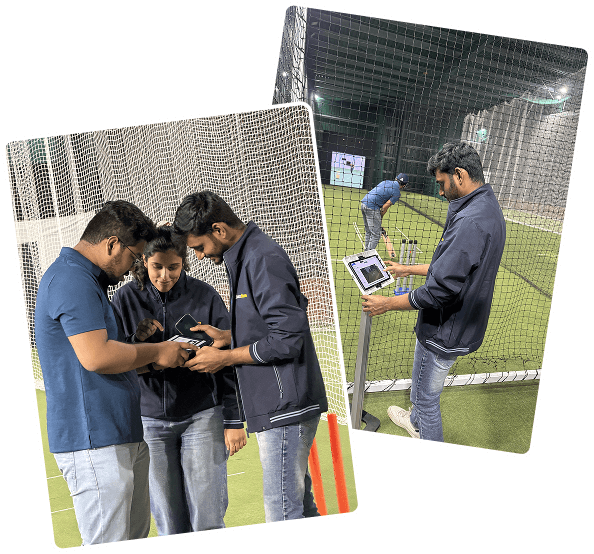
Delivered a production-ready system that connects physical lanes, real-time tracking, and multiple applications into a single experience.
Enabled flexible, self-serve training without requiring constant coach or staff involvement.
Created an experience that works for families, casual groups, and serious players within the same lane.
Established a scalable foundation that can be replicated across centres and expanded with new features.