

The Experience we Built
Indoor smart cricket coaching centre
The Connected Experience
Website, Mobile App and Lane App

Starting with the problem
Century Cricket launched a new coaching centre in the US. Despite strong performance in Australia, the US centre struggled to gain traction.
Low Conversion
Unhappy Players
High Churn Rate
Understanding the Problem
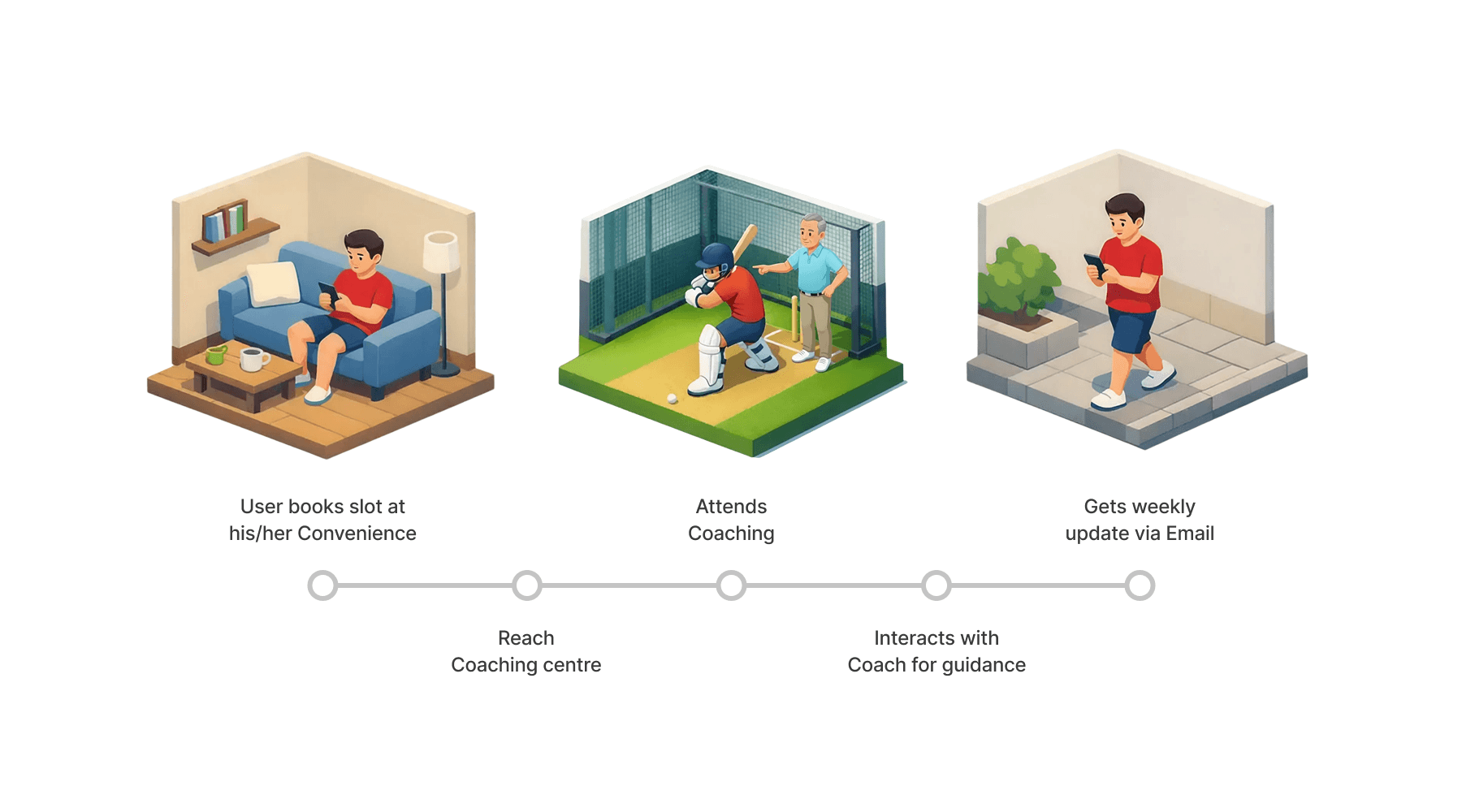
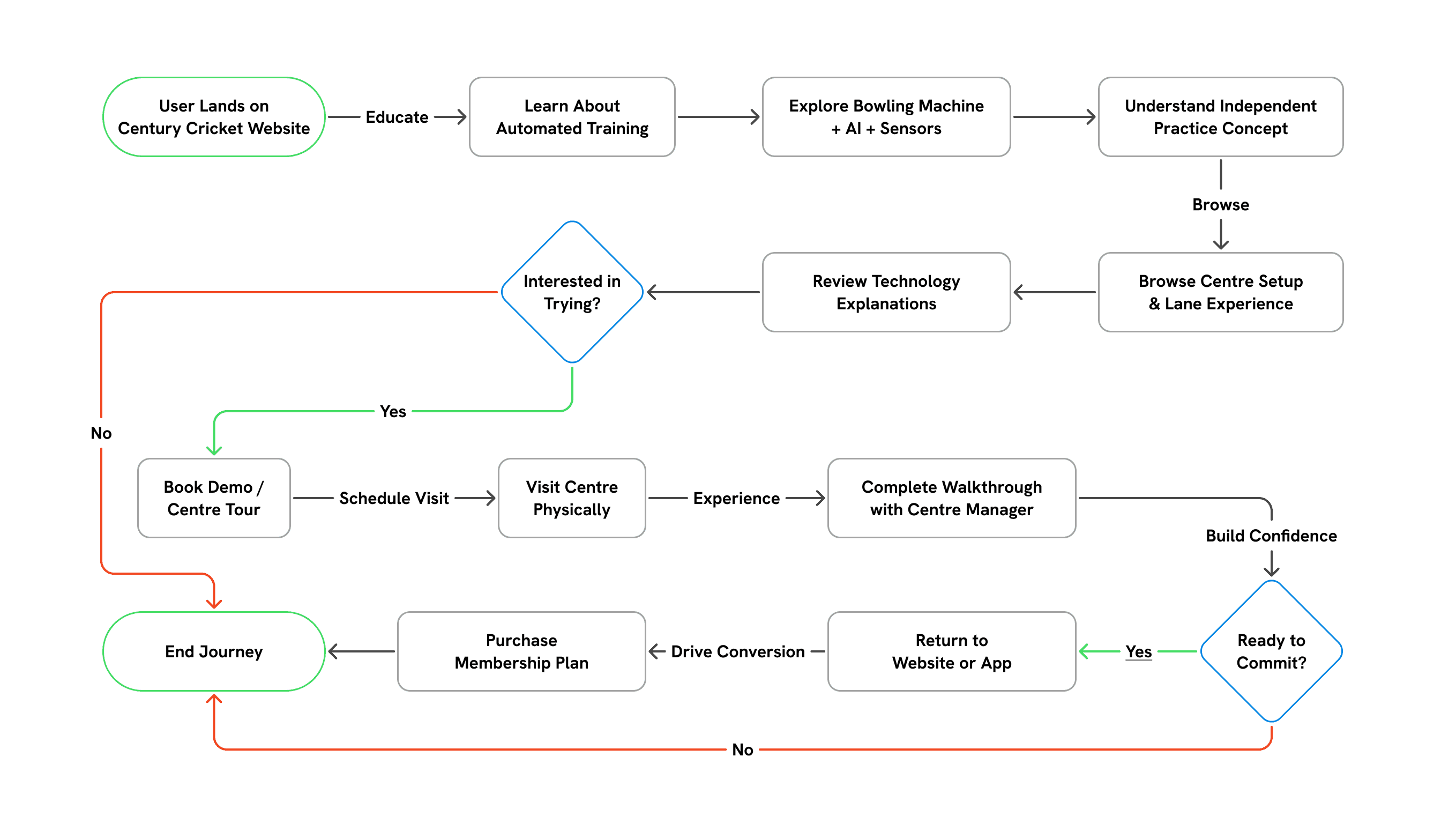
First we mapped out the key actions in existing user journey
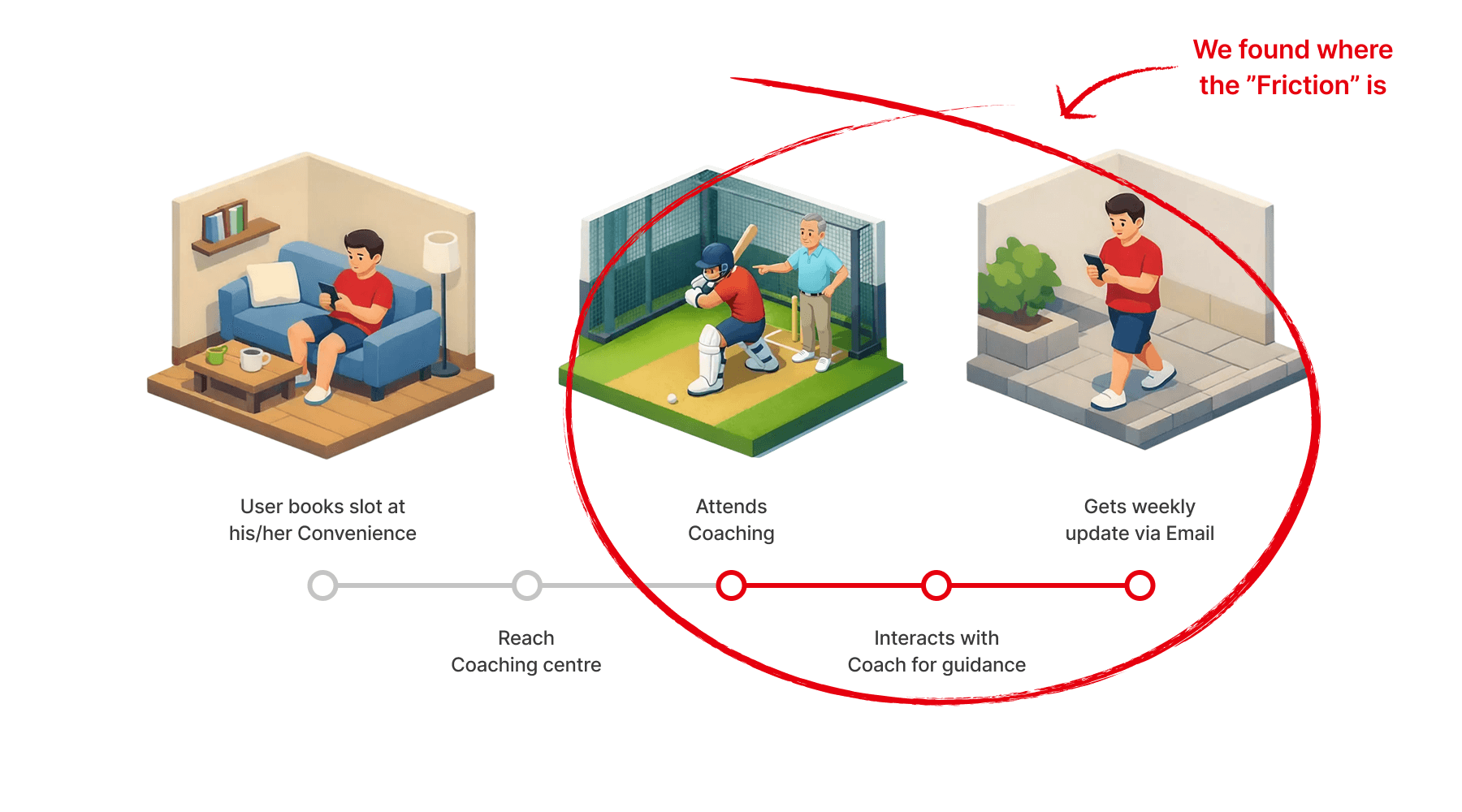
The Coach Problem - Coaches had a very short active window which is not working for most of the players
Demography - The players in US are more driven to being independent and self centred
Scattered Experience - No data driven coaching, Bat sensor works separately from slot booking app.
Cultural difference between Australian and American players
No data driven coaching and no progress scale
Lack of cohesiveness within the system Booking and bat sensor data is provided in different apps
A fully autonomous coaching centre
Data driven coaching
Fully Cohesive tech system that can handle right from booking slots to sharing insights and coaching data
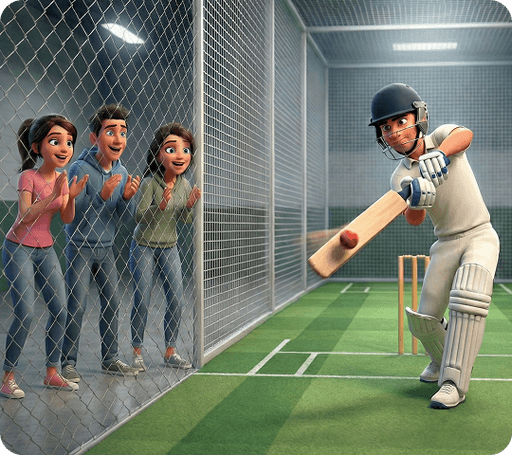
Friends Playing Together
Groups looking for competitive, social play with live scoring and instant feedback, without needing a coach or facilitator.
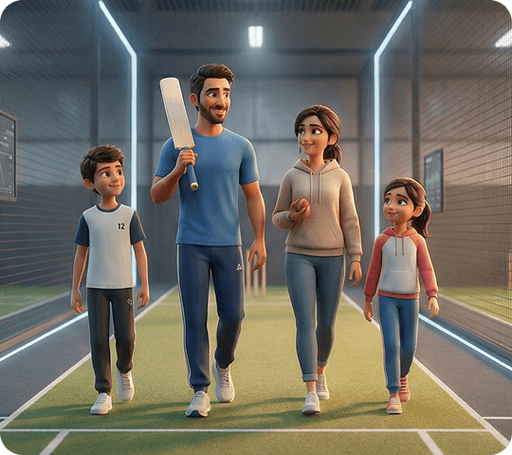
Families Training Together
Parents and children practicing side by side, balancing structured improvement with an experience that stays engaging.
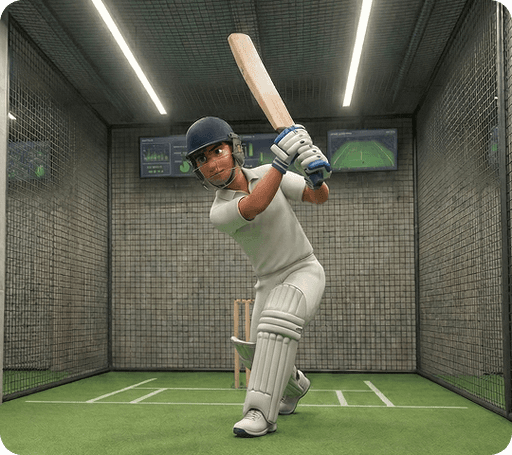
Serious Individual Practice
Focused players training alone, using detailed ball tracking and session data to refine technique through repetition.
The Study - We studied similar experiences globally. Examples included Topgolf, Skillcorner, Playo and other tech-enabled sports venues.
The Pattern - Most competitors leaned heavily into entertainment, Training, when present, was shallow or secondary
The Opportunity - That created an opportunity. Instead of building a cricket-themed entertainment venue, we focused on measurable improvement and repeat training.
This decision shaped every UX and UI choice that followed.
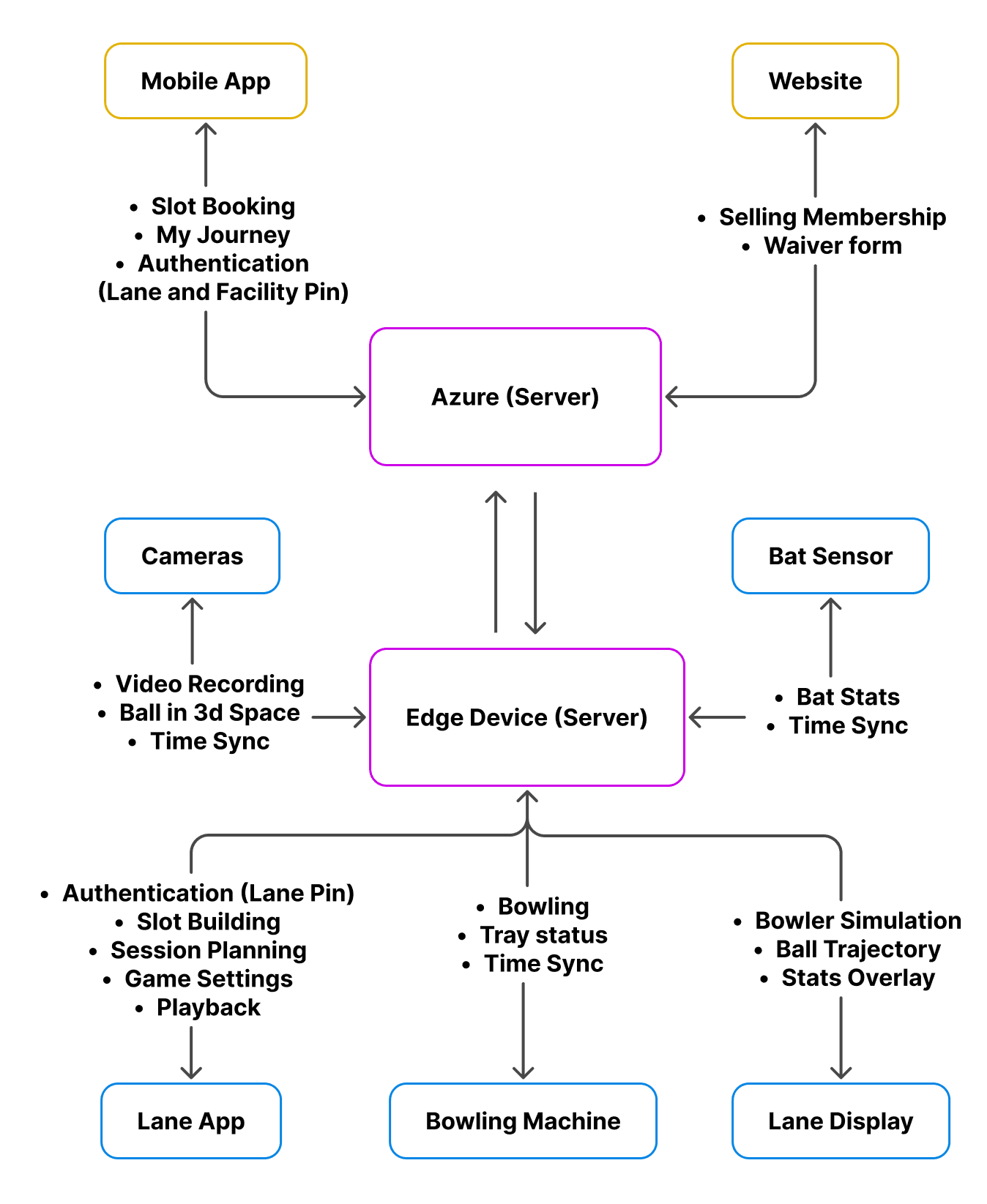
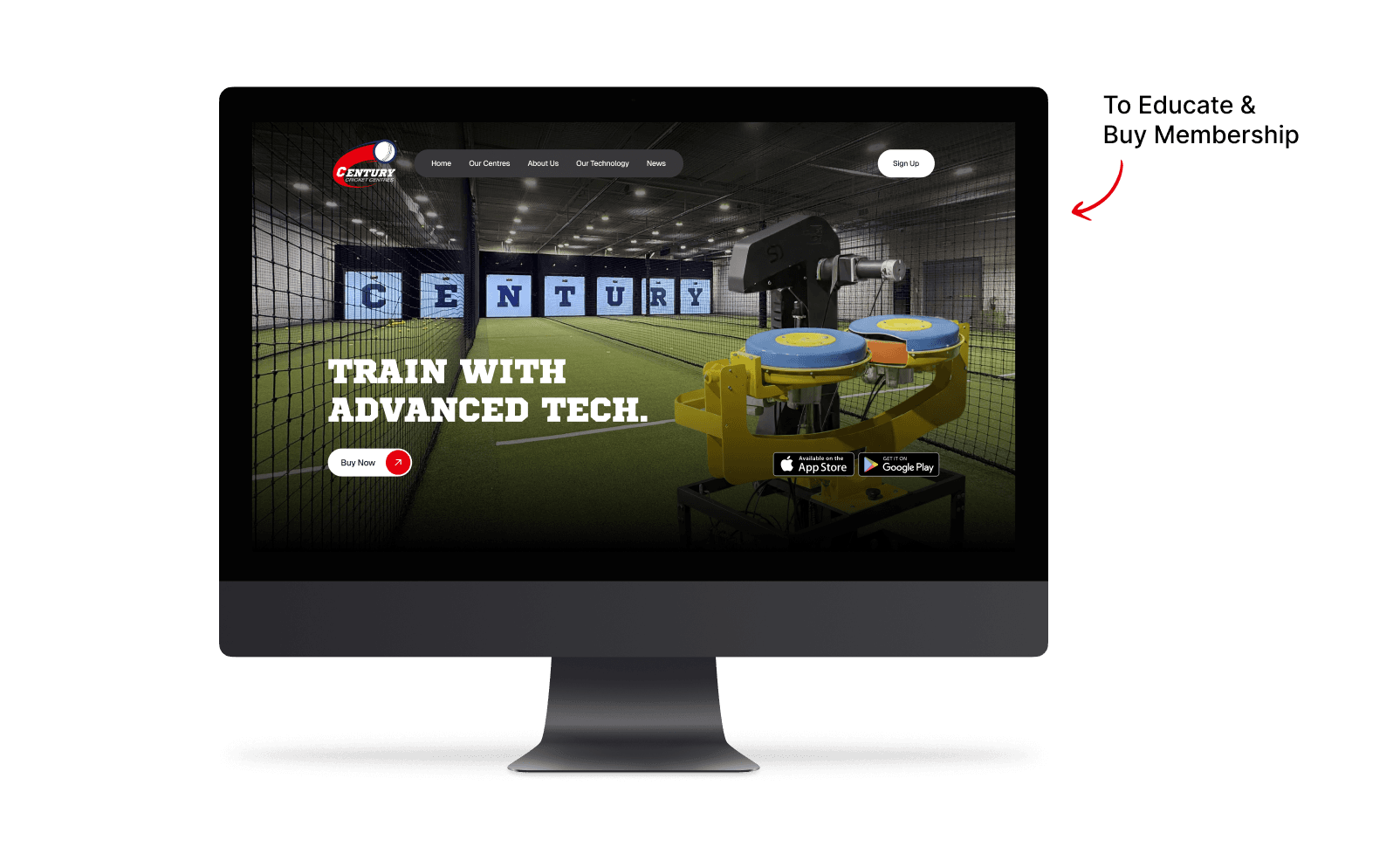
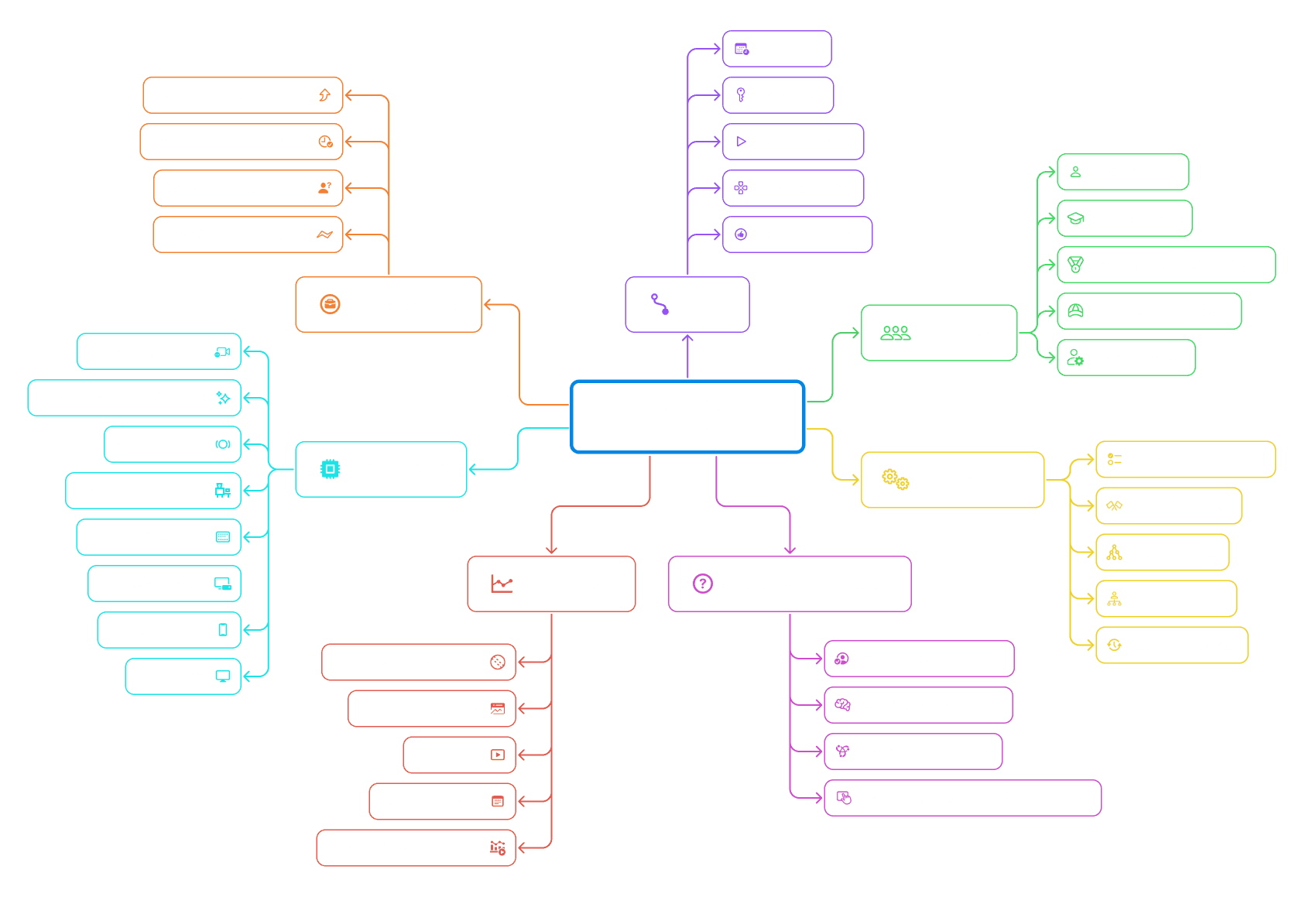
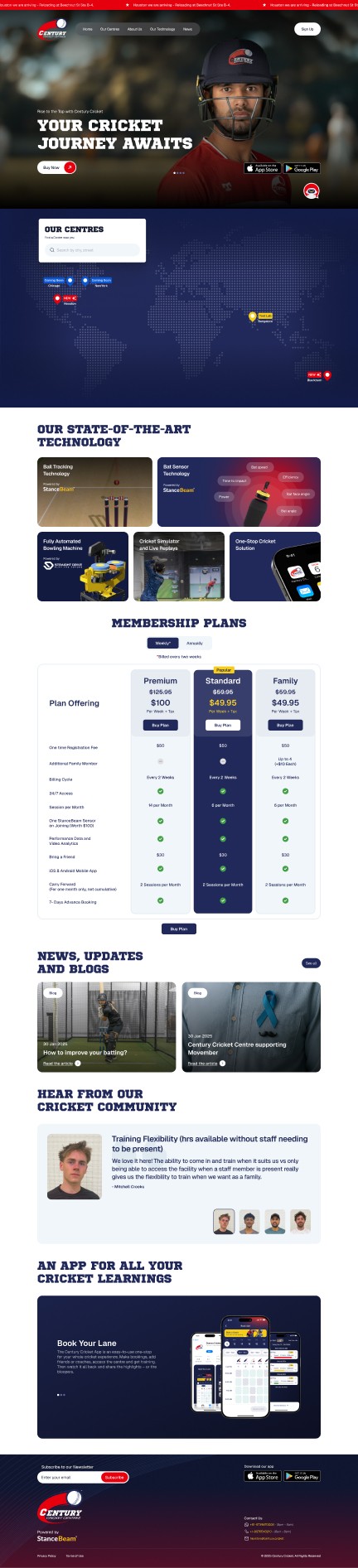
Website: Handles discovery, bookings, and account management outside the lane experience.
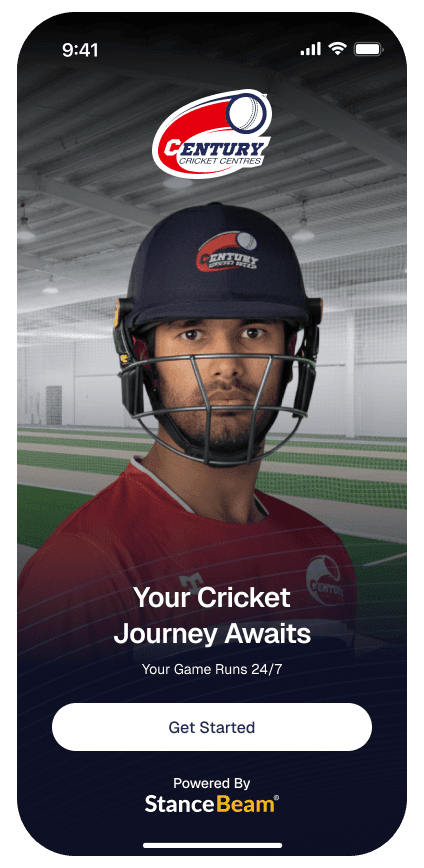
Mobile App: Used by players to create sessions, adjust settings, and review performance before and after play.
Azure (Cloud): Stores session data, supports analytics, and enables long-term performance tracking across locations.
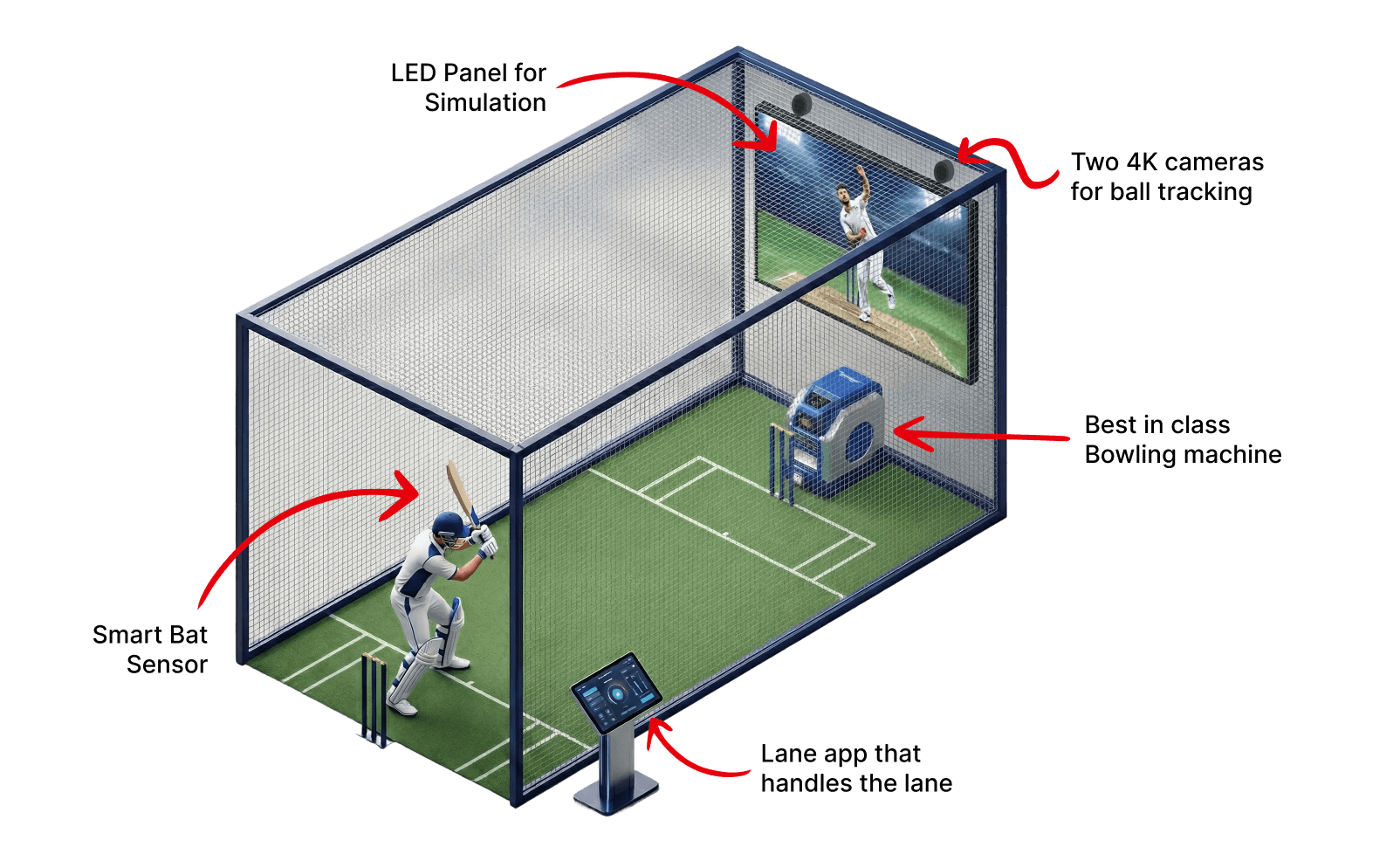
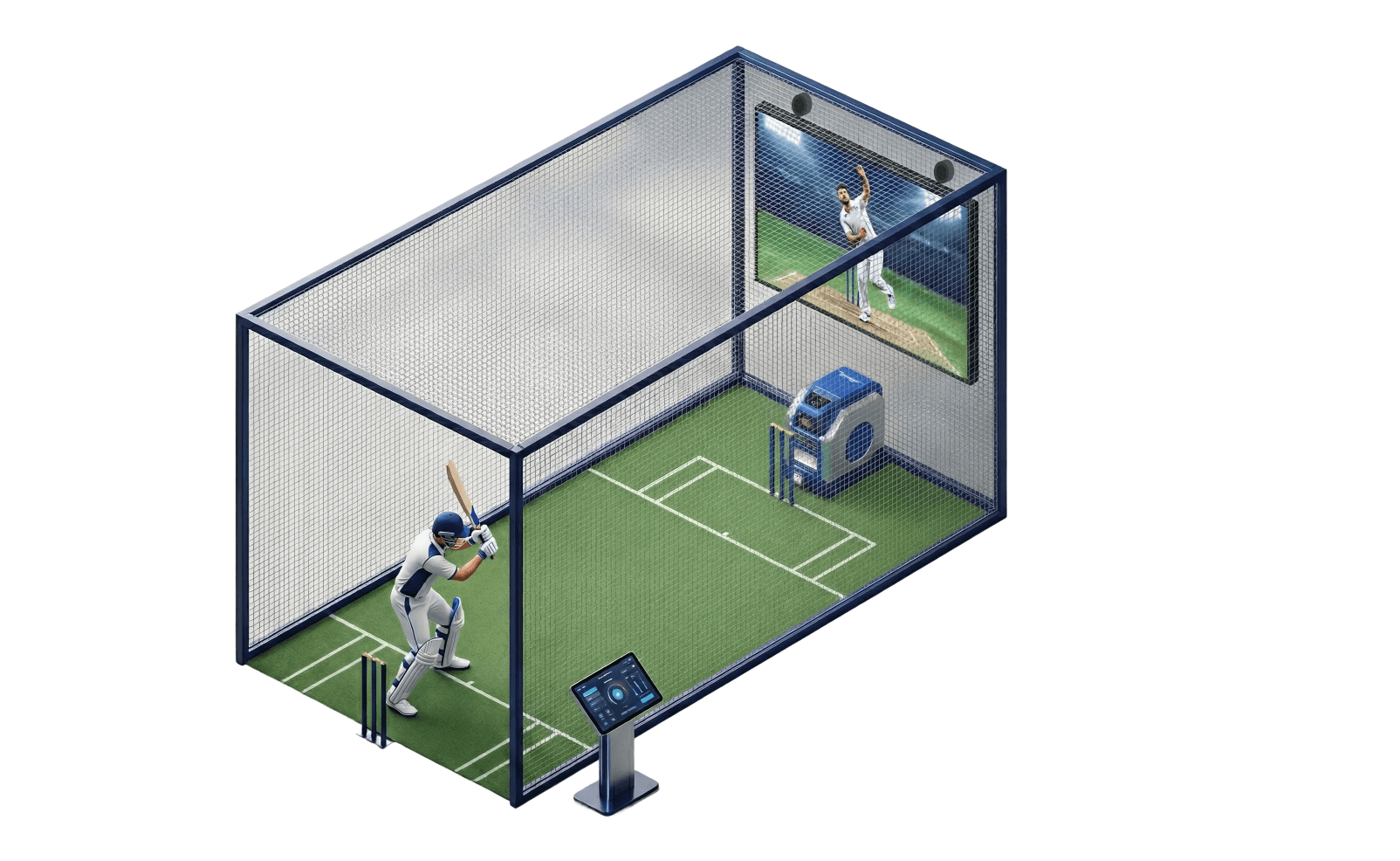
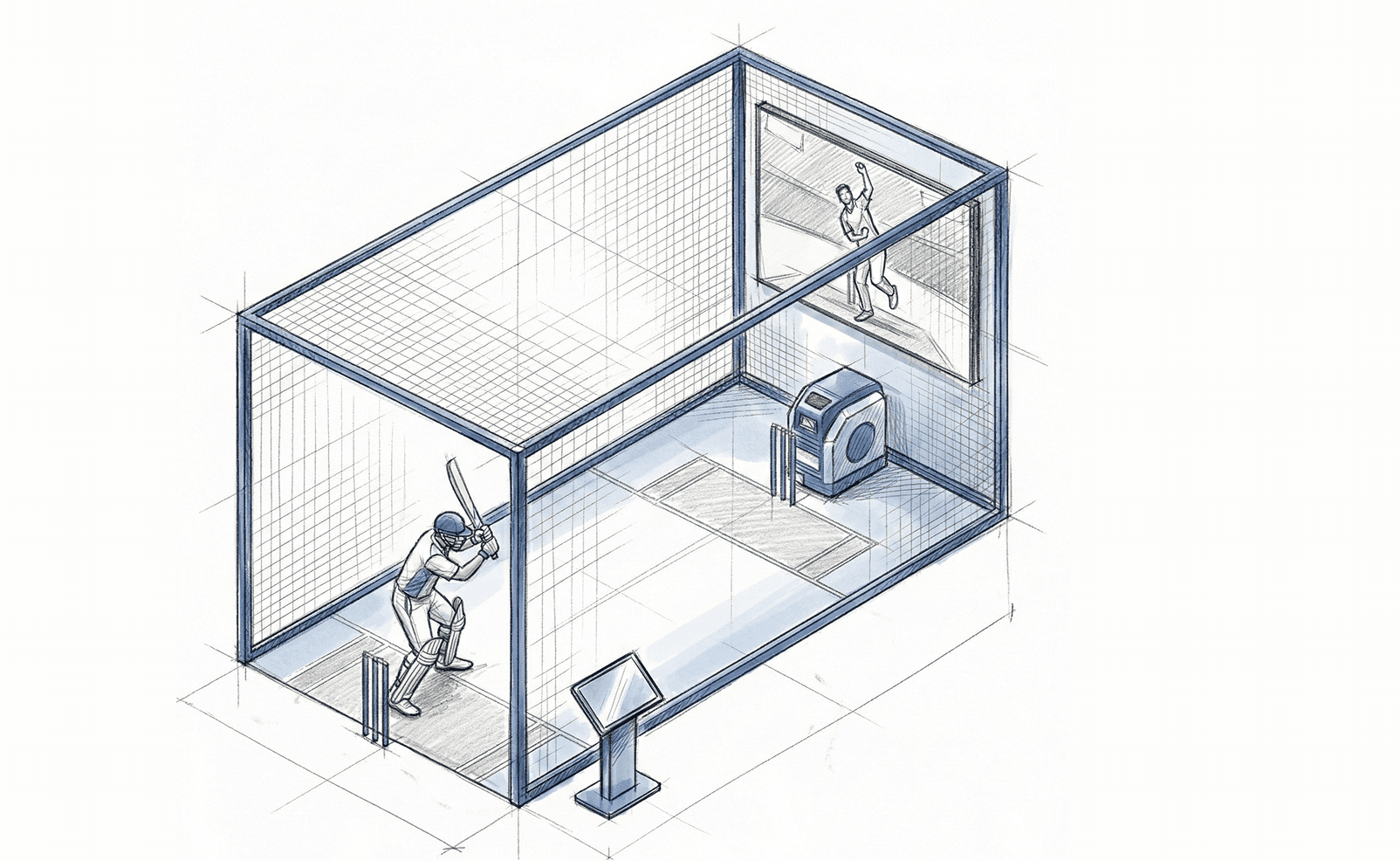
Edge Device: Processes video and sensor data locally to deliver real-time ball tracking and instant feedback.
Ball Tracking Cameras: High-speed cameras capture the ball from release to impact, forming the foundation for accurate trajectory analysis.
Bat Sensor: A lightweight sensor that captures swing-related data without affecting natural batting movement.
Lane App: The in-lane control interface used to start sessions, display live feedback, and manage gameplay.
Bowling Machine: Delivers consistent, repeatable bowling to support structured training and fair comparison across sessions.
Lane Display: Shows live scores, trajectories, and outcomes at a glance without disrupting the flow of play.
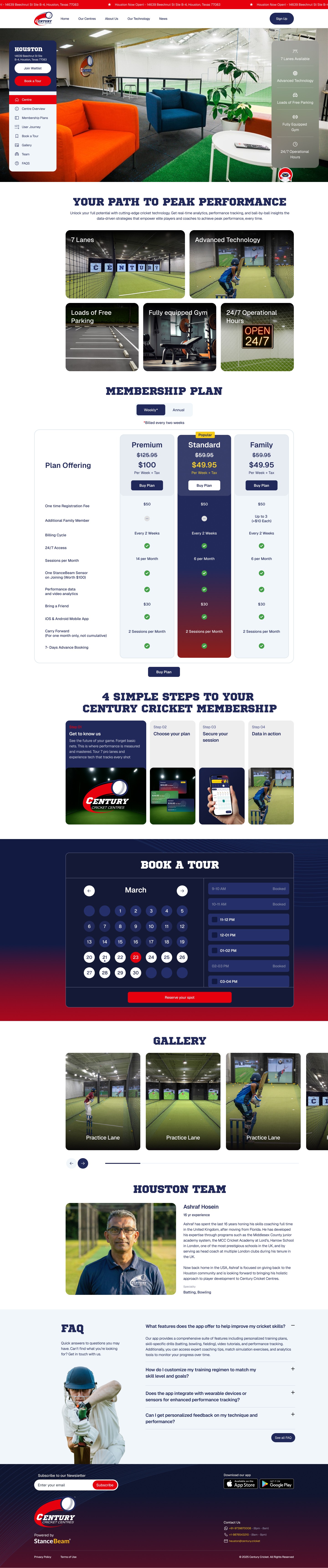
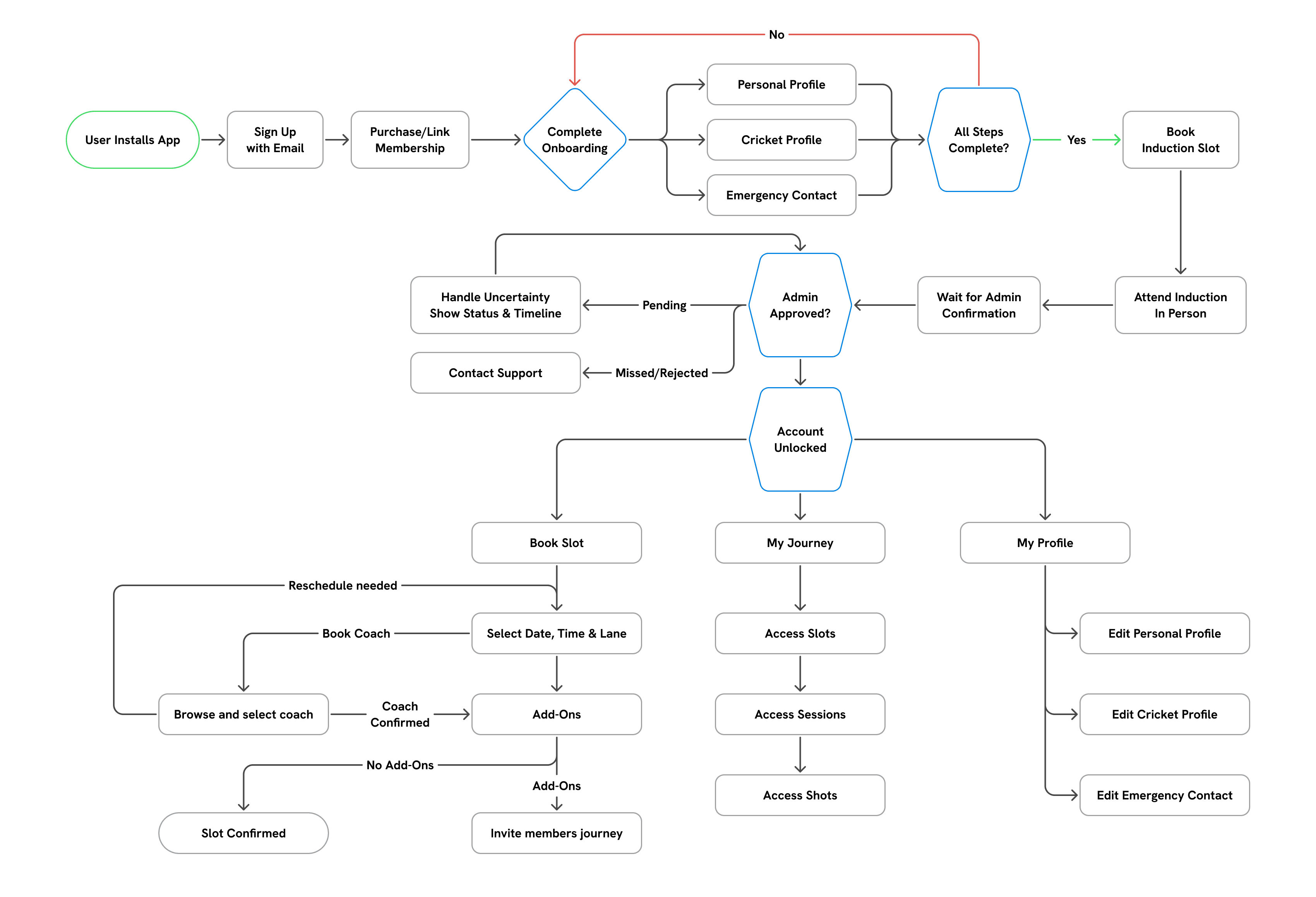
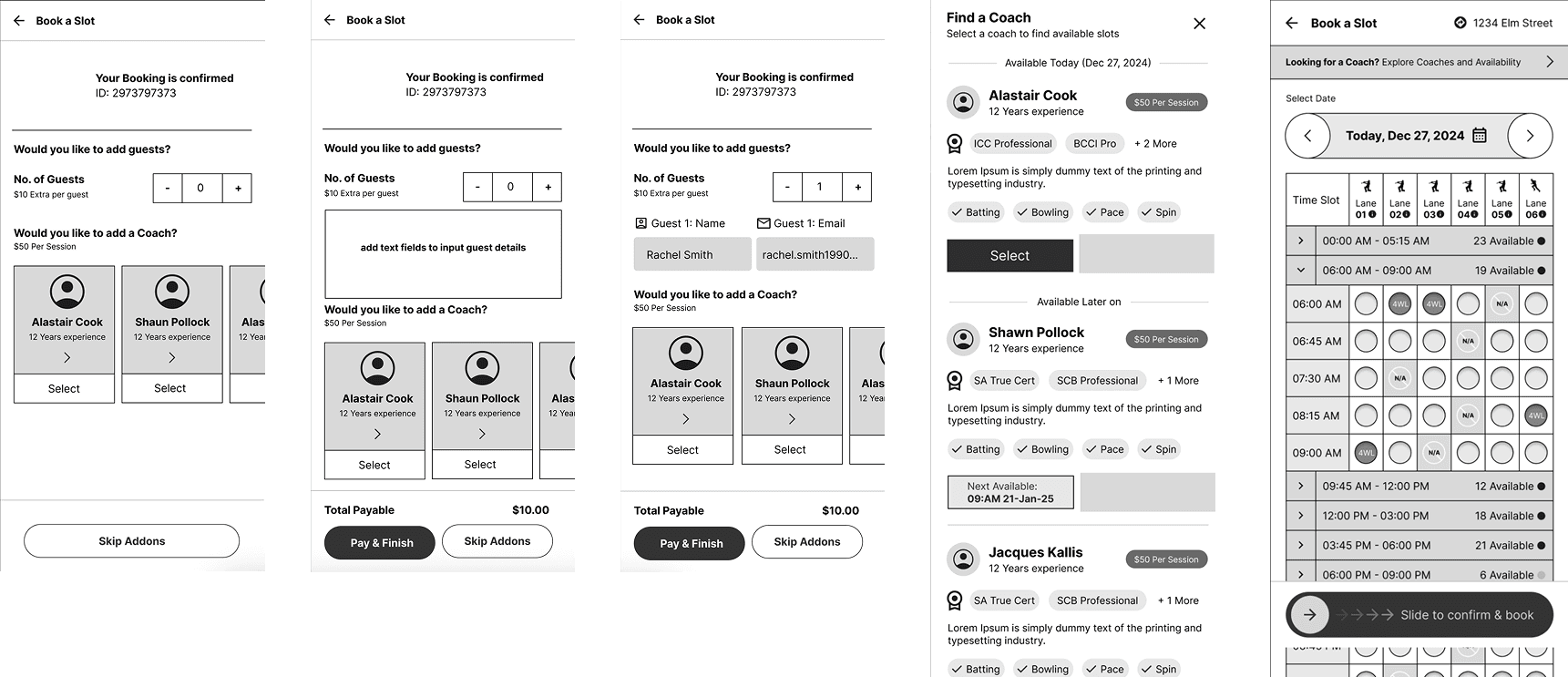
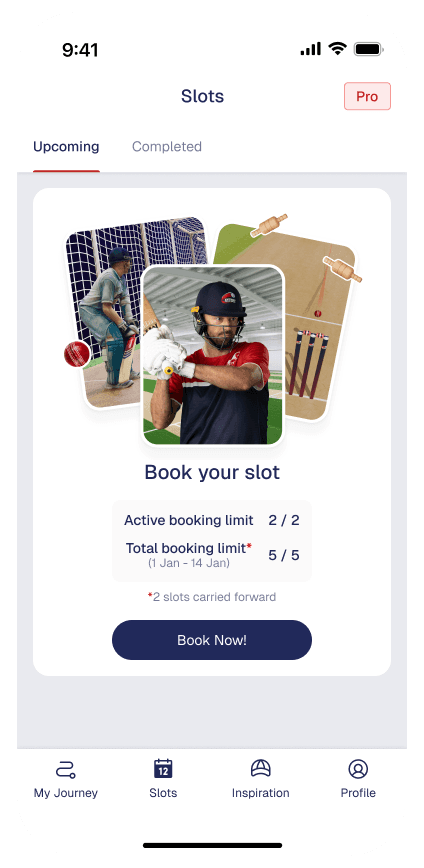
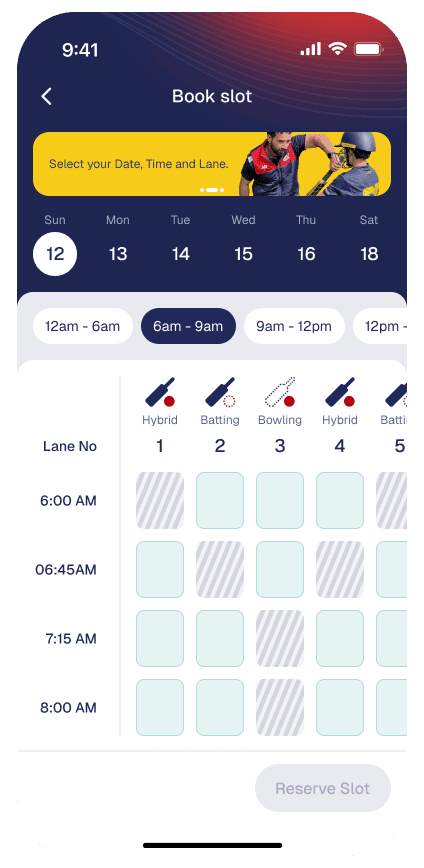
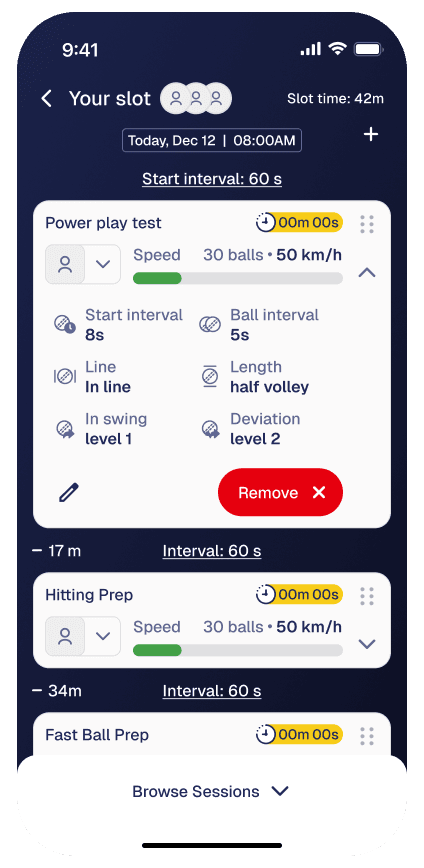
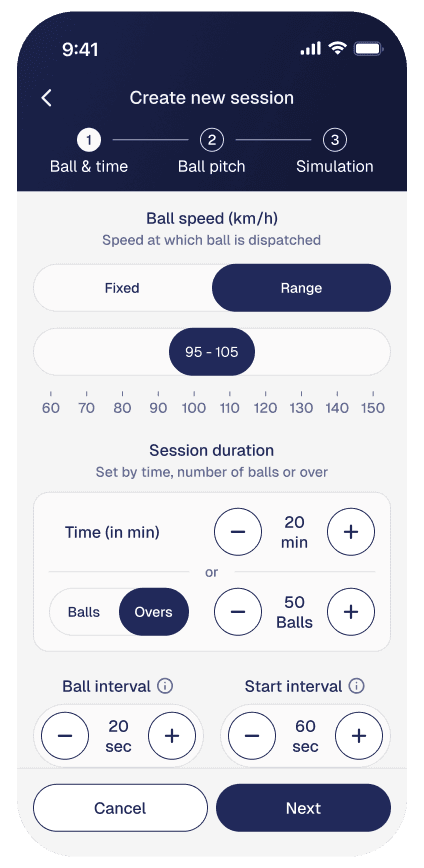
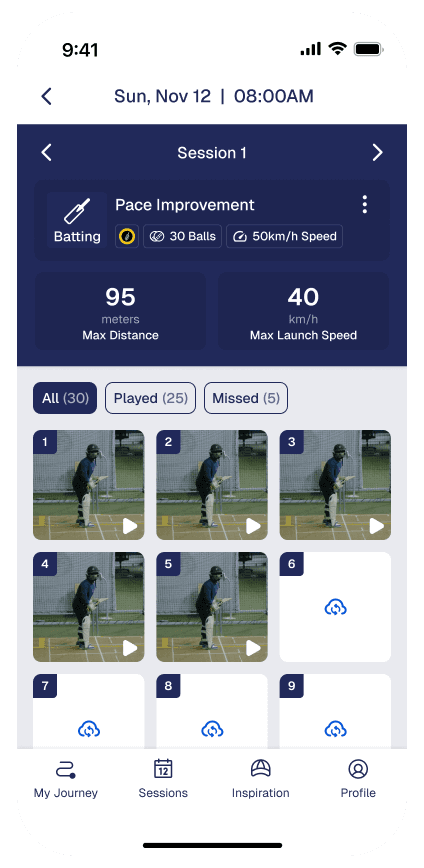
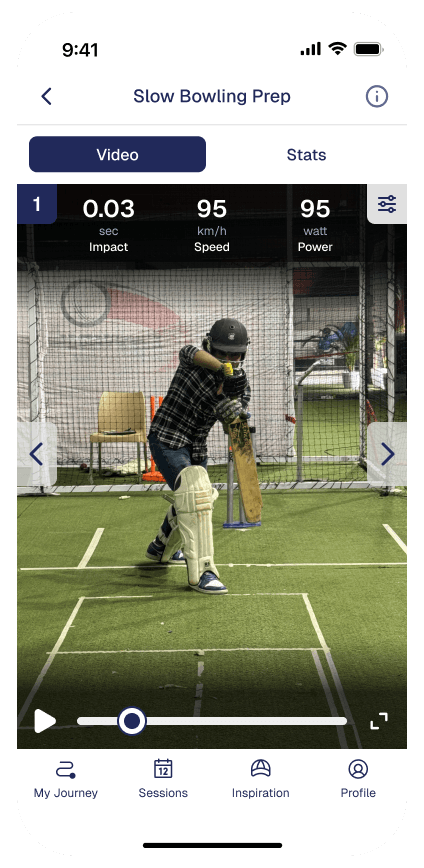
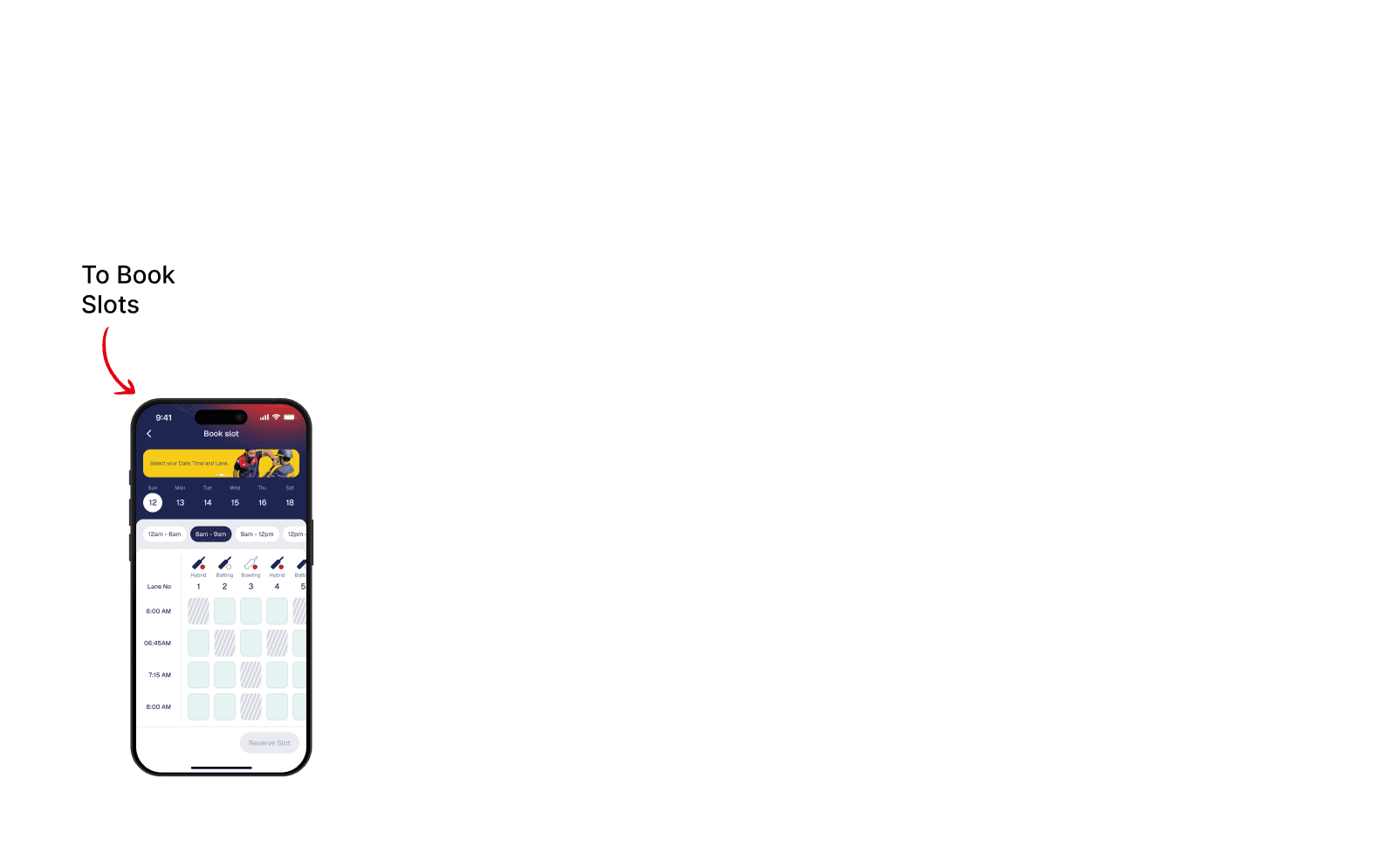
Book Slots: Enables players to book and manage training slots while clearly communicating booking limits, availability, and renewal timelines.
User Profile: Handles onboarding, induction status, profiles, and membership access, ensuring players meet all requirements before entering the lane.
User Management: Allows players to invite guests or manage family members based on their selected membership plan.
My Journey: Stores and organizes every slot, session, and ball-by-ball video in My Journey for long-term progress review.
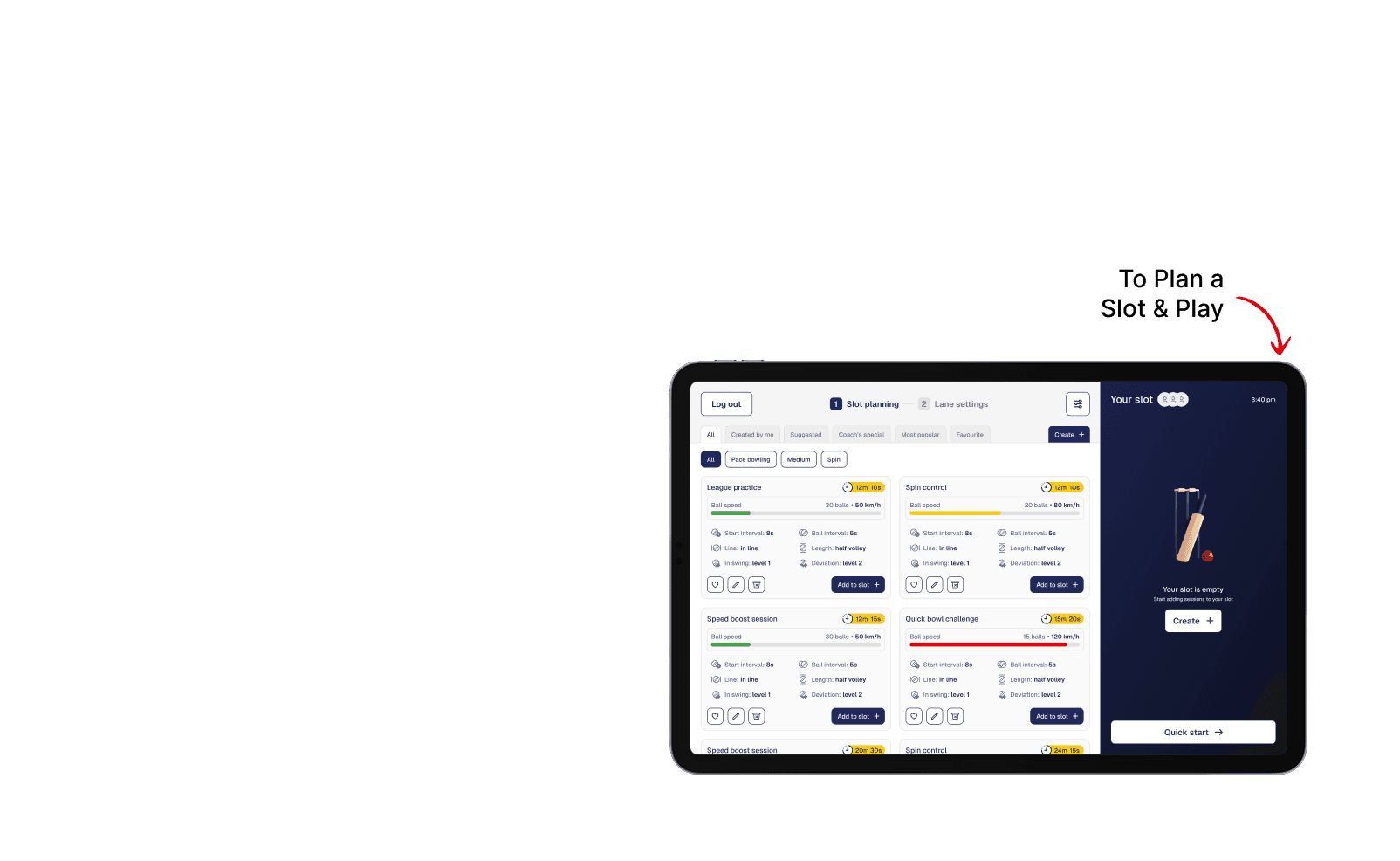
Slot Planning: Serves as the player’s control hub outside the lane, supporting preparation before training and reflection after each session.
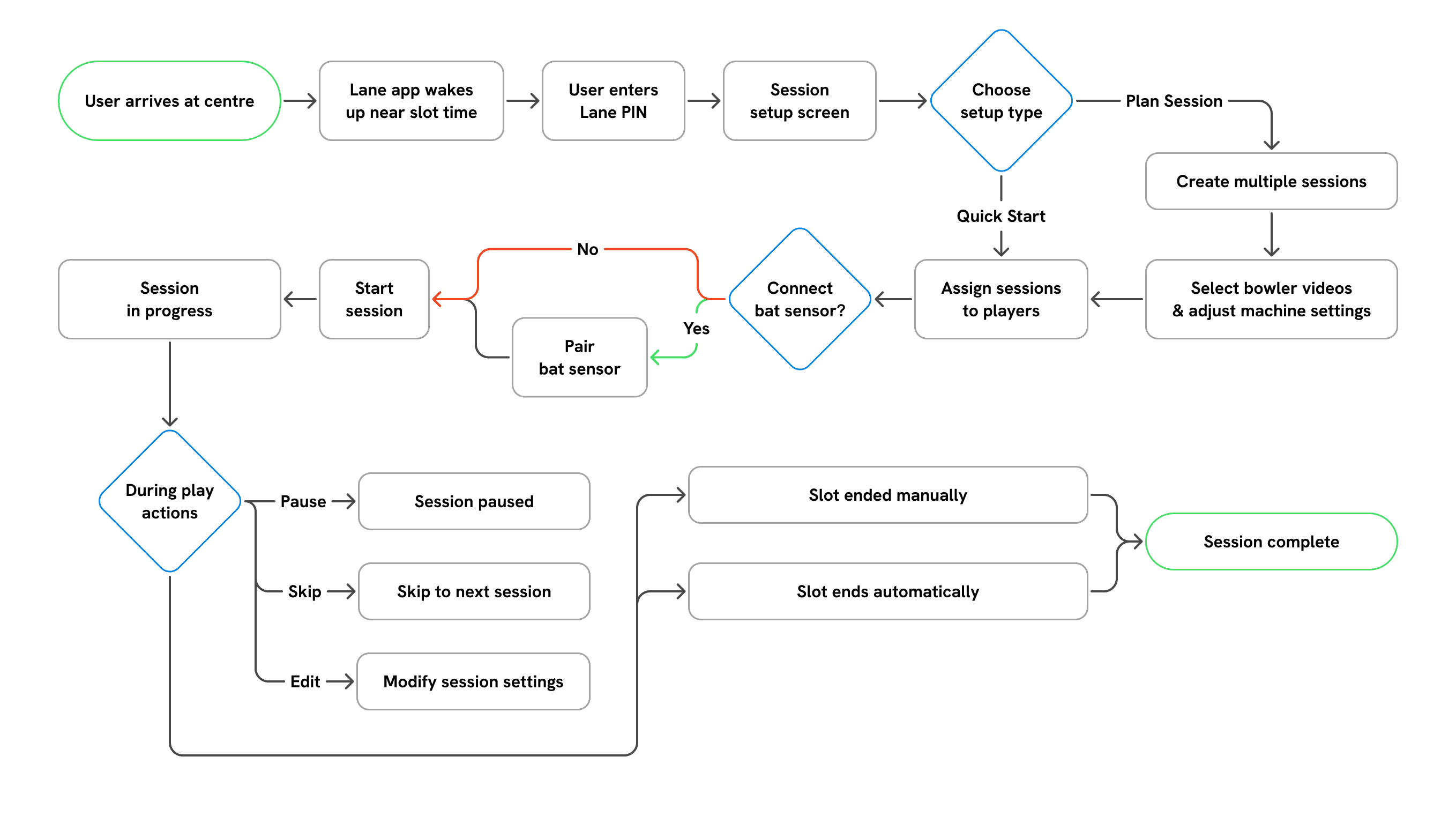
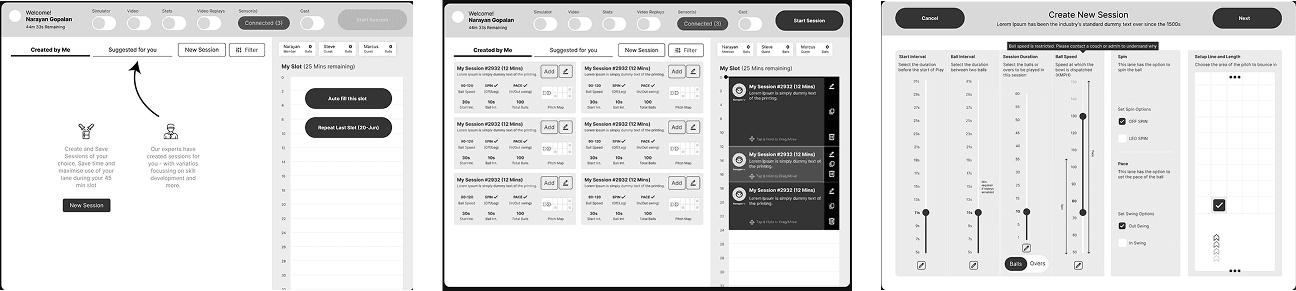
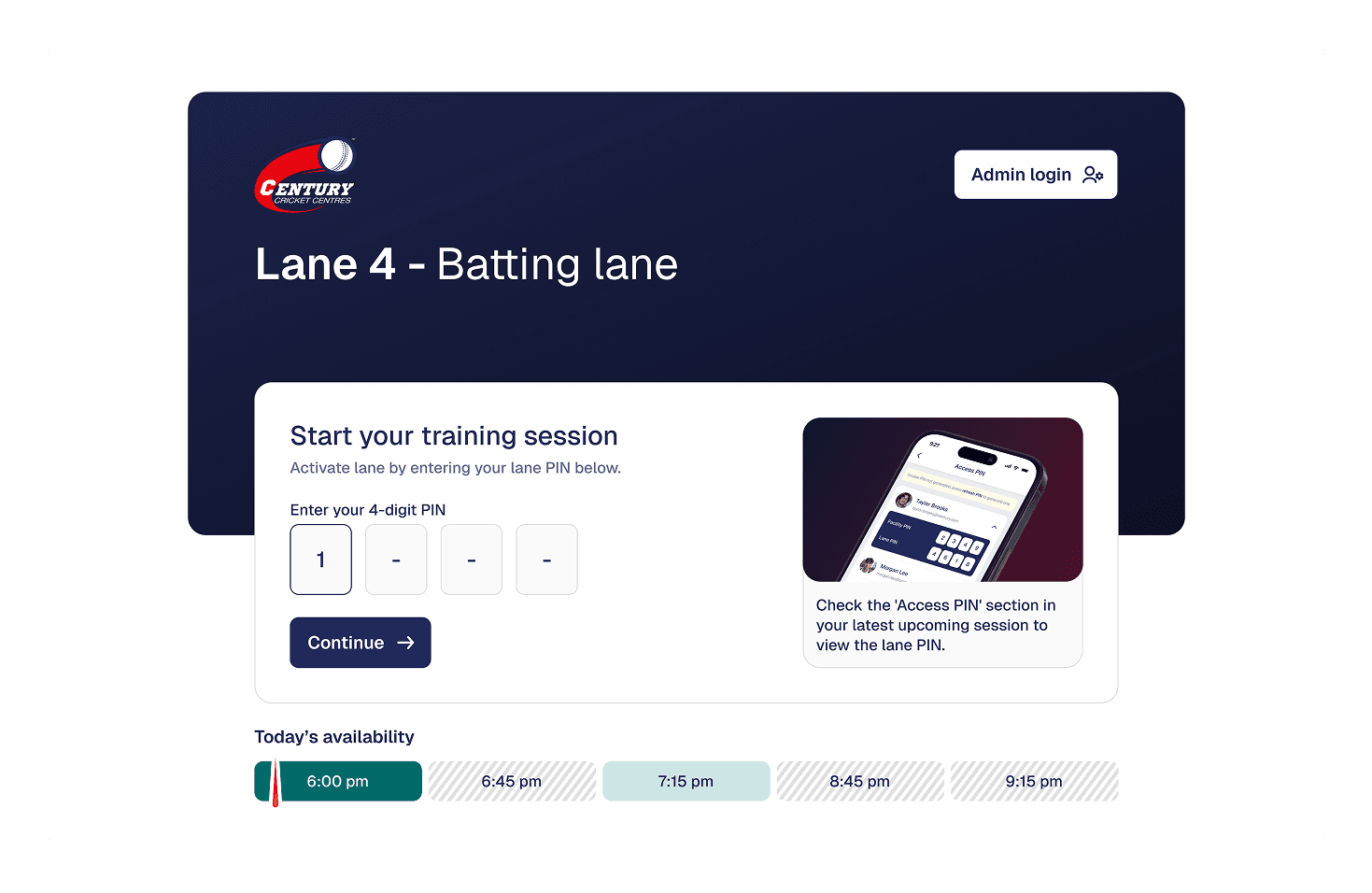
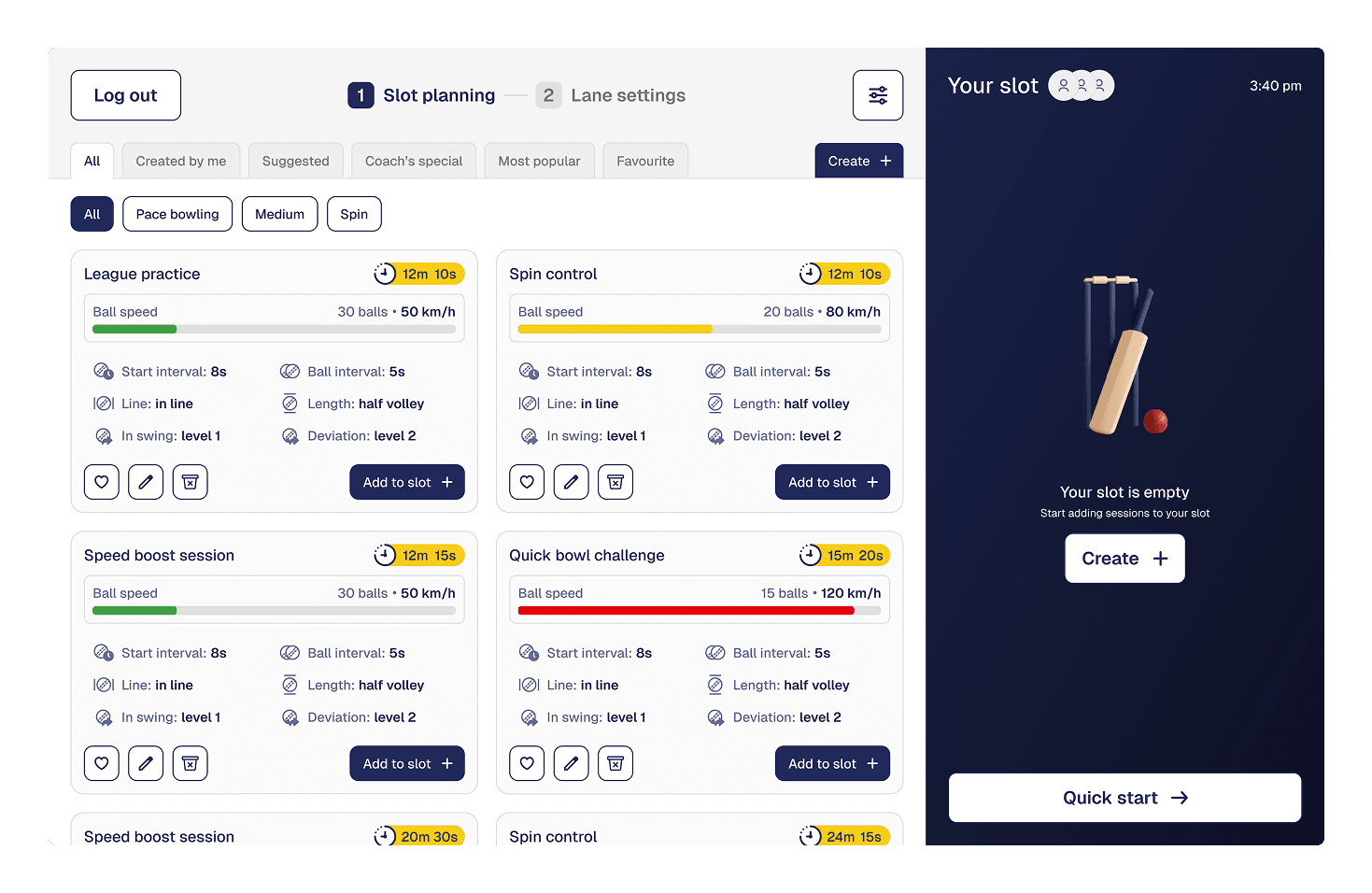
Quick Start: Acts as the in-lane control interface, allowing players to start quickly or build custom sessions within their booked slot.
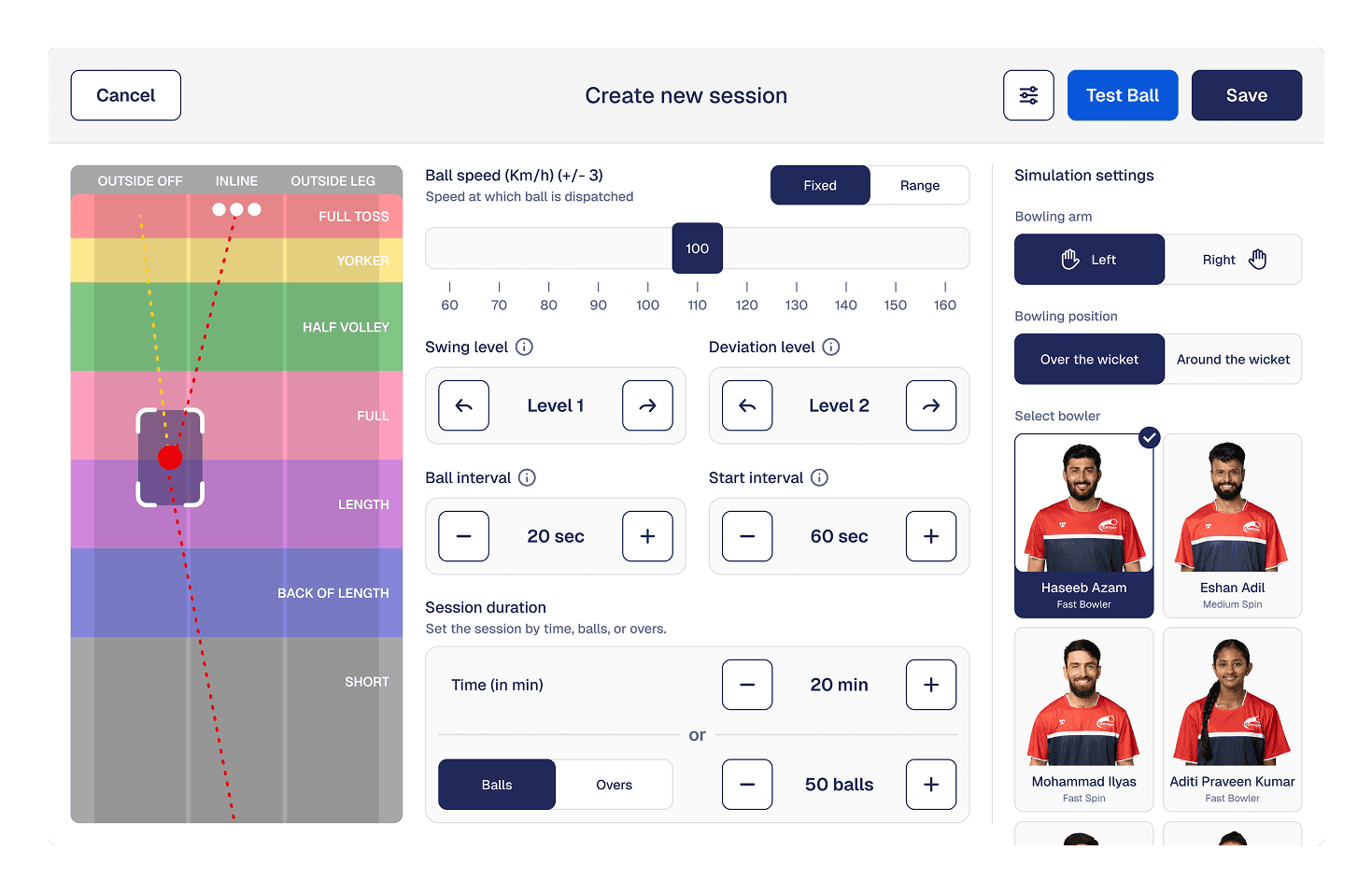
Controls: Enables precise control of the bowling machine, including speed, line, length, swing, and session structure.
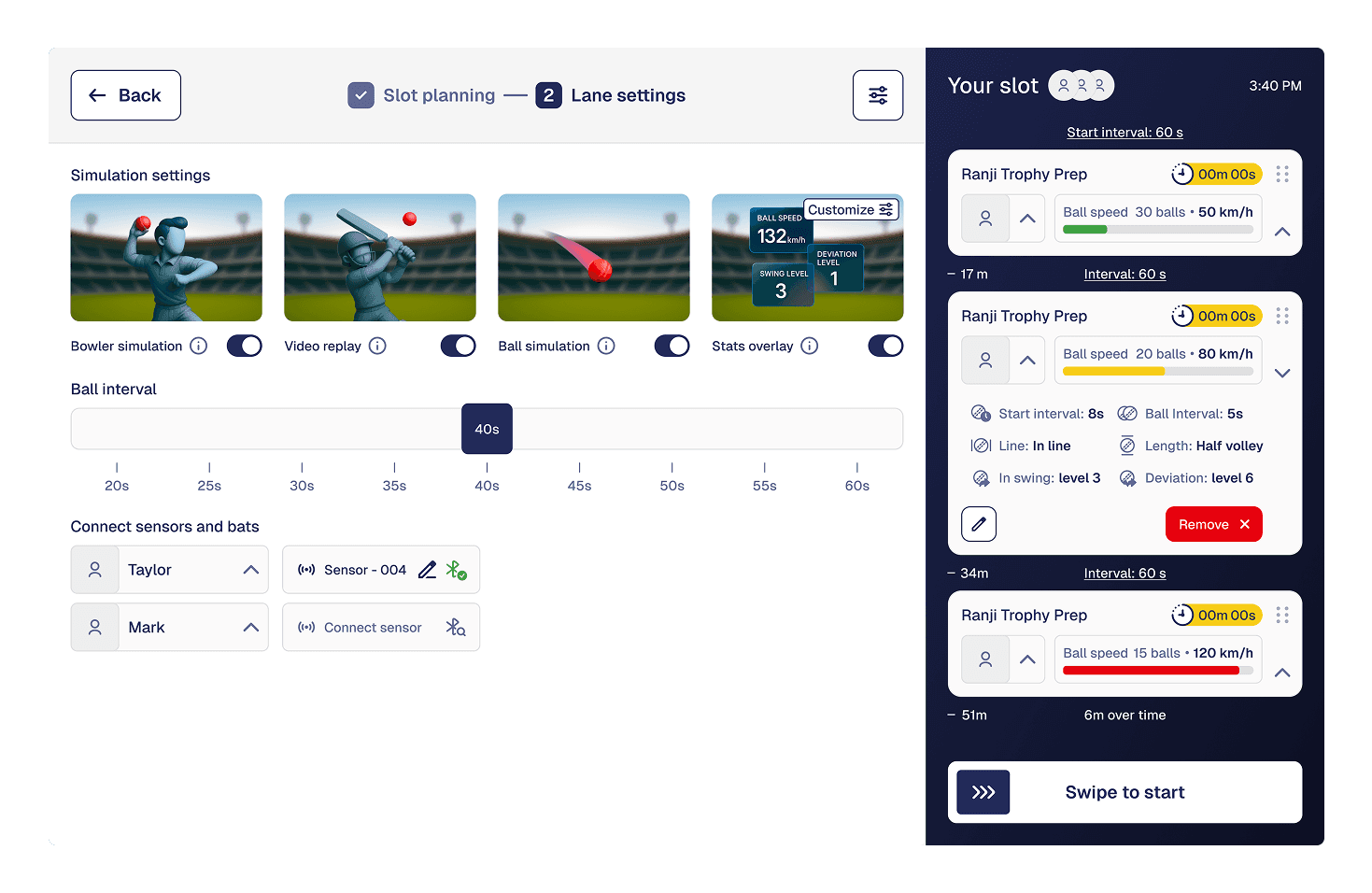
Assigning sessions: Allows players to assign sessions to different participants and manage turn-taking during shared slots.
Play Back: Supports connecting and managing the bat sensor and toggling live visuals on the lane display.
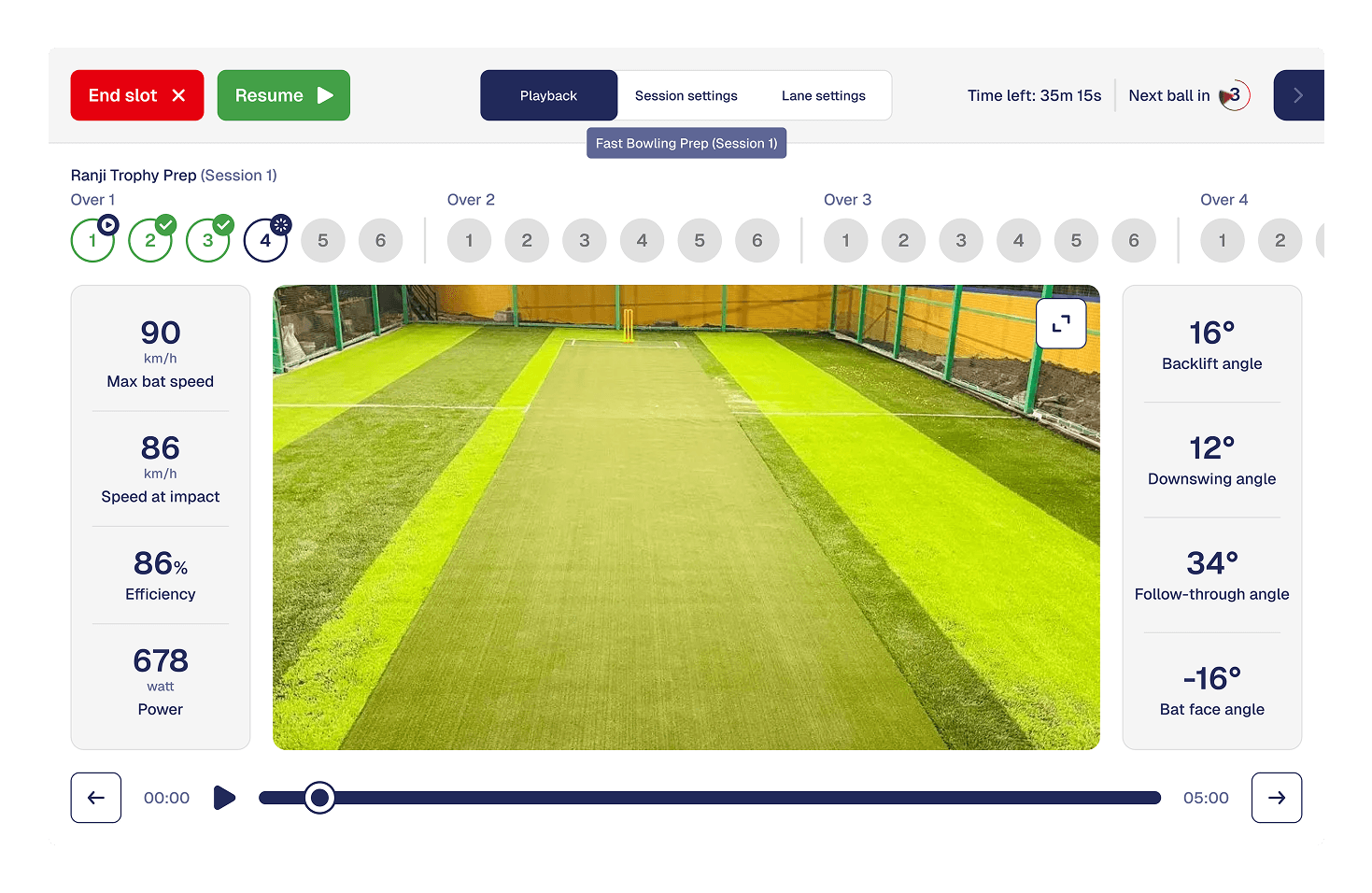
Session Control: Manages the live training flow during play, including session timing, pauses, skips, and slot completion.
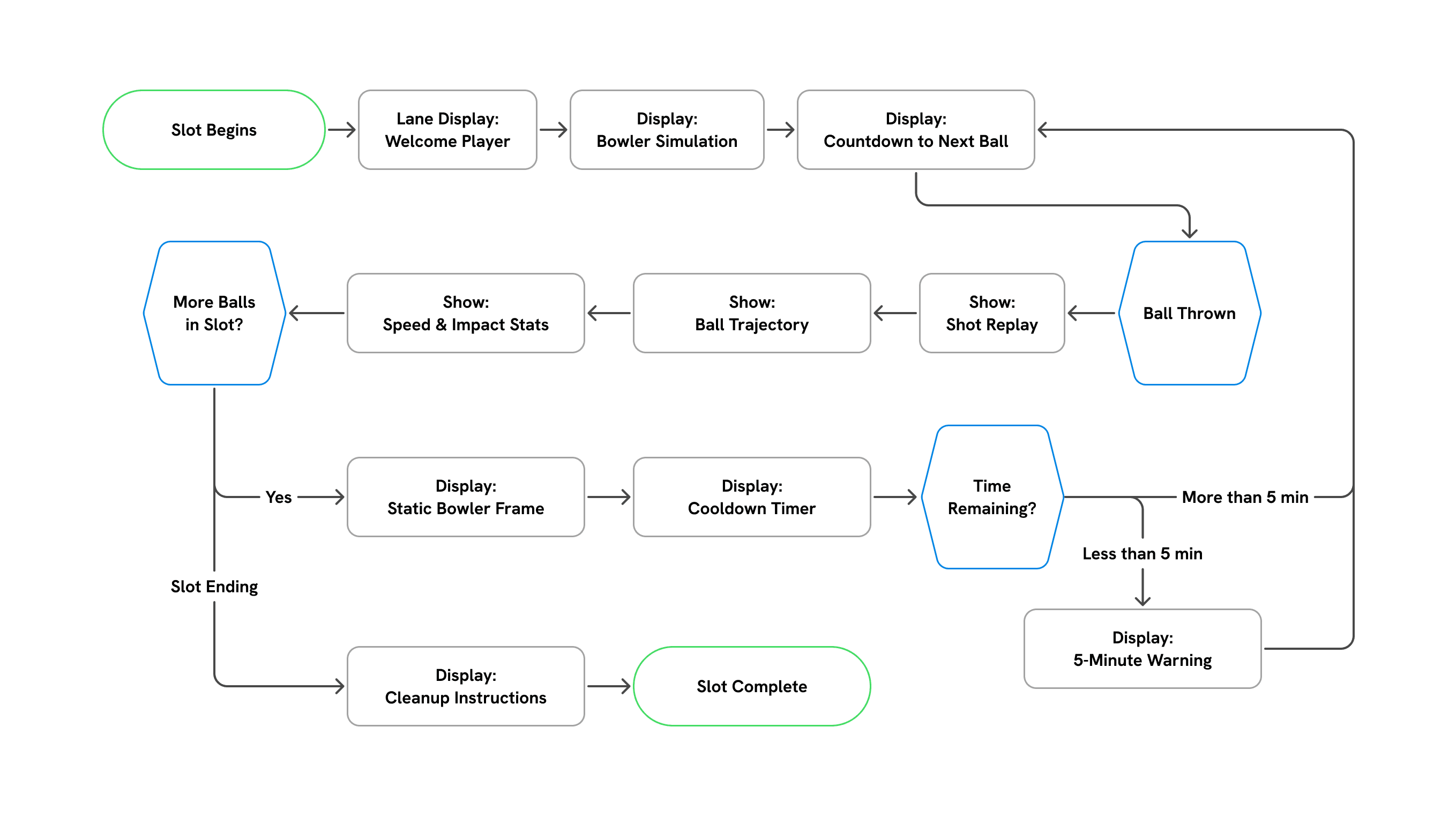

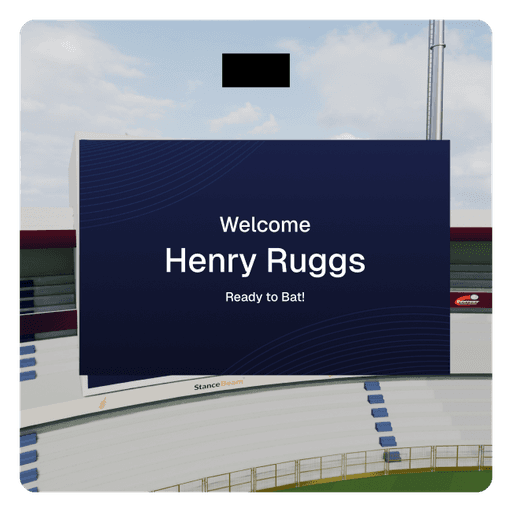
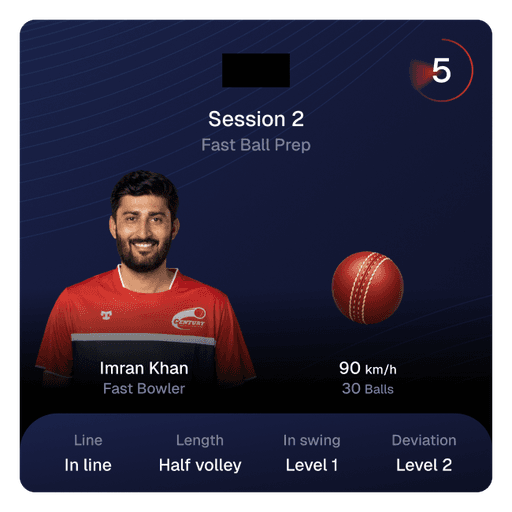
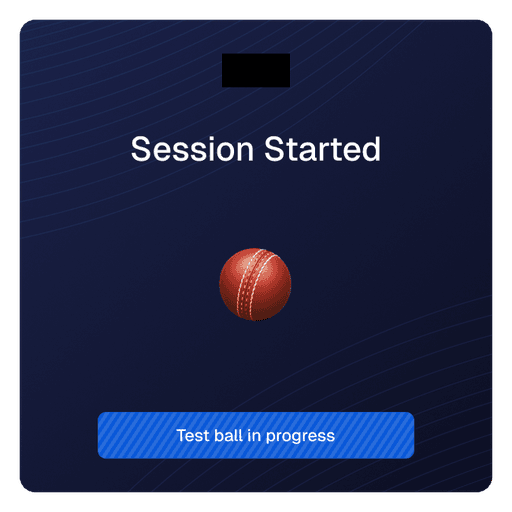
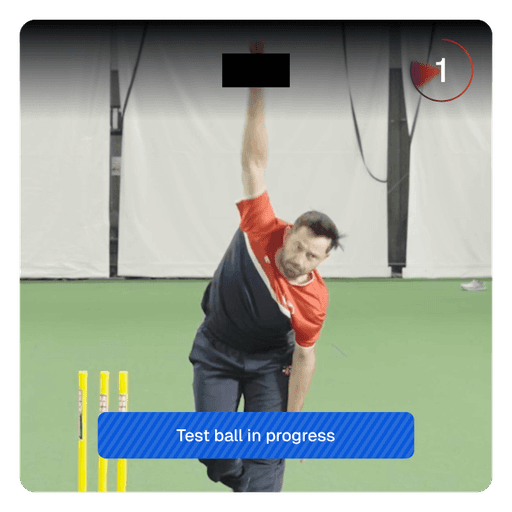
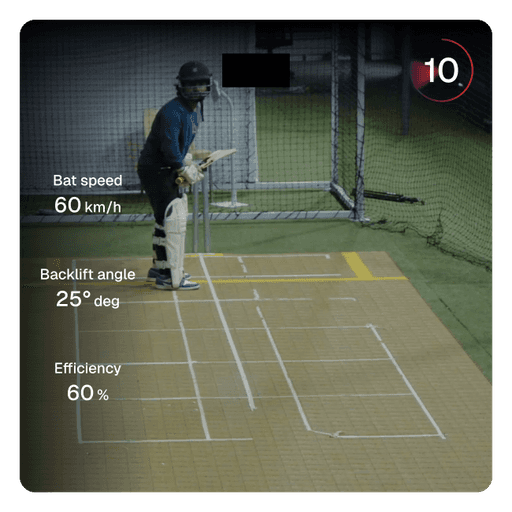
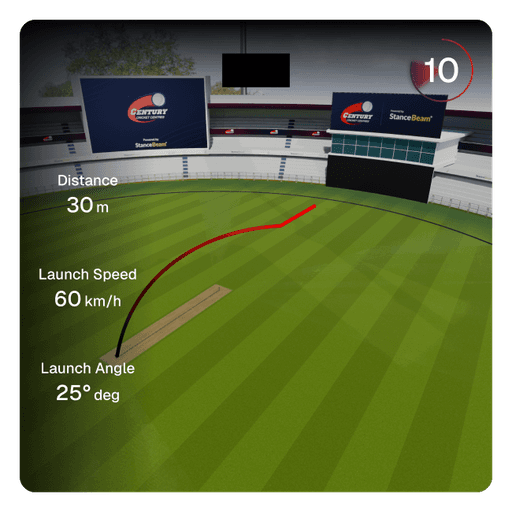
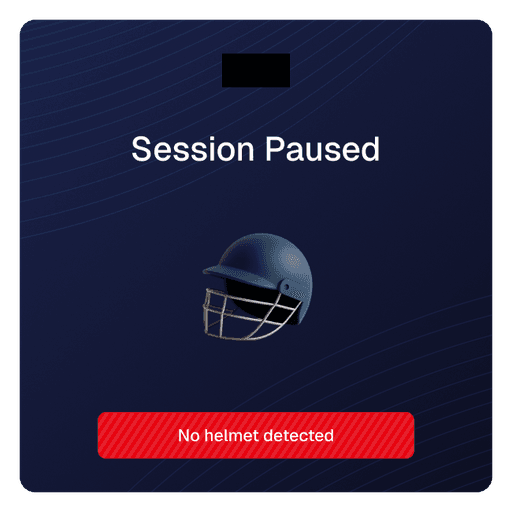
Real-time feedback: Shows ball trajectory, shot replay, and key delivery statistics during every ball.
Bowler simulation: Displays synchronized bowler videos to enhance realism and immersion while facing deliveries.
Session timing: Communicates countdowns between balls and sessions to maintain training rhythm and flow.
Engagement during downtime: Uses visuals and replays to keep players focused during machine cooldown periods.
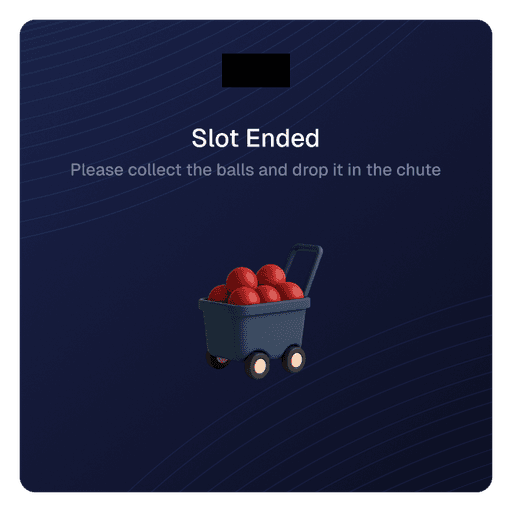
Slot communication: Clearly indicates slot progress, end-of-slot warnings, and cleanup instructions.
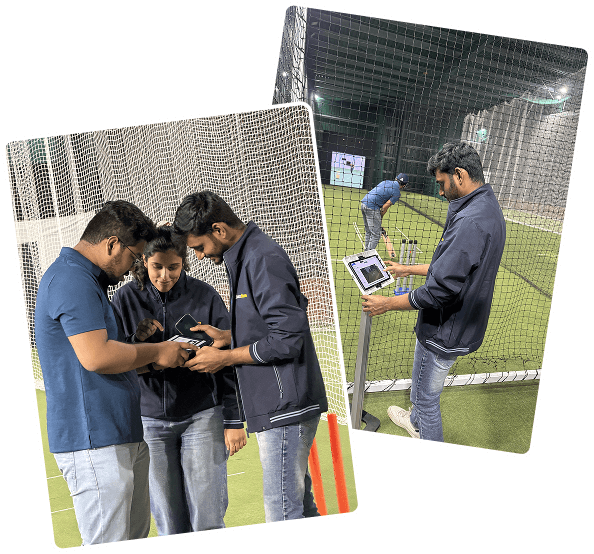
Delivered a production-ready system that connects physical lanes, real-time tracking, and multiple applications into a single experience.
Enabled flexible, self-serve training without requiring constant coach or staff involvement.
Created an experience that works for families, casual groups, and serious players within the same lane.
Established a scalable foundation that can be replicated across centres and expanded with new features.
Designing Beyond Screens - Building for a physical space changed how design decisions were made. Latency, distance, lighting, and player movement mattered as much as layout and hierarchy.
Systems Thinking Is Non-Negotiable - Every design decision had downstream impact across hardware, software, and operations. Treating the product as a system, not an app, was essential.
Clarity Drives Adoption - Reducing cognitive load before and during play helped users trust the system and engage with deeper features over time.
Constraints Improve Decisions - Working within hardware, performance, and operational limits led to simpler, more durable design choices.